Remove Ziber ID
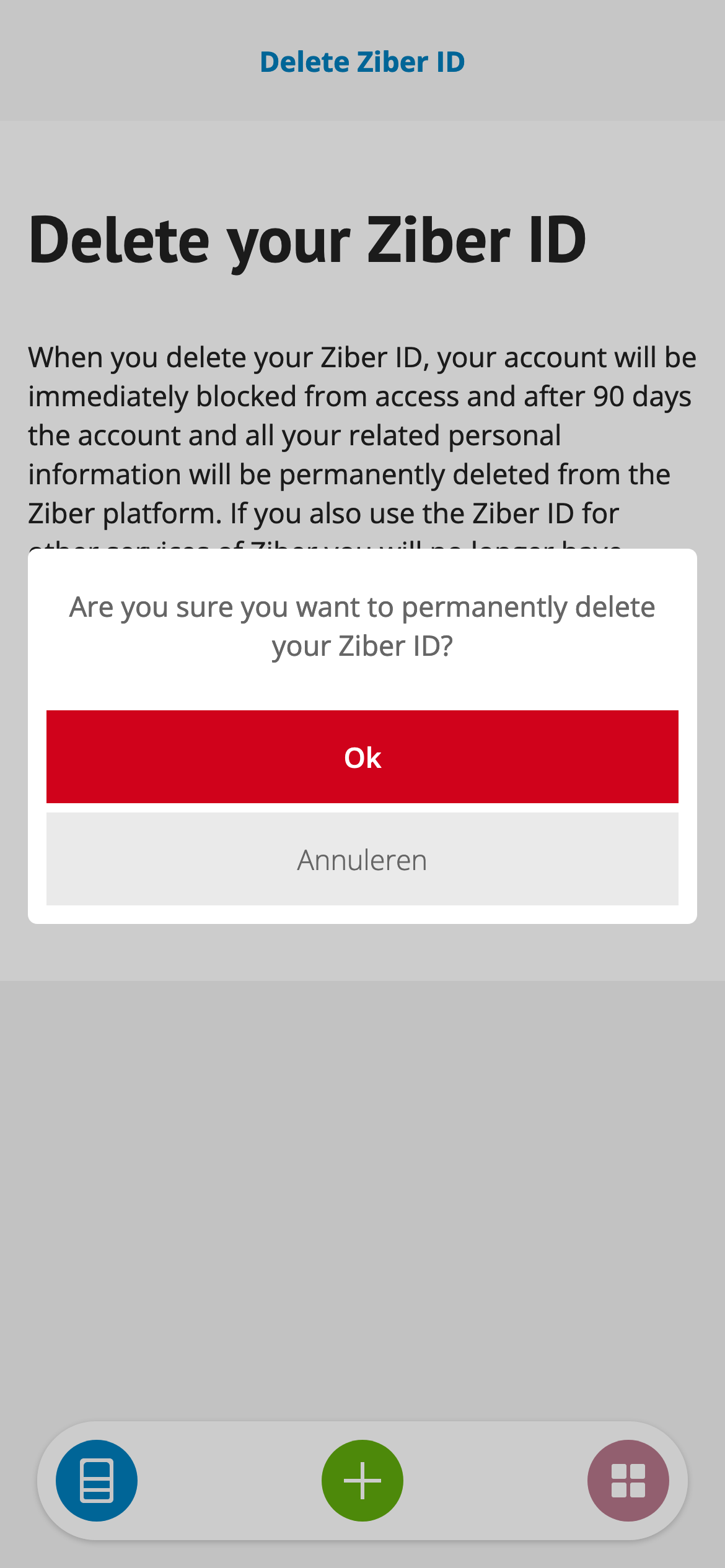
If you no longer want to use your Ziber ID, you can delete your Ziber ID. When you delete this, your account will be immediately blocked from access and you will therefore no longer be able to log in to the Ziber team app.
Deleted permanently
After 90 days, all your related personal information will be permanently deleted from the Ziber platform.
Note: If you also use the Ziber ID for other Ziber services, you will no longer have access to it after deleting your account.
Where do I delete my Ziber ID?
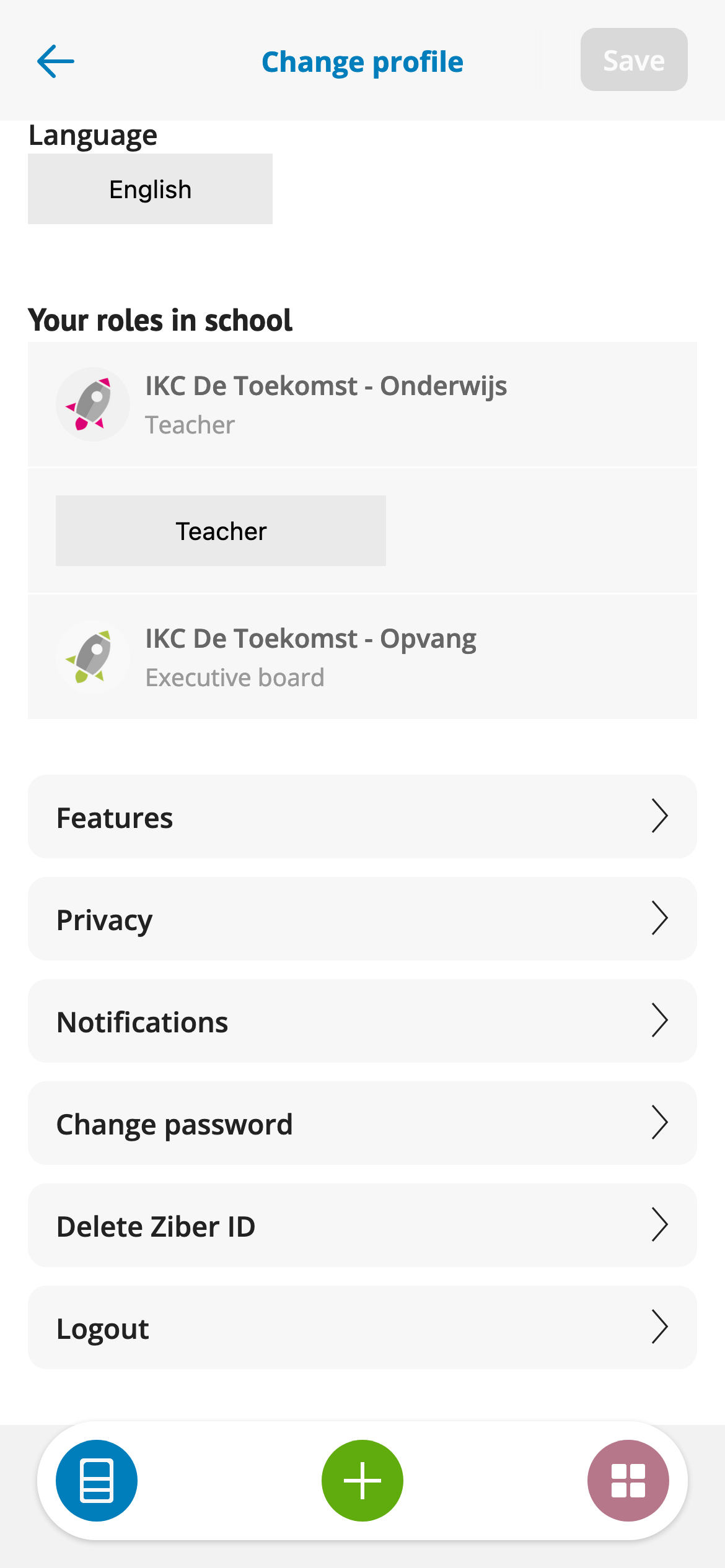
Go to your profile to delete your account. Go to the button “ Remove Ziber ID ”.
Read the conditions carefully before you permanently delete your Ziber ID.
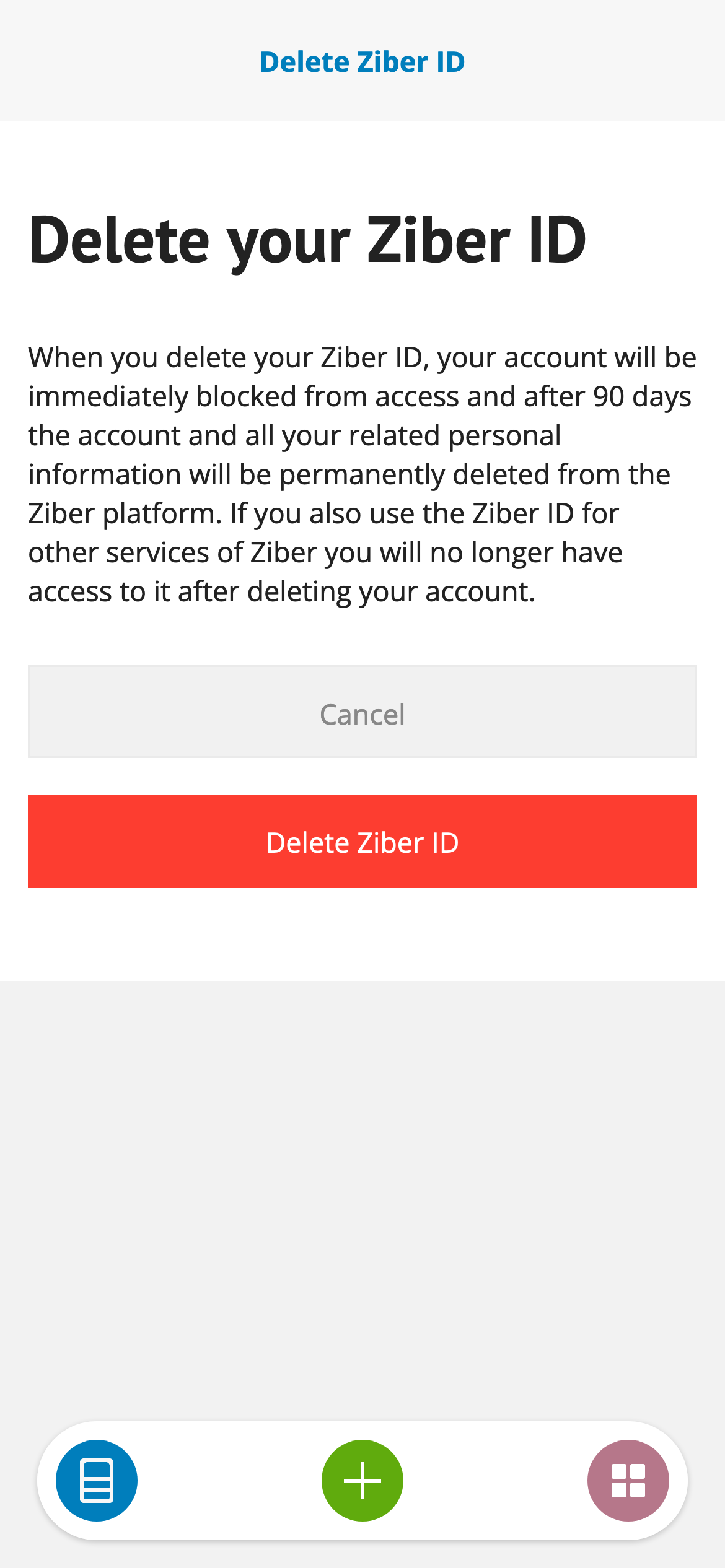
When you are sure, click the delete button.