Restore Ziber ID
You have deleted your Ziber ID but want to recover it?
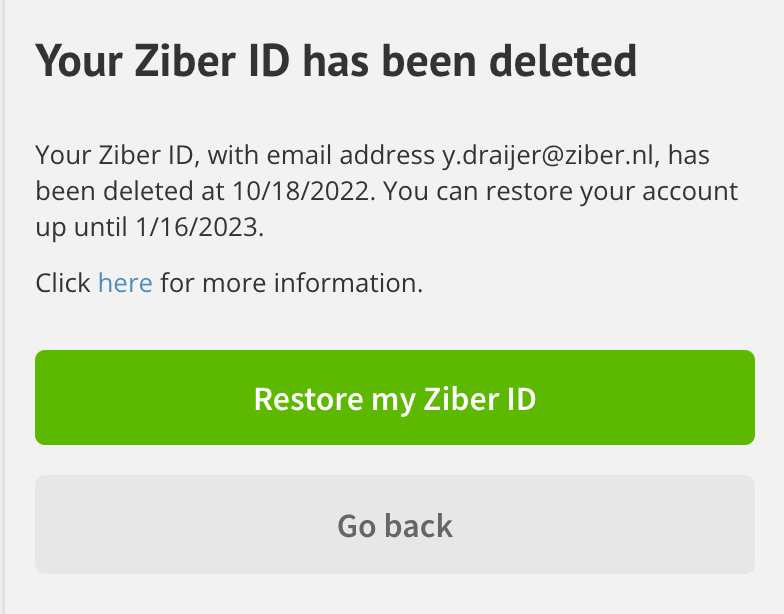
- Open the app so that you see the login screen.
- Log in with the email address from which you have removed the Ziber ID.
- Click on Restore my Ziber ID
NB. You must recover your Ziber ID within 90 days.
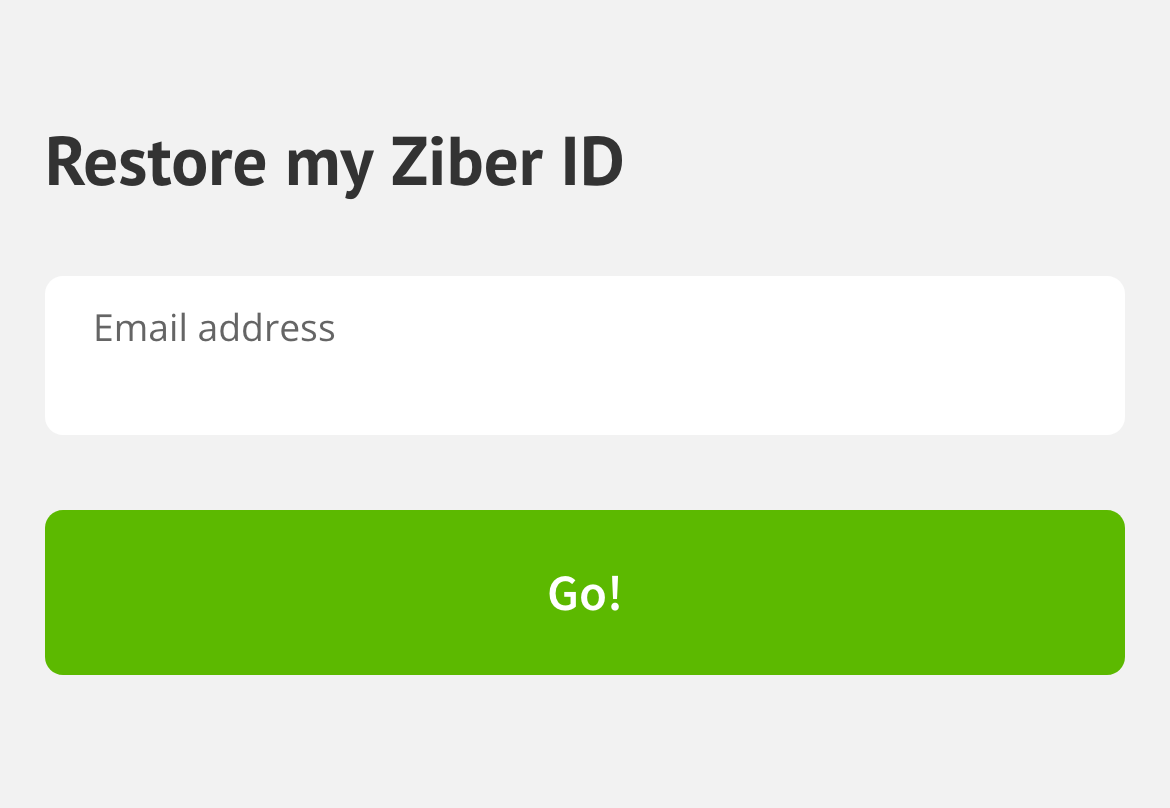
- Enter the e-mail address of the Ziber ID that you deleted again.
- Click on Restore my Ziber ID
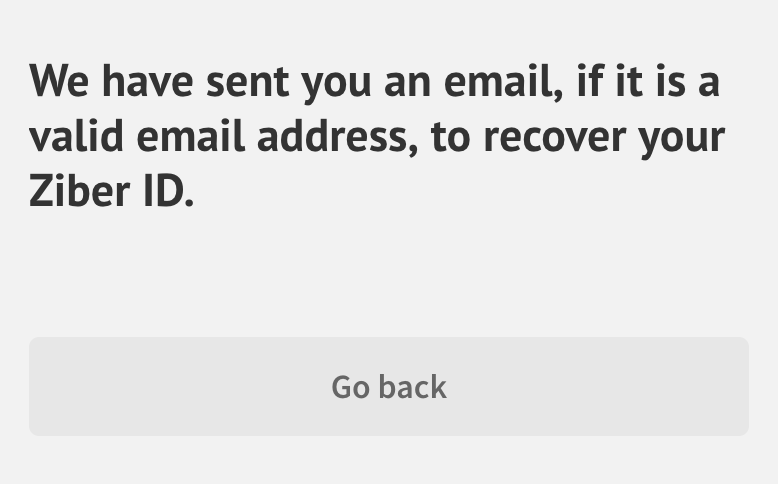
An email will be sent to your email address with a link to recover the Ziber ID.
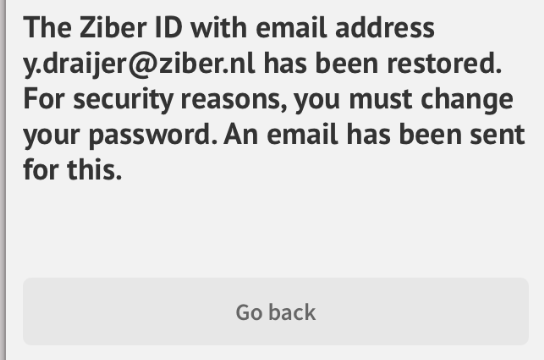
Finally, you will receive an email to create a new password. After this you can log in again.