Matrix representation of the consent questions
The Matrix view gives you a handy overview of all permission questions. You can then easily sort and print the matrix view.
The permission questions can be found under the permissions button in the student management .

Matrix display
You can display the consent questions in several ways. This can be done per group, per question and a handy overview via the Matrix view.
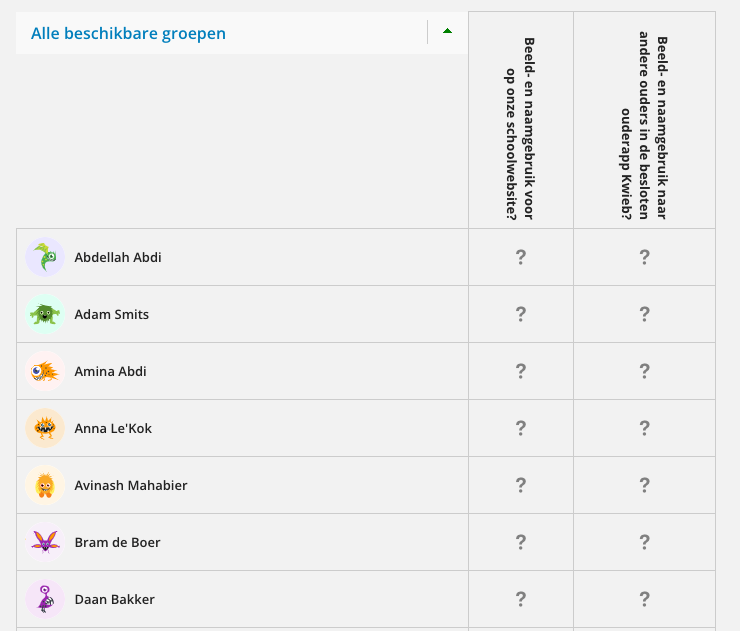
In the matrix view you get an overview of all questions and permissions. You can see what the parents have entered for each student.
You can see what permission the student has received:

- Permission

- No permission

- No response yet
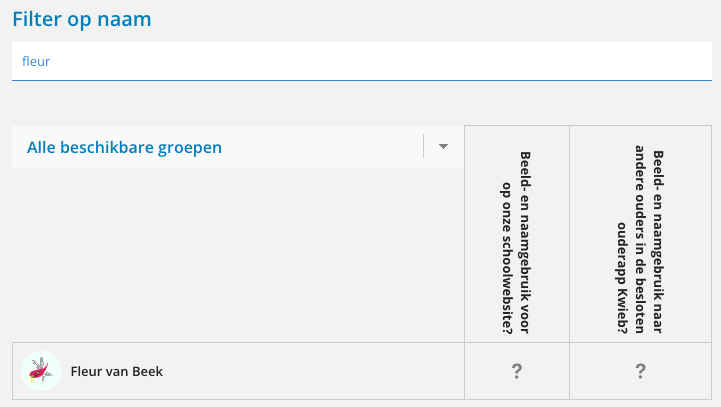
Filter and sort
To easily find a student's permissions, you can filter by name. In addition, it is also possible to sort by a specific group.
Matrix printing
The Matrix view is very easy to print. Sort the Matrix to your liking and then click the green print button.