View permission per student, group or whole school
You can view the completed permissions per student, per group or for the entire school from within Ziber Team. You do this from the 'Pupil Management'.

Filter
The overview shows all students for whom "no permission" has been given. This can be parents who have explicitly not given permission, but also parents who have not yet responded (they are given the status 'not answered' - and thus also give 'no permission'). Click on the 'show permissions' button to also see the students who do have 'permission'. You can also sort the results by 'Group' or the 'Question' you asked the parents.
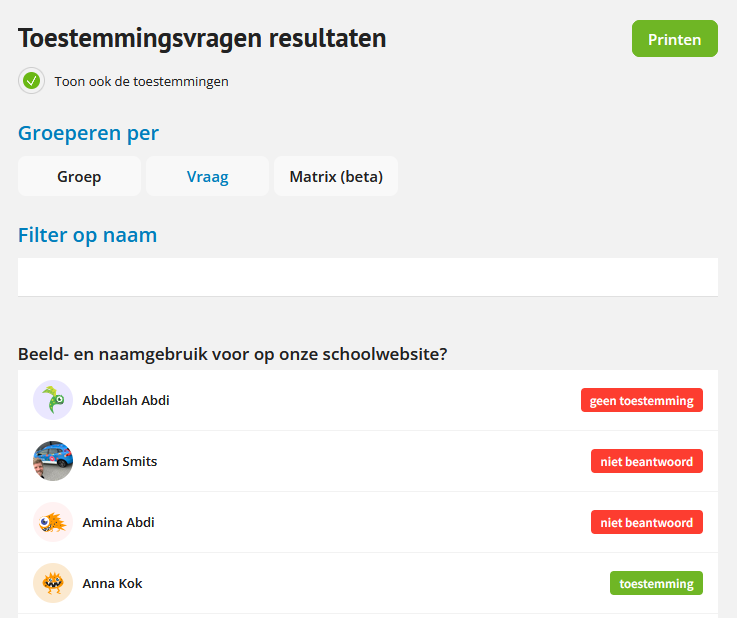
Tip: Would you also like to see the students who have received "consent"? Check the box 'Show permissions as well'.
No agreement between parents?
If two parents of a child do not agree with each other about permission, they can both enter their own answer in Kwieb. As soon as one of the parents has given 'no consent', that answer will lead to school. See also: How do consent questions work with multiple parents?
Print overview
You can easily print the complete overview with the print button at the top right of the screen.