The school asks to answer permission questions
When the school asks you to answer a permission question, you will see this on the timeline
If you, as a parent, see this notification on the timeline in Kwieb, the school will ask for your permission. This can be several questions for which you can give permission or not . This may differ per educational institution. Click on view next to your child's name to navigate directly to the consent questions and provide your answer.
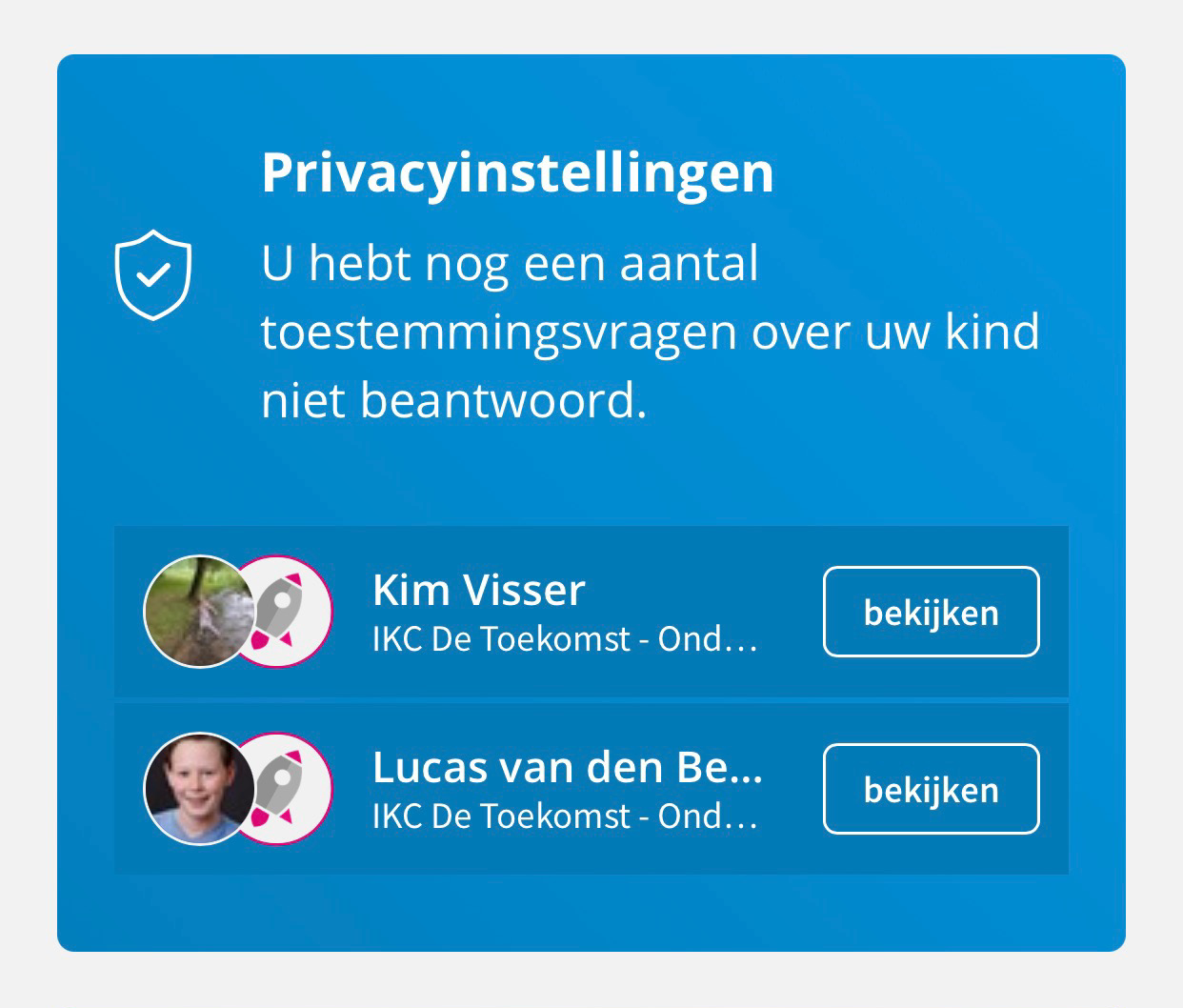
Image: Notification for answering consent questions
Where can I find the school's permission questions?
As a parent, you can view and adjust the consent questions at any time. The permission questions can be found at Your profile > Your children. You then click on the child and additional options appear. Here you click on Privacy.
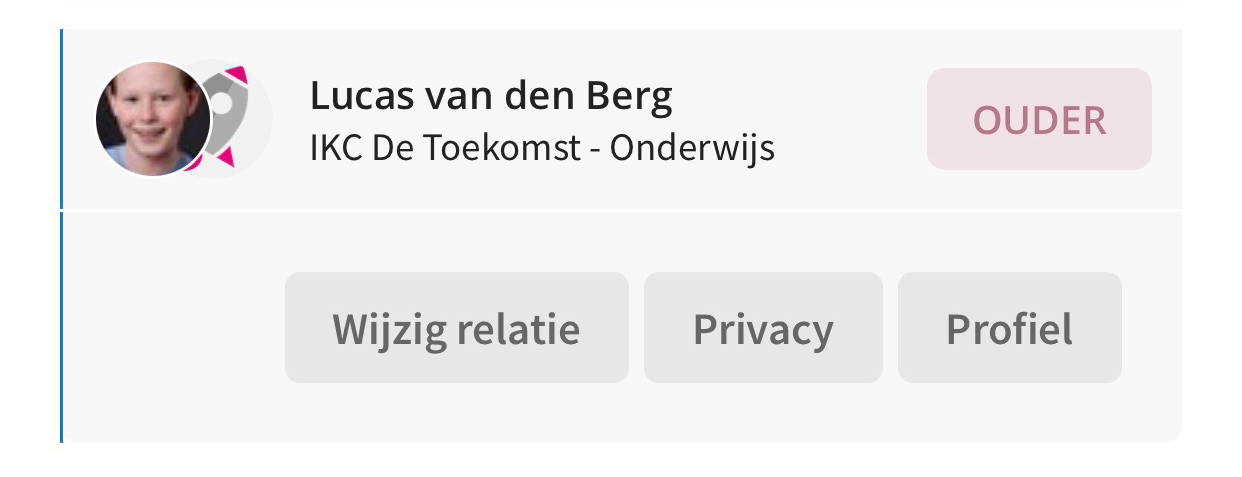
Image: Under the Privacy button you will find the permission questions.
Have I answered all of the school's permission questions?
As long as you have not answered all permission questions, the blue notification will remain on your timeline.
If I don't answer, what does that mean?
As long as no parent of the child has answered the consent question, the answer is 'no consent'. If 1 parent of the child has answered the consent question, that answer applies. If several parents have answered the consent question , "consent" only applies if all parents have answered with "consent", in all other cases "no consent" applies.
Tip: Only parents with administrative rights can answer permission questions about a child
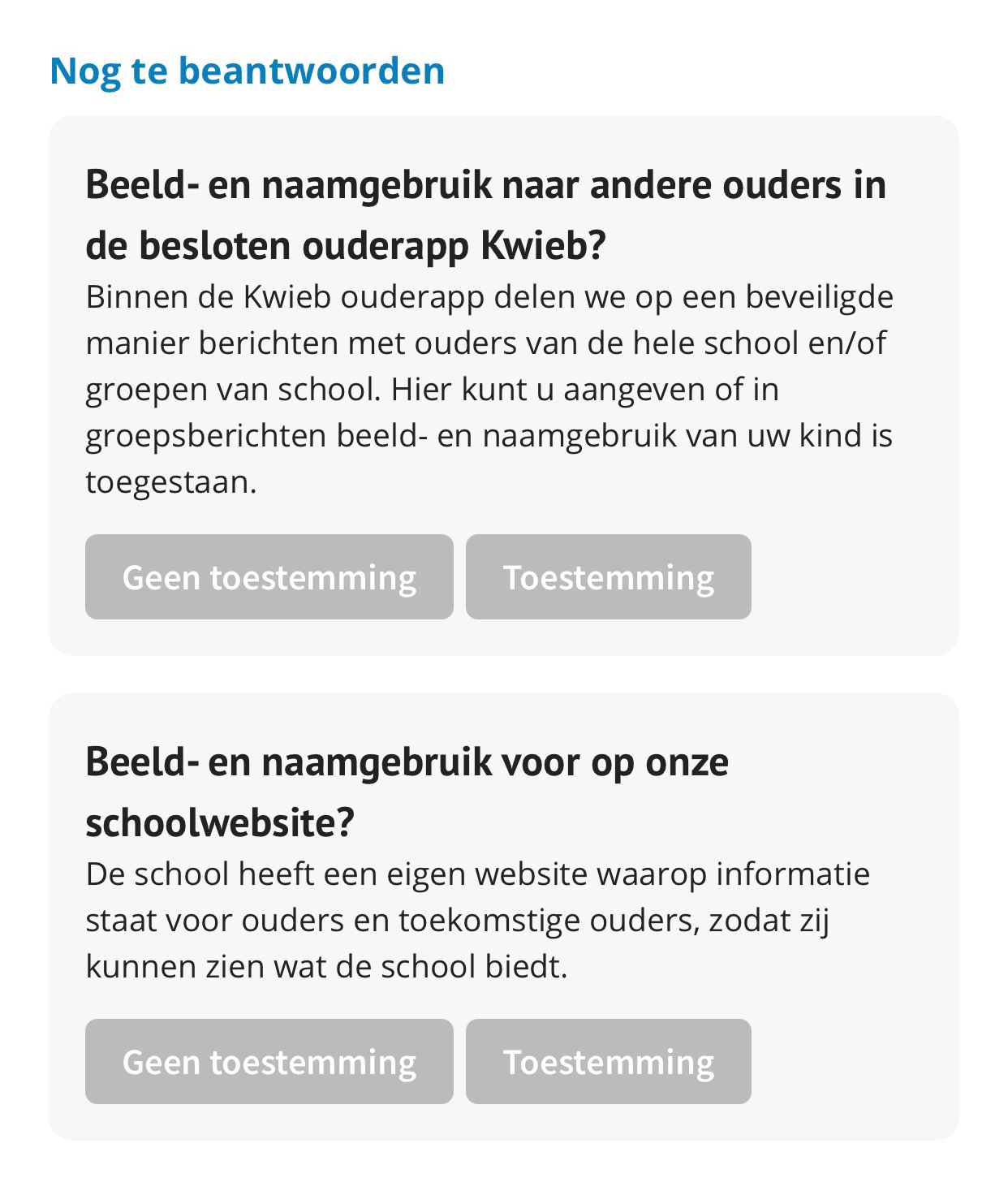
Image: Consent questions you haven't answered yet.