Share photos and files via Topics
Easily send an image or file to parents via the Topics chat function.
Send image or file
When you are talking to a parent or multiple parents you can send an image or file via the ' green plus '. You can take a photo directly from the app or select one from the photo library or choose a document from files.
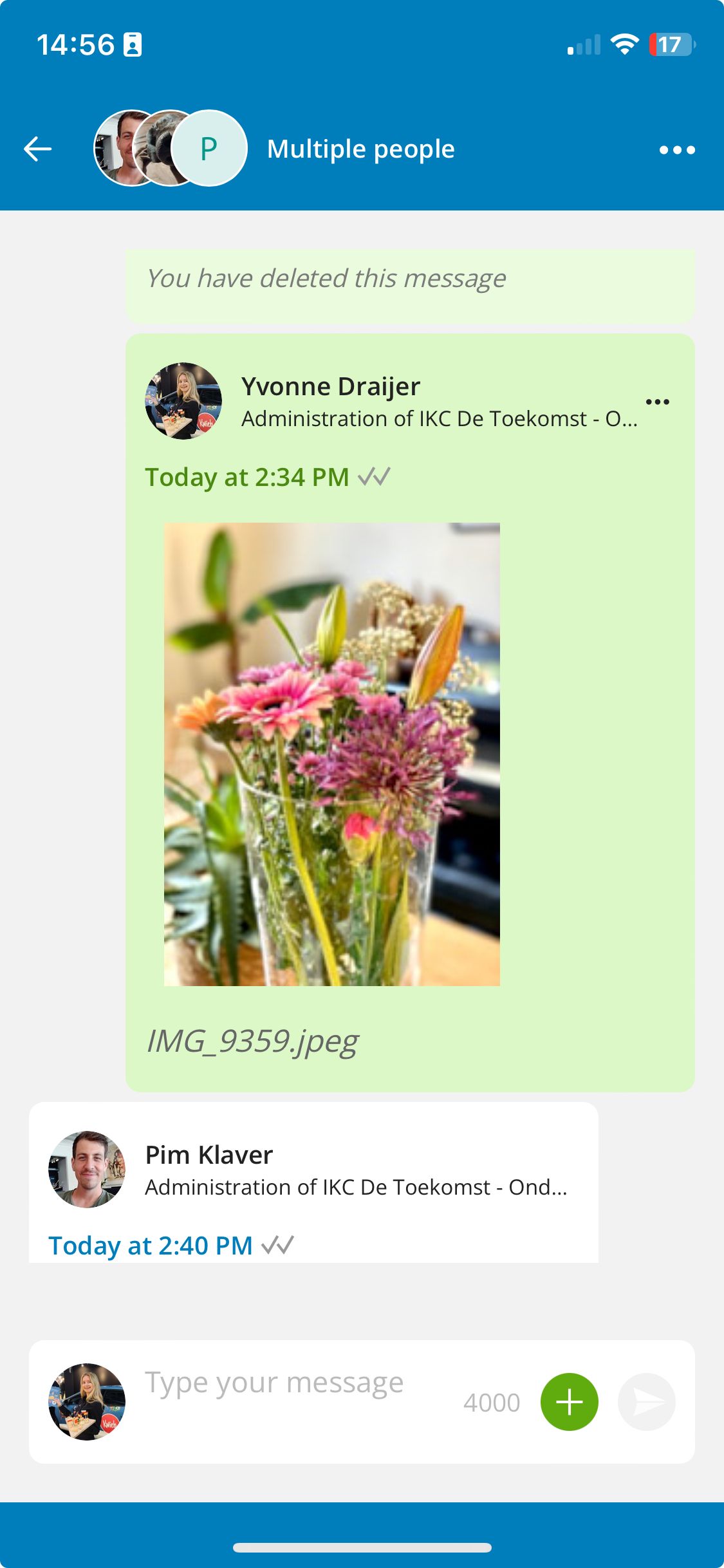
Tip: You can send multiple images or files at once.
Images
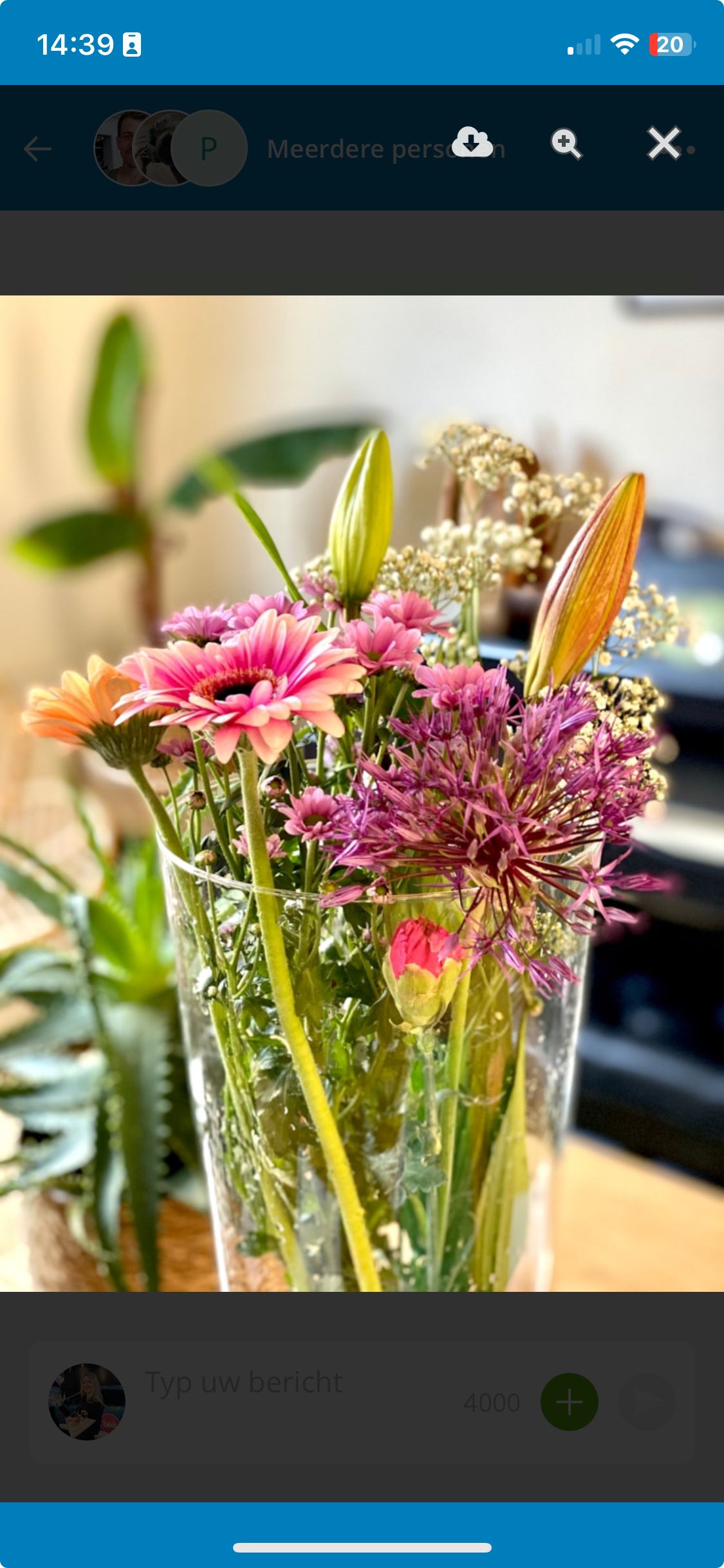
When sending or receiving an image, you can see it directly in the app. When you tap on the image, you can enlarge it and possibly download it.
Please note: If you are unable to send a photo, check your phone app settings to see if you have given access to the photo library.
Files
When sending/receiving a file you will see an icon of the file type. When you click on the file it will open.
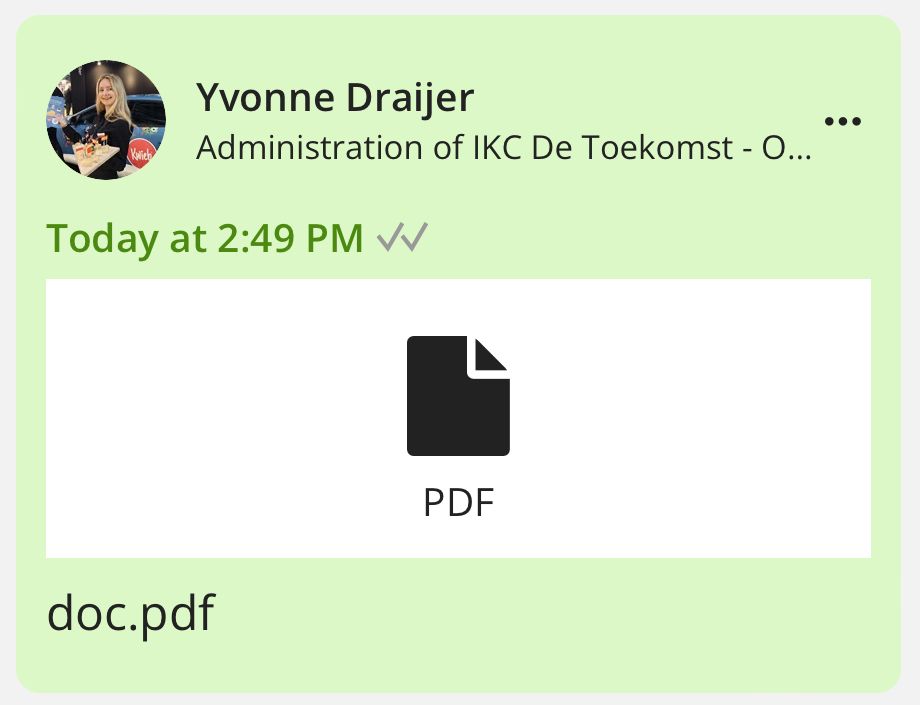
Please note: You can send png, jpg, gif, pdf, doc, docx, txt, xls and xlsx files via Topics.