Share photos and files via Topics
Simply send an image or file to the teacher via Topics.
Start a Topic
When you start a Topic with a teacher you will first have to enter a subject and description. You cannot immediately send an attachment when starting a Topic, this is only possible when the conversation has started.
Send image or file
When you are talking to a teacher, you can send an image or file via the green plus button. You can take a photo directly from the app or select one from the existing files.

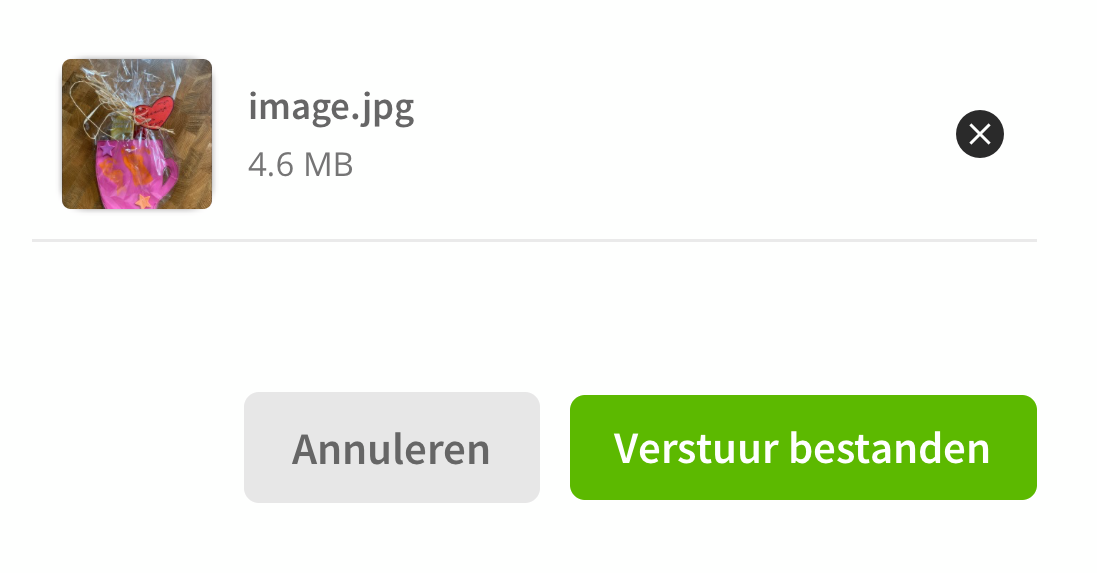
Tip: You can send multiple images or files at once.
Send images
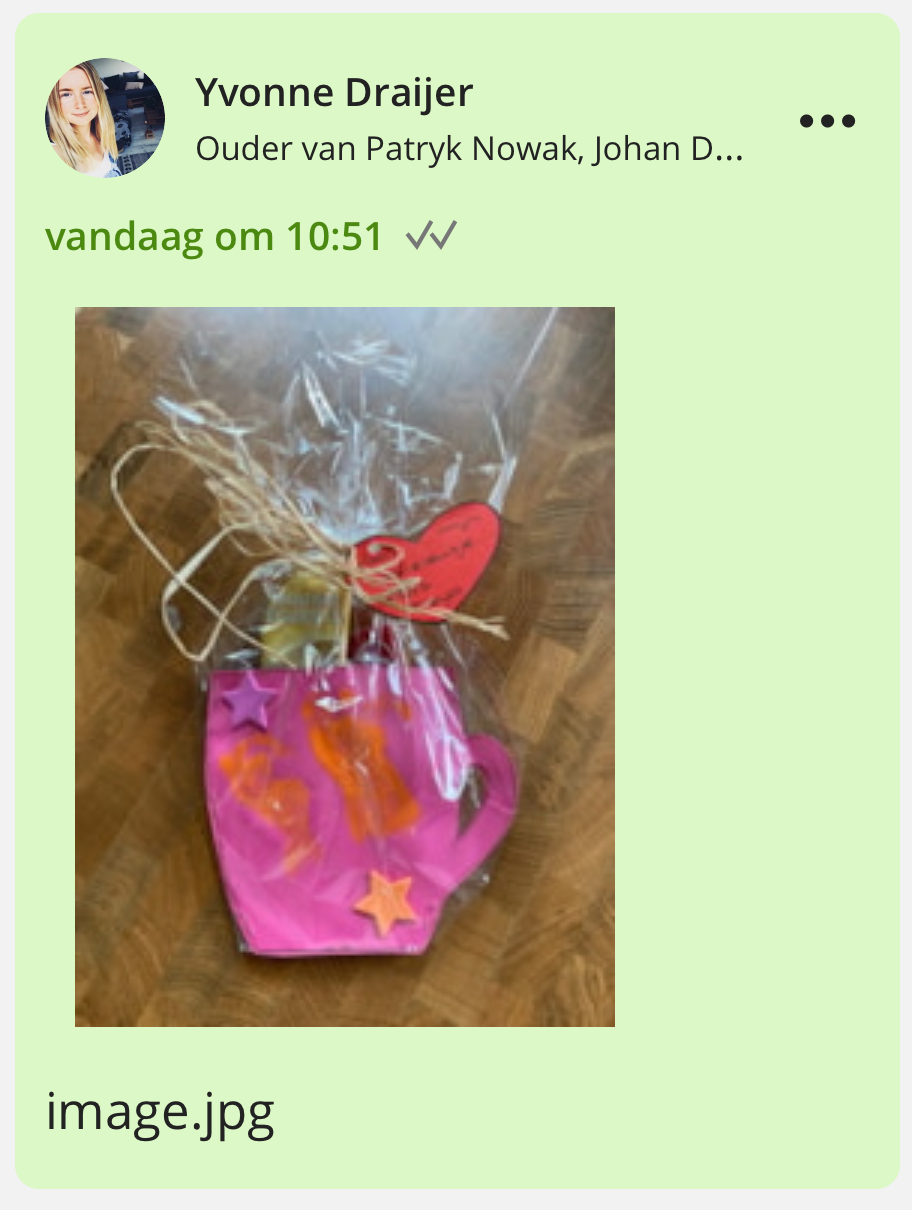
When sending or receiving an image , you can see it directly in the app. When you tap on the image you can enlarge and possibly download it .

Send files
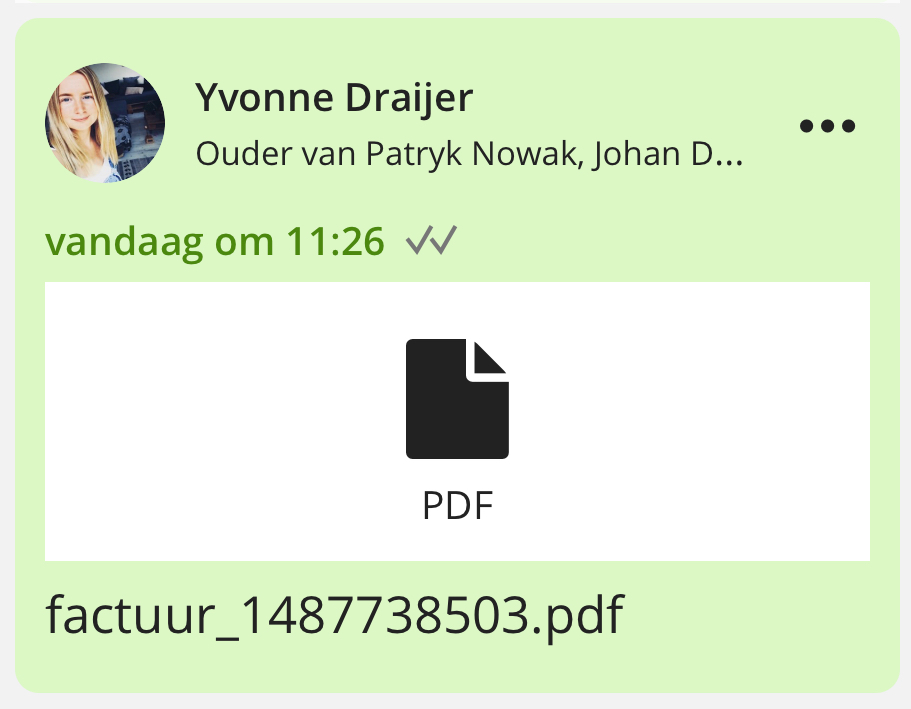
When sending/receiving a file , you will see an icon of the file type. When you click on the file it will open.
Note: You can send png, jpg, gif, pdf, doc, docx, txt, xls and xlsx files via Topics.