Assign or revoke parent management
You can switch management on or off for linked parents. By default, management is turned on for the parent after pairing. If for reasons the management has to be turned off, this can be done under parents in the child profile via the button management .
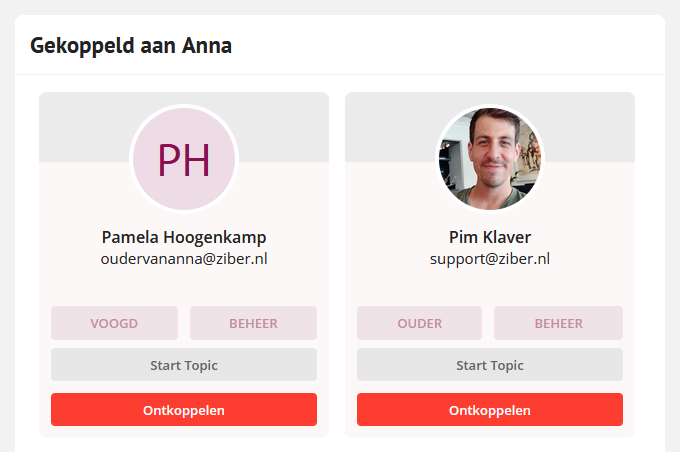
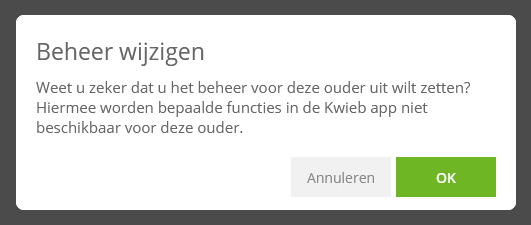
When you turn off management, you will receive a message that certain functions in Kwieb are no longer available for the parent:
This means that the parent is no longer allowed to make privacy settings for his or her child, and the permission questions cannot be answered either:
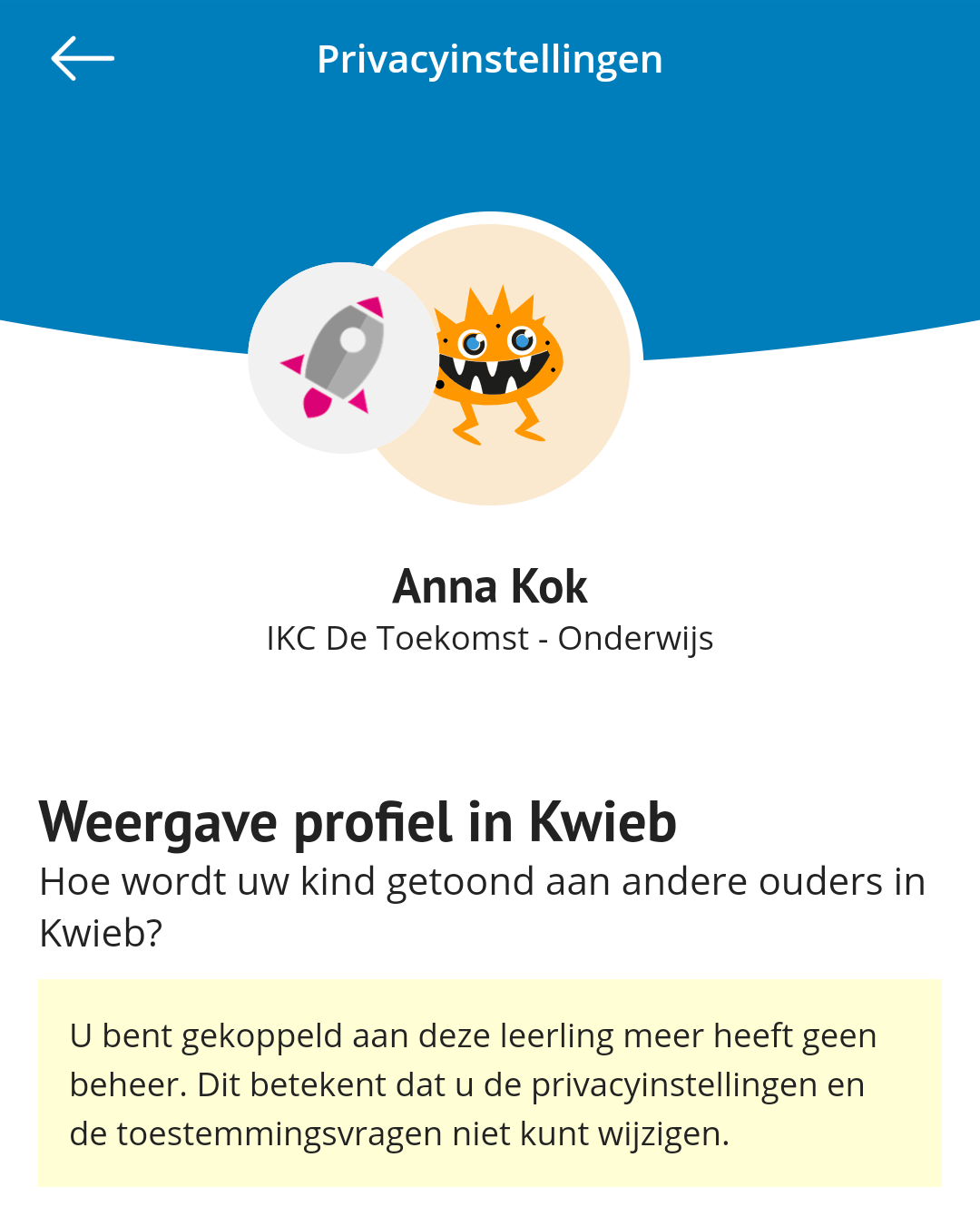
The parent can no longer set the child's profile to public or protected.