Share student pairing code
Do you want to invite the parent in a different way than the automatic e-mail, for example via WhatsApp , message or QR code . Then you can easily send the parent the student's code via the share code button in the student's profile.
• Send via WhatsApp (or messages)
• Scan QR-C ode
• Copy code
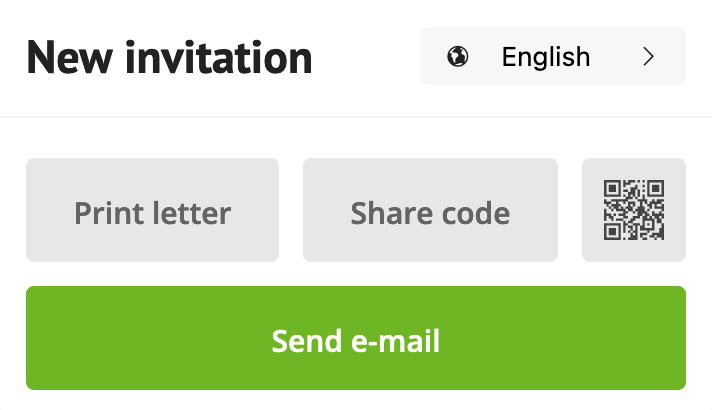
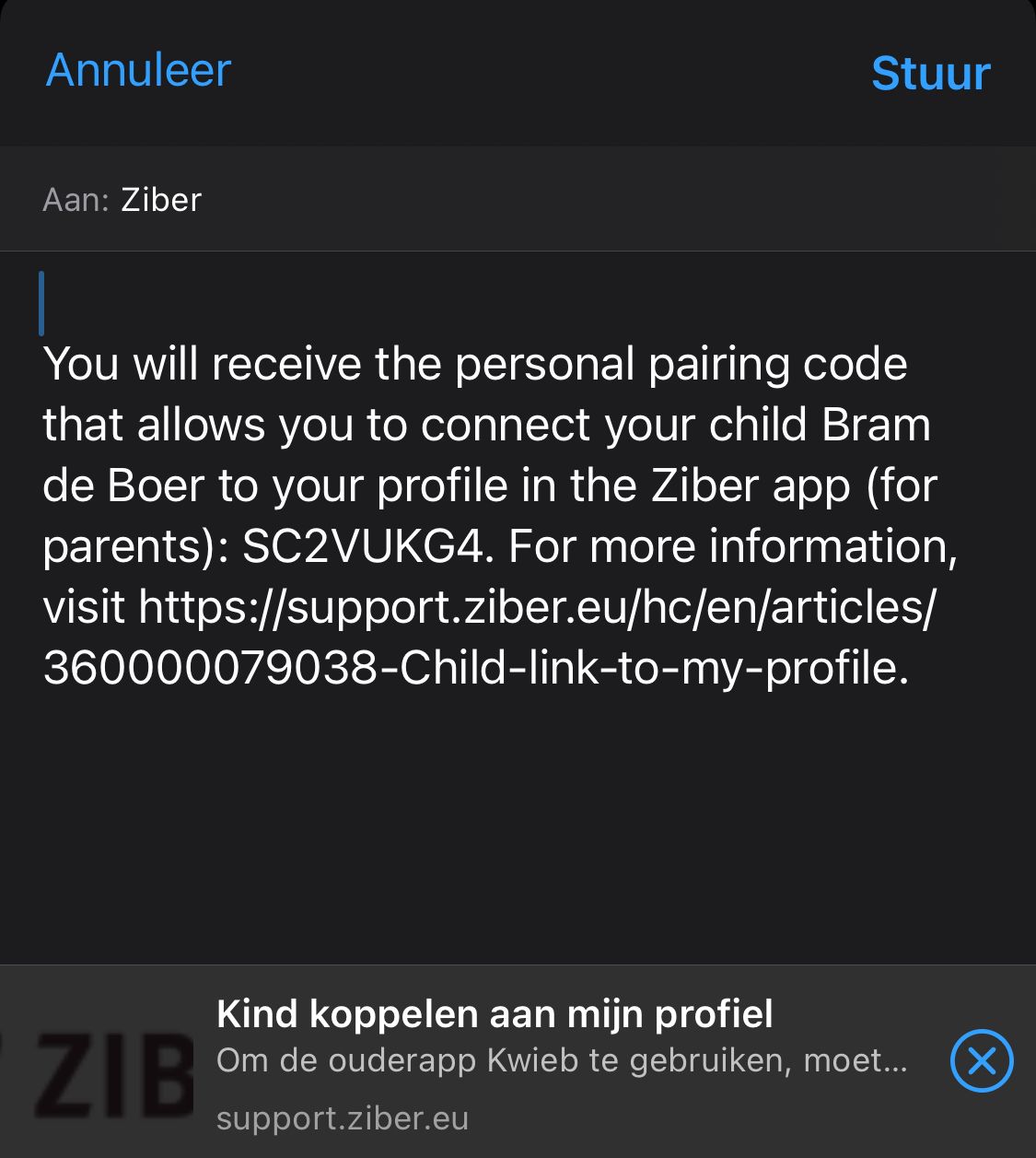
Send pairing code via WhatsApp
When you tap on share code via the Ziber team app on your phone , you can share it directly via the options of the phone, such as WhatsApp or messages. The parent receives a message in the selected language.
Note: The pairing code is unique and valid for a maximum of 2 weeks
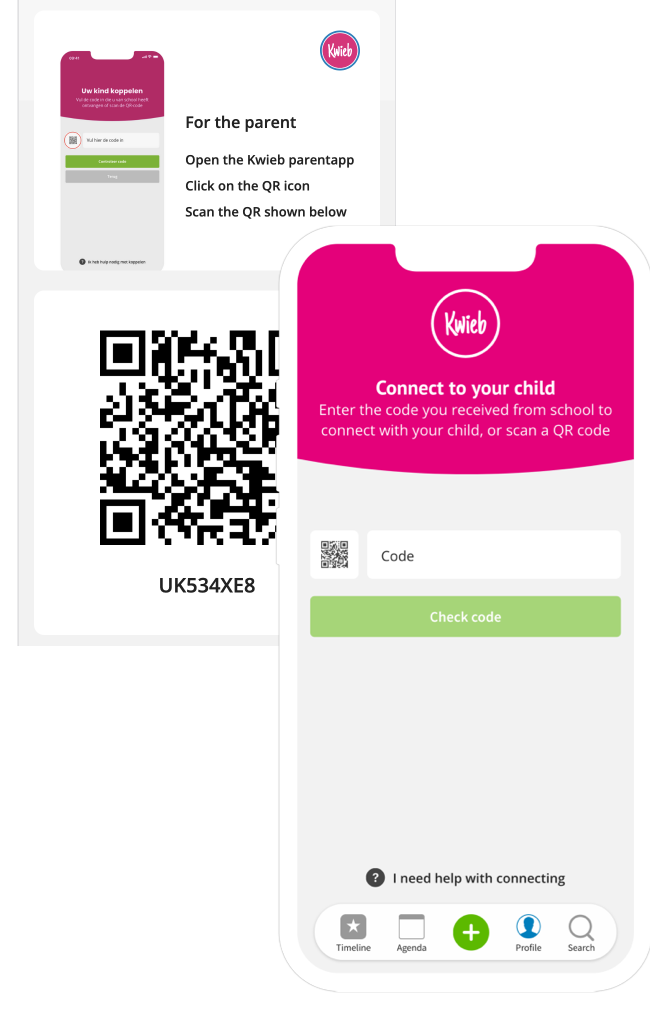
Scan pairing code with the QR code
When you click on the QR code button in the Ziber team app under the student profile, a parent can scan the QR code in the Kwieb parent app and link his/her child.
Copy pairing code
When you click on share code on desktop , you can copy the code and then share it with the parent (for example in your own e-mail message).

Note: The pairing code is unique and valid for a maximum of 2 weeks