Send parents reminder in Bulk
If the parents are invited, but they have not yet activated their account, you can send them a reminder after 3 days. In the overview of student management, an orange message will automatically appear at the administration for sending the reminder.
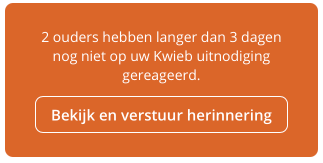
Parents remind
View which students the parents have not yet received an invitation from. Click the green button to send these parents a reminder . They will receive the invitation email again.
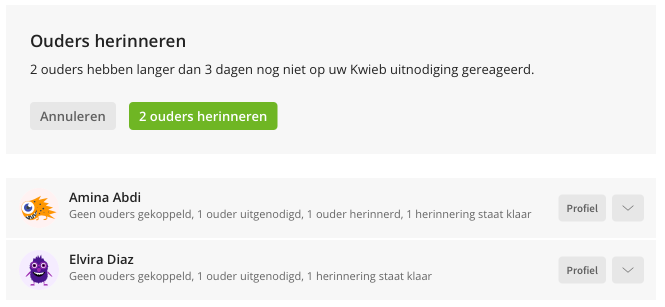
View status
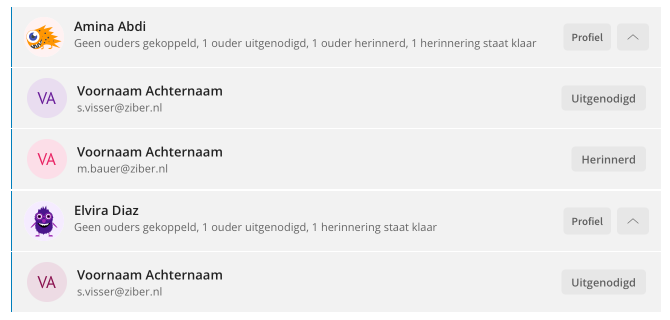
Below the student's profile, you'll see the parent's status. Whether it has been invited, already linked or has already received a reminder once.
If the parent is not yet linked, they have not yet entered their first name and last name. From the LAS you only see the email address of the parent.
Tip: If a parent has not activated his account after 14 days, it will expire. The parent will have to be invited again.