Update in privacy settings?
If you have been using Kwieb for a while, you may be asked to check your privacy settings. This blue tile will appear at the top of the timeline:
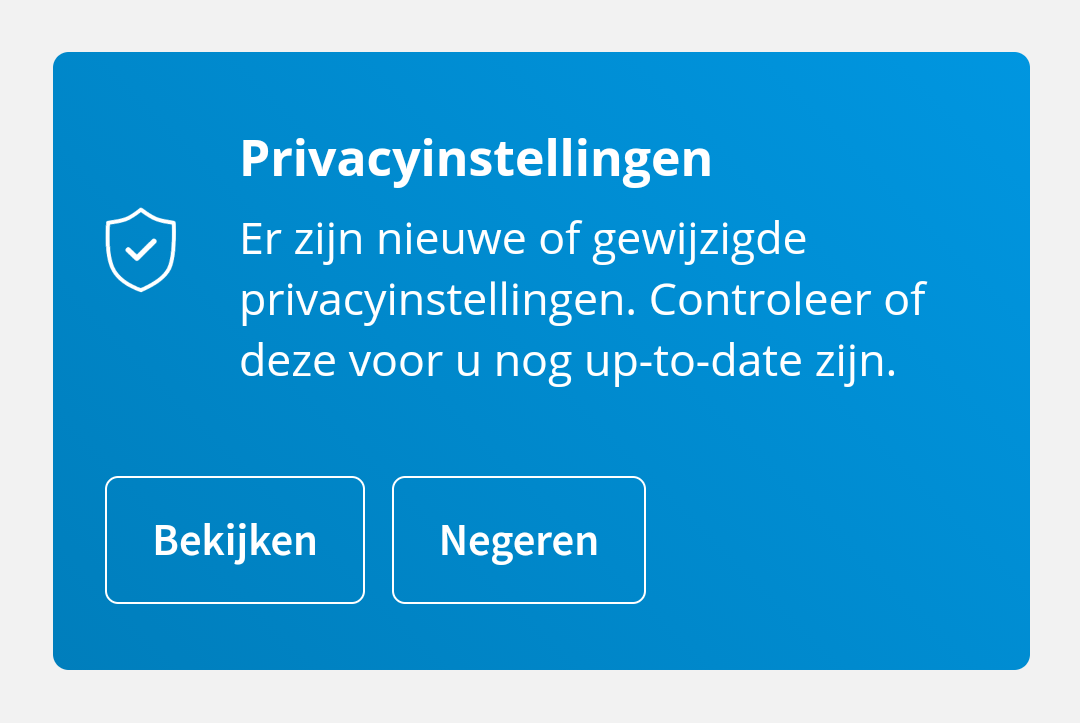
The question is automatically asked to you once a year or is shown when there are new options in terms of privacy on the Ziber platform.
Ignore
When you tap Ignore , the question will be asked again a month later.
See
When you click on View tap, you will go to your privacy settings in Kwieb where you will see the current settings. You can adjust this to your own preferences.