Where can I find group management?
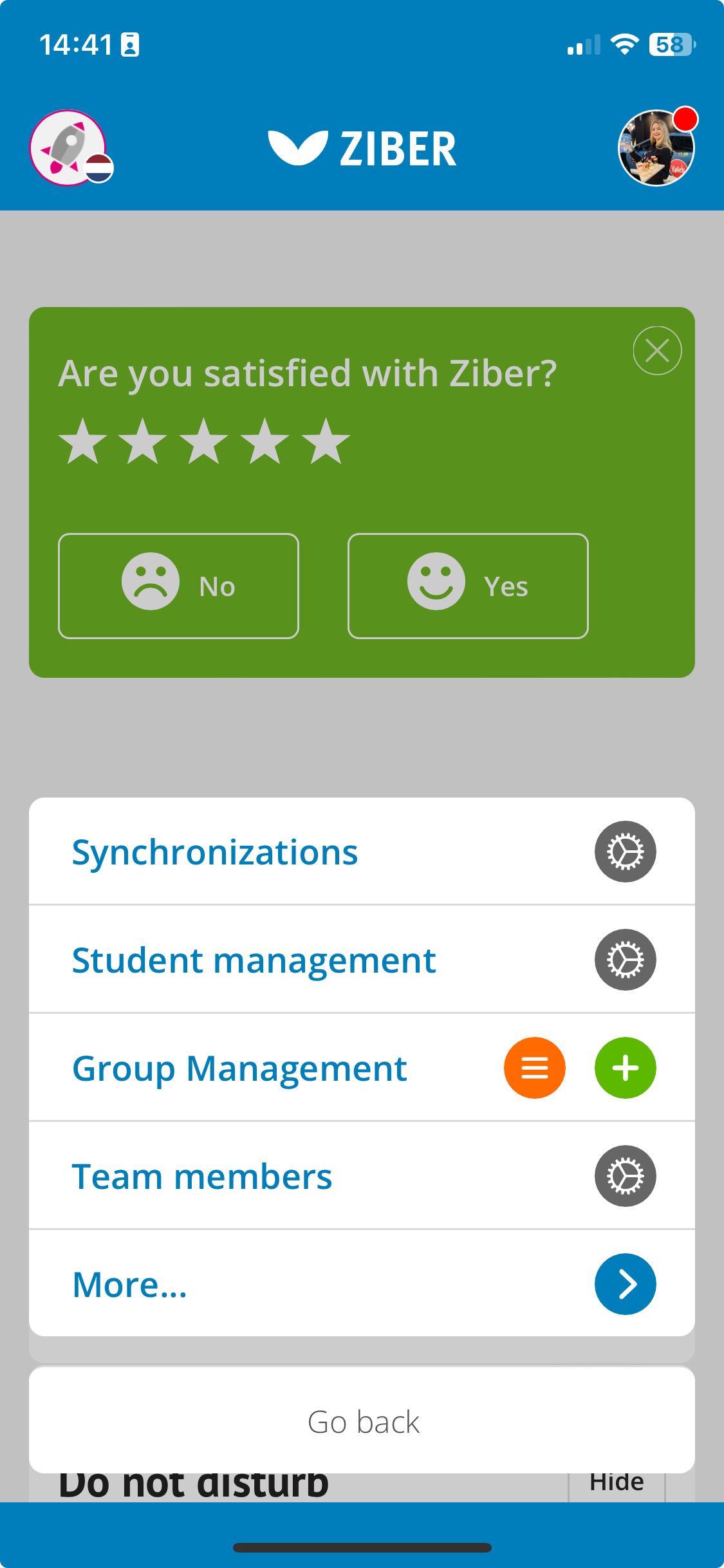
To manage groups, go to the settings button via the orange button in the menu at the bottom (or via the desktop to the gear at the top right).
There you will see the ' group management' . When you want to add a group, press the + button, if you are looking for an overview of all groups, press the button with the dashes .