As a teacher, ending an absence
When a parent/guardian reports their child sick, the parent can report the child better again via Kwieb. If the parent forgets to do this, you as a teacher can also end the absence.
How do I end an absence?
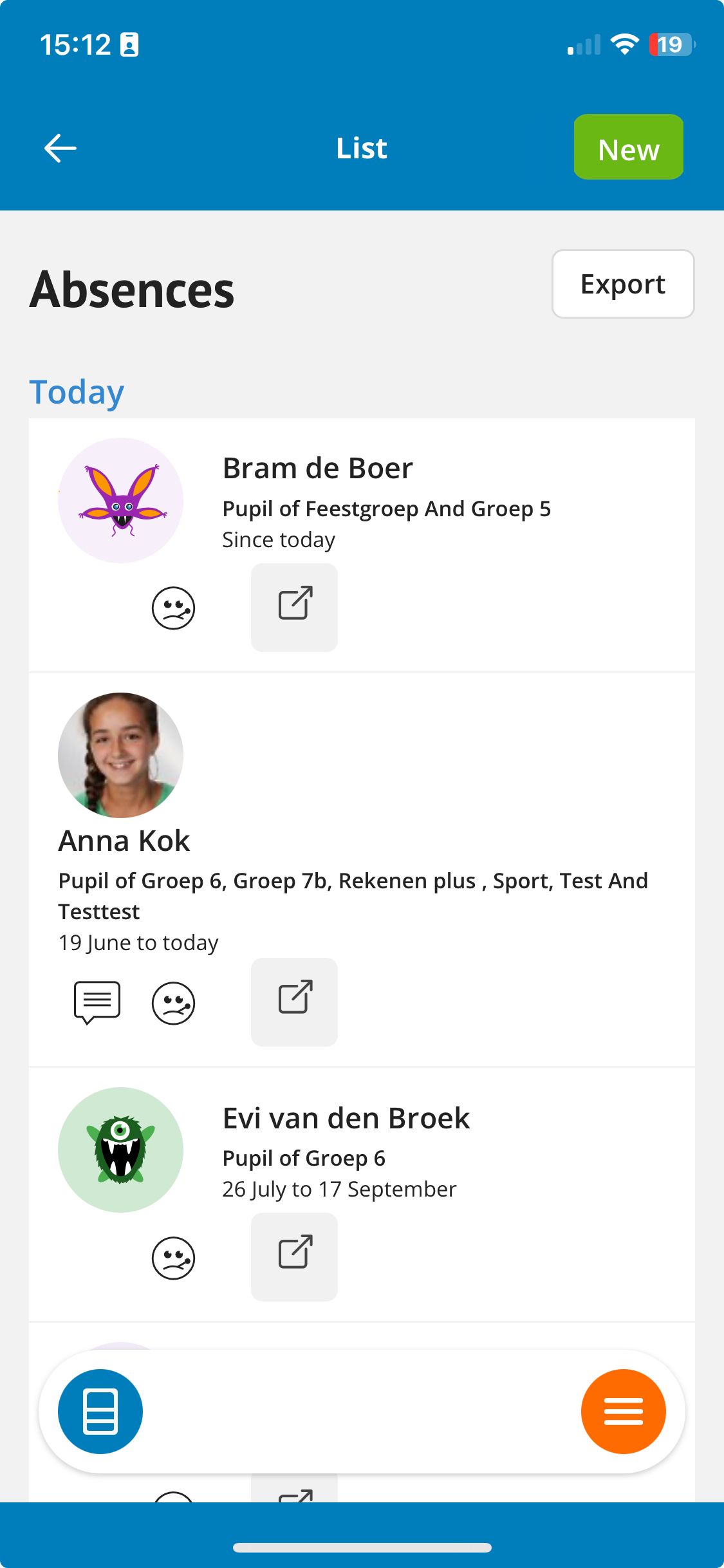
In the Ziber Dashboard you can see the absences of today. Go to the absence overview and tap on the student. Here you can end the absence. The end date of the absence is then today.
Ziber Dashboard
The Dashboard allows you to easily see which students are absent today.
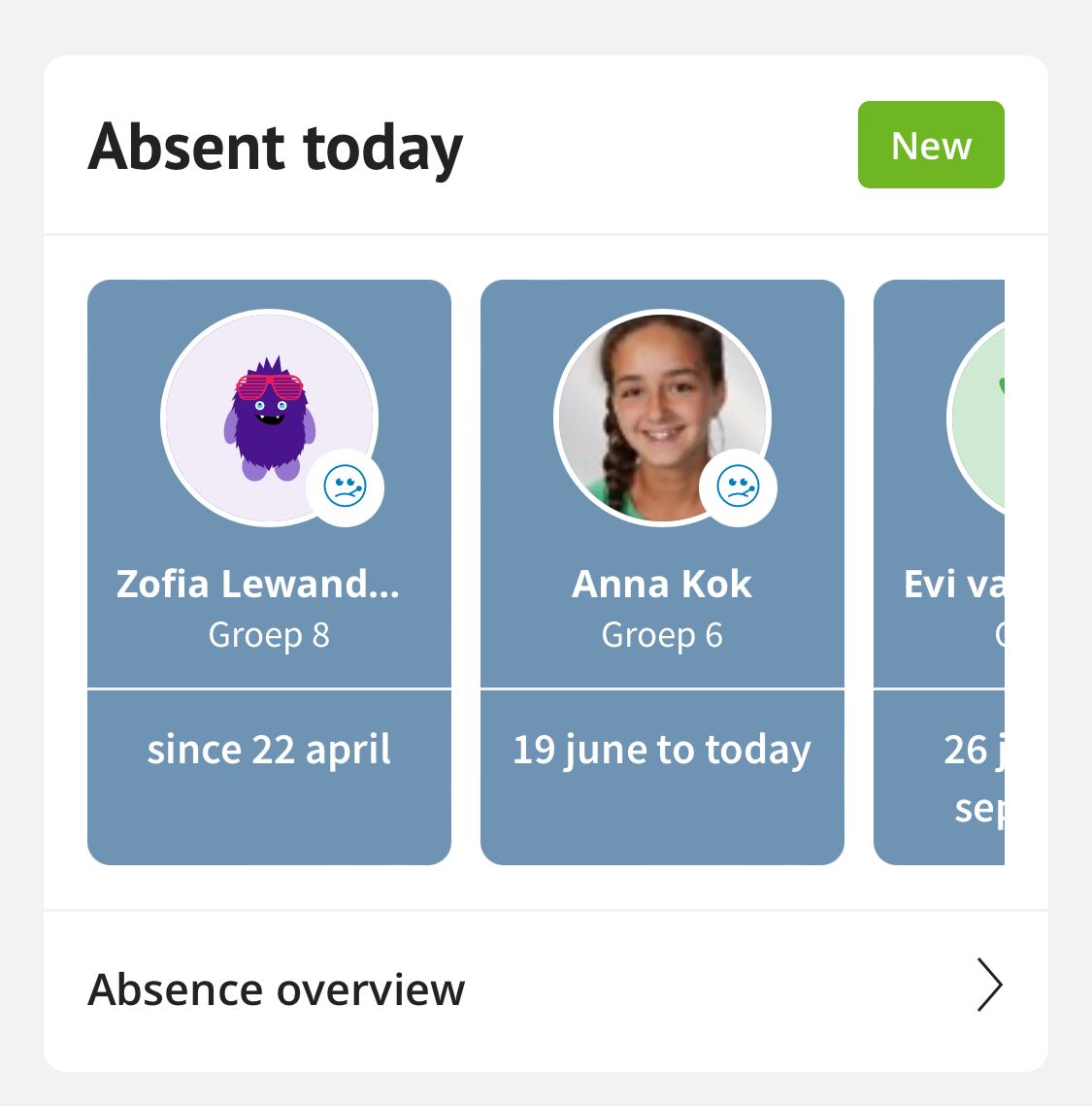
Absence overview
Via the absence overview you can tap on the student, a menu will slide out and you can end the absence.
Change/delete absence
It is also possible to change or delete an absence.
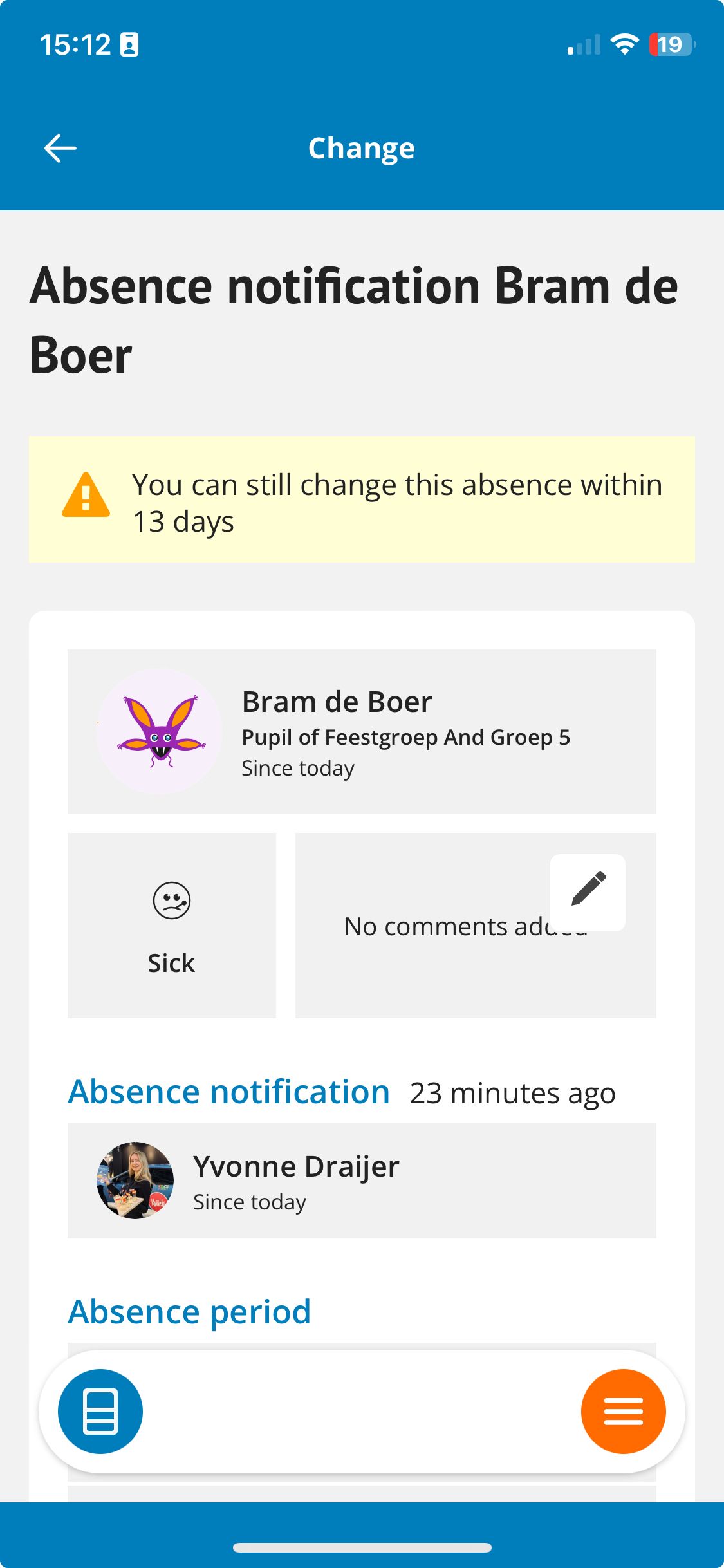
Please note: Teachers/PMs can change a student's absence for up to 14 days, the administration can always do this.