Topic with multiple people
When you start a Topic with a parent or colleague, sometimes you want to share this conversation with another person. That is why the school team has the possibility to add multiple people to the conversation.
Add multiple people to a Topic?
Go to the Topics section in the Ziber Team - Dashboard and start a new Topic with parents and add colleagues if necessary. When you have selected the persons you can start the Topic. In addition, it is also possible for a parent to start a Topic with you.
Tip: You can start a Topic with up to 30 people.
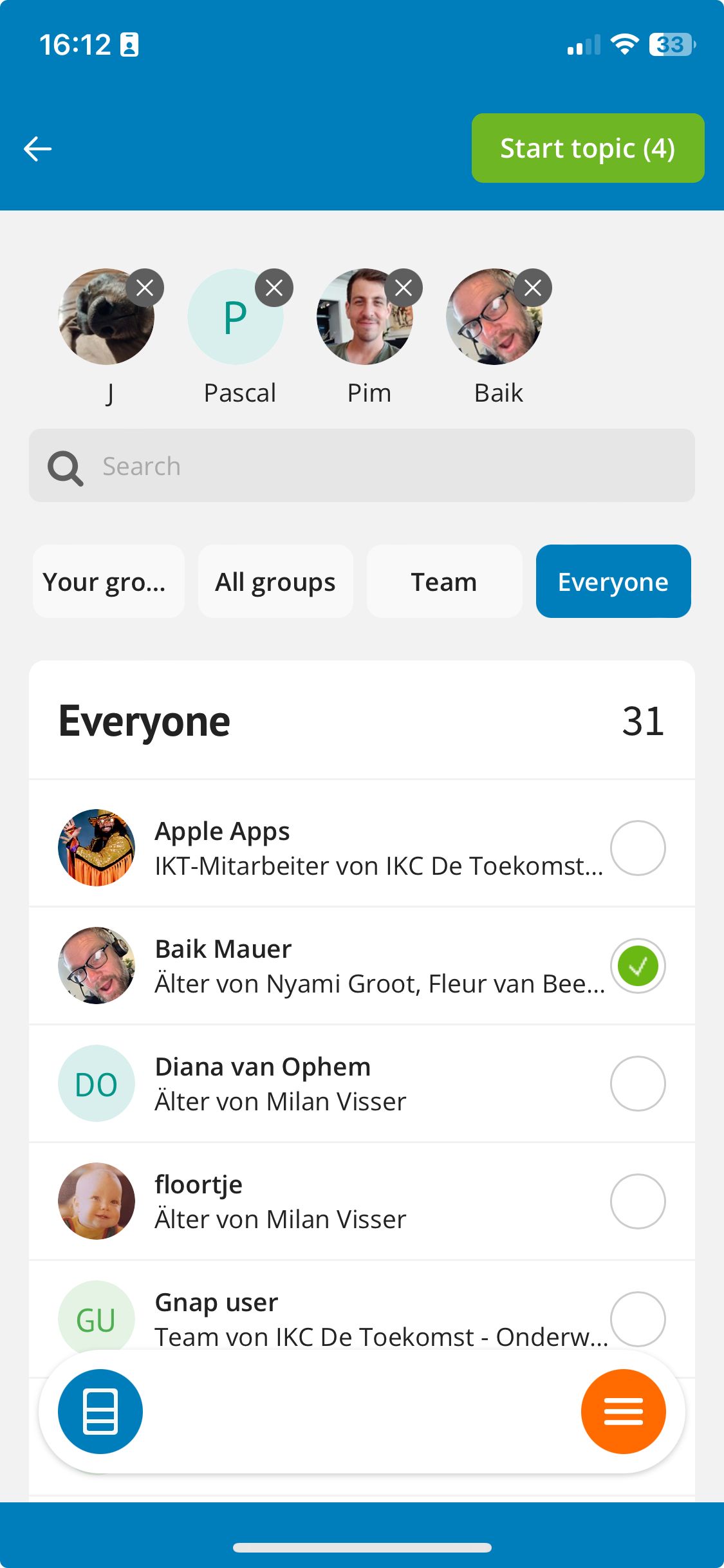
Manage people
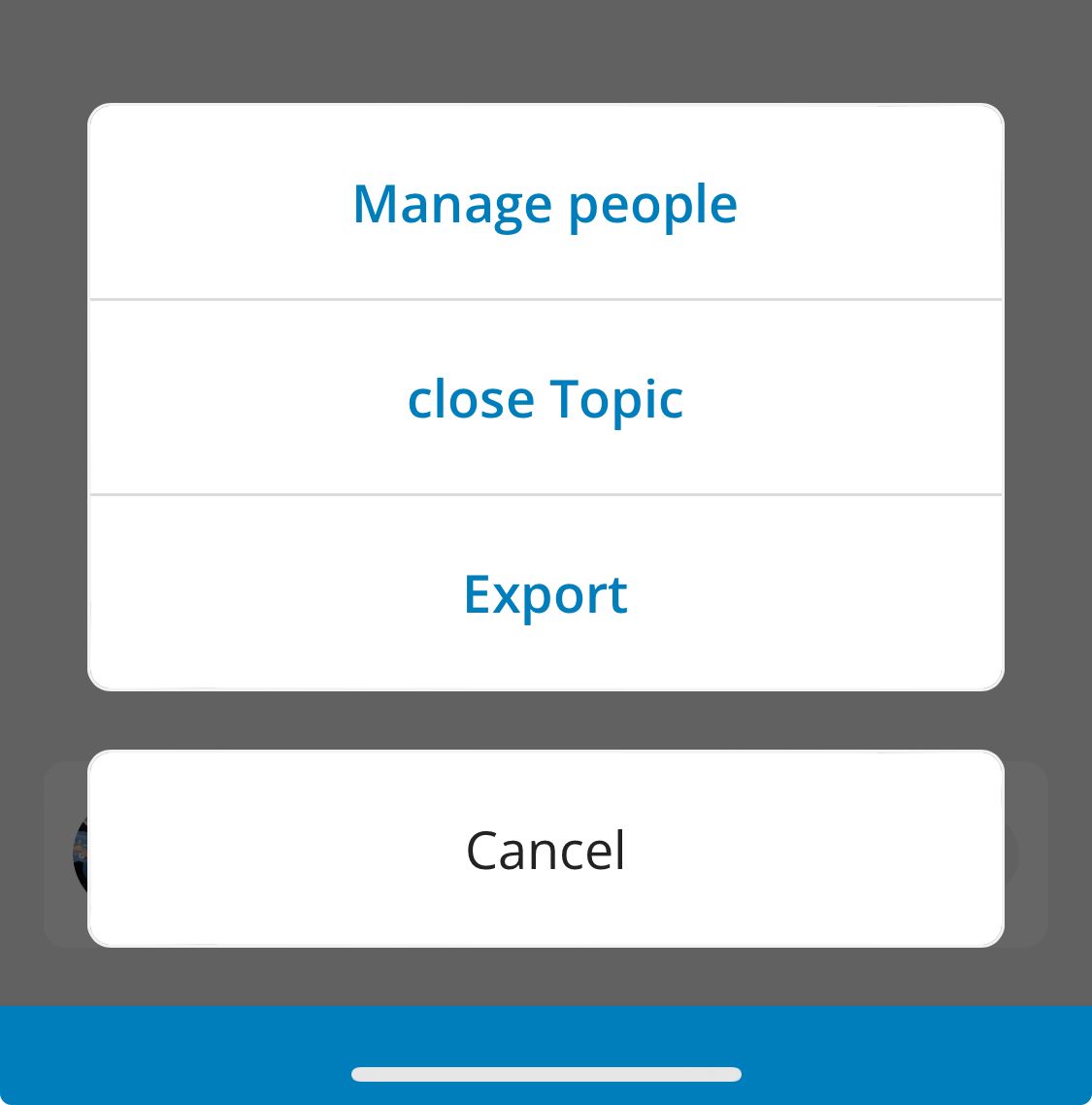
Want to add a person at a later time? Go to the menu (3 dots) at the top right to add a person to the conversation via 'manage people'. This can be another parent or a colleague. If multiple people have already been added, you can also remove them here.
Please note: If you add a new person to the conversation at a later time, they will be able to read the entire conversation again.