Topics settings (director/administration)
The school can choose whether or not to use the Topics chat function. The director or administration can set this via 'Topic settings'.
Topics settings
The director/administration of the school/daycare determines whether Topics is on or not. This can be set via Topics settings.
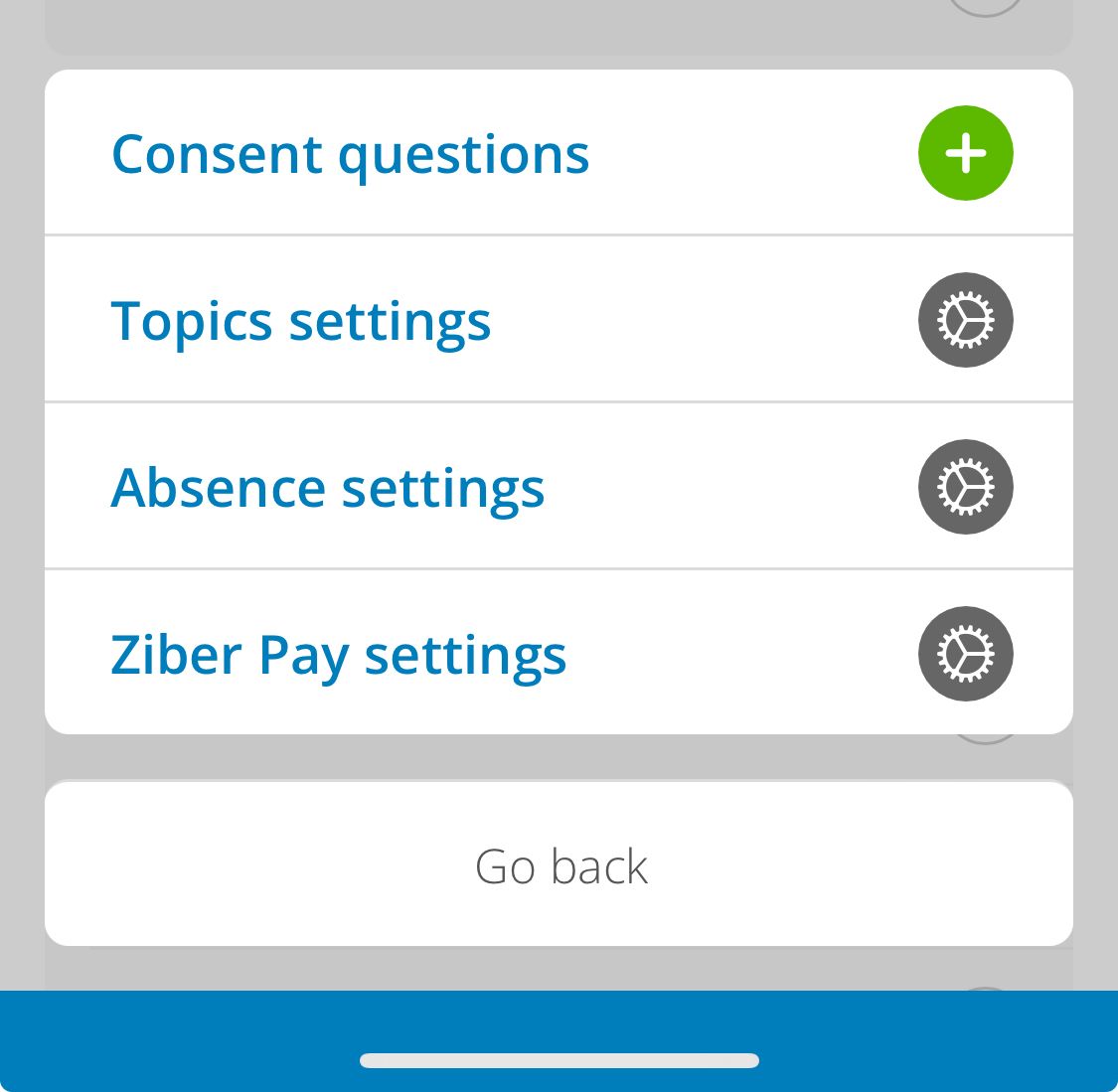
As director/administrator, go to ' settings ' via the orange ' menu button ', ' more ' and click on ' Topic settings' .
Turn topics on/off
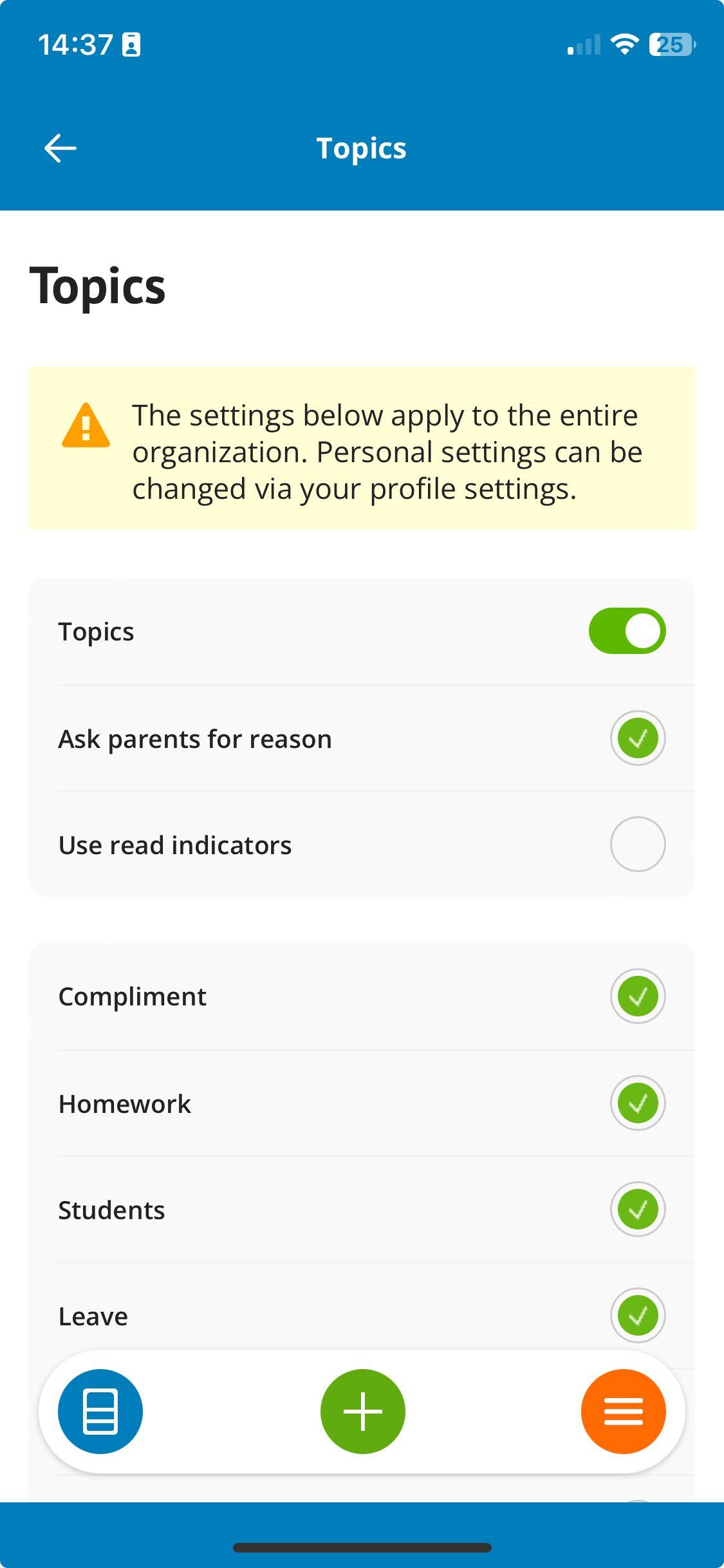
Under Topic settings, turn the Topics on or off using the slider. Note! This setting applies to the entire school.
Using reading indicators
Determine whether you want to use the reading indicators. With the reading indicators, parents can see (blue) check marks in the Kwieb app to see whether a message has been received and/or read by a teacher/PM.
In Ziber Team the teacher/PM can always see whether the message has been read by the parent.
Reason required
By having parents give a reason for a Topic, messages remain more concise and within the topic. In addition, it is also clearer for the teacher via the Ziber Team app. The director/administration determines whether giving a reason is mandatory and can also choose from which reasons a parent may choose when starting a Topic.