Reply to a Topic
A parent can start a Topic themselves via the Kwieb parent app. The team member will receive a notification of this in the Ziber Team app.
Receive a (push) notification
When a parent starts a Topic you will receive a notification. This can be a push or email notification depending on the settings in your account.
Dashboard - Current Topics
Via the Dashboard you can see the most recent Topics. Click on "all Topics" to view all open and new topics. When a message in the Dashboard has a green dot next to it, it means that this is a new message and that you have not read it yet.
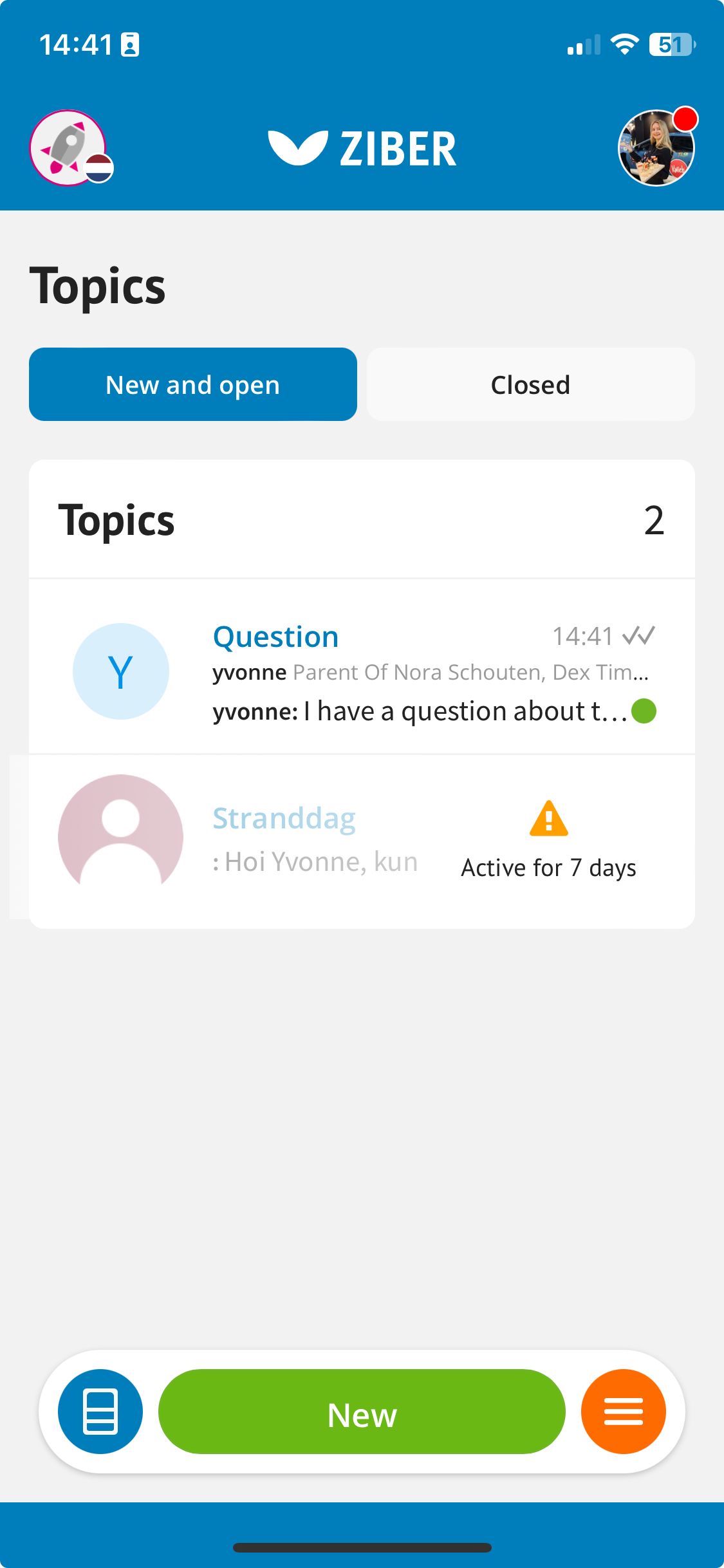
Reply to a Topic
When the Topic is started you can easily send a reaction at the bottom of the messages. You can also attach a file (image or document) to your reaction.
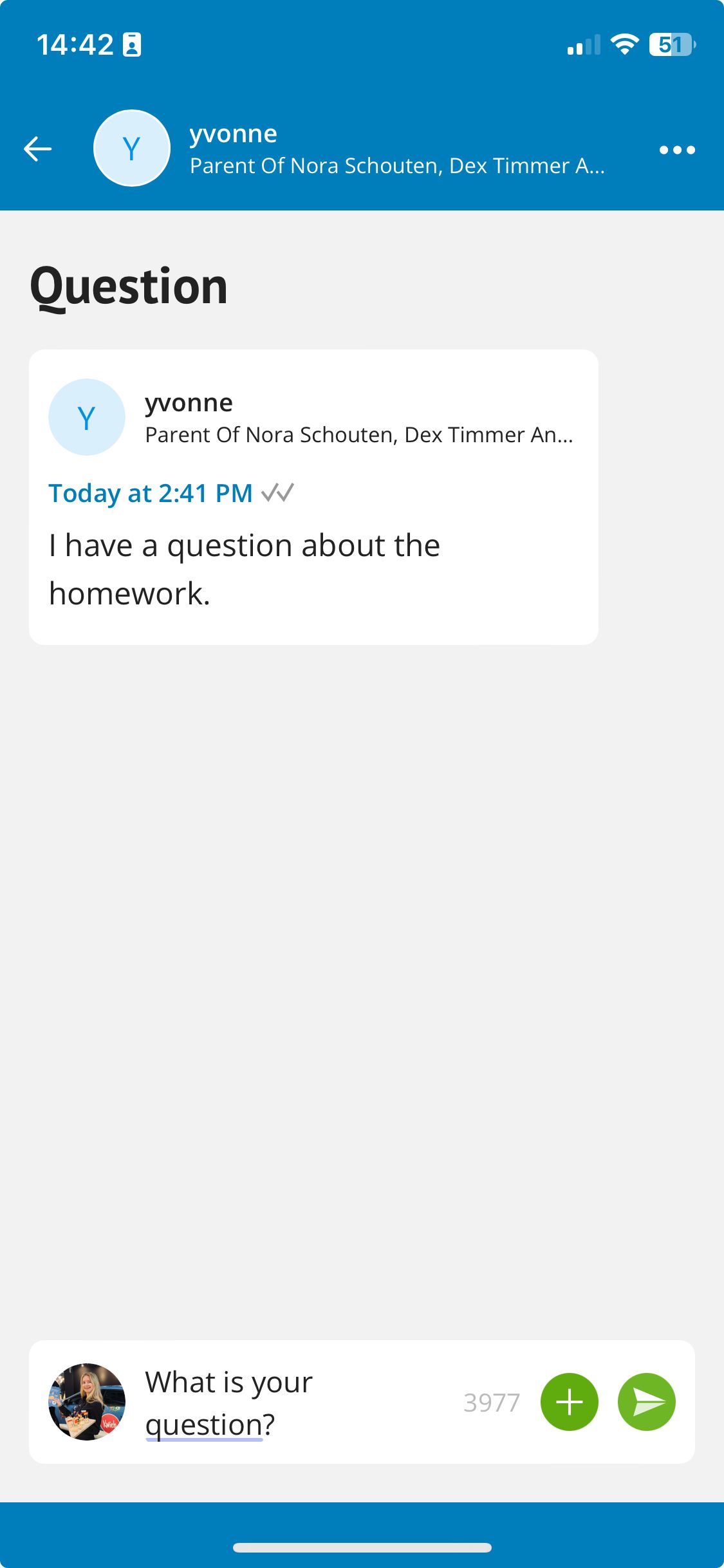
Tip: Is the parent a non-Dutch speaker? You can automatically translate the entire conversation into your preferred language.
Tip: You can see whether your message has been read via the check marks (read indicators). Does the school not want to use this? The administration/management can turn this off via Topic settings.