Export topic
If you want to save the Topic conversation with the parent, you can export the Topic.
Export topic
Exporting a conversation is done in the conversation in question. It is possible to export a conversation when it is still ongoing. It is also possible to export a conversation when it is closed and archived.
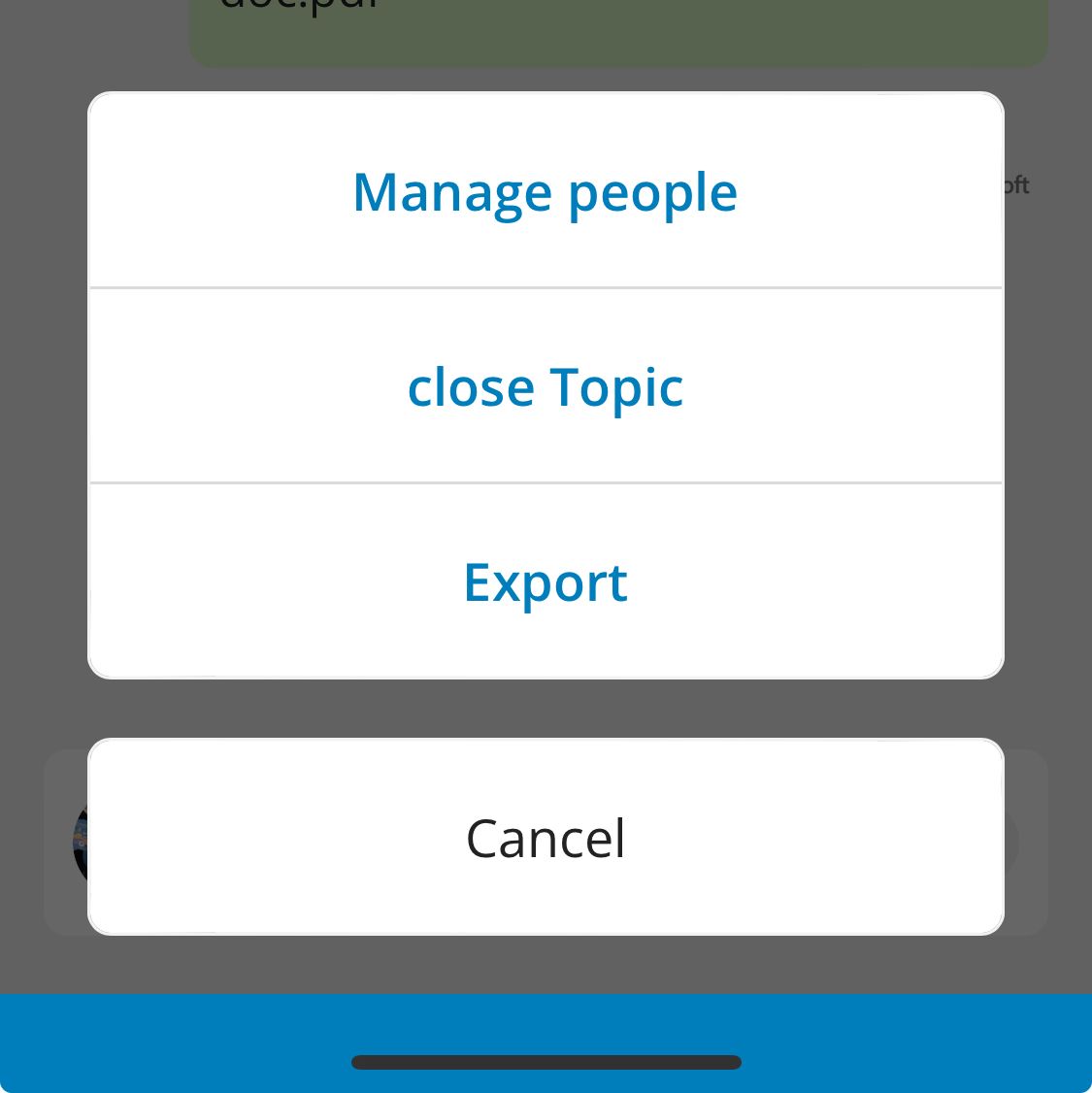
Within the Topic conversation, go to the ' menu ' at the top right. Tap ' Export '.
Receive email with export
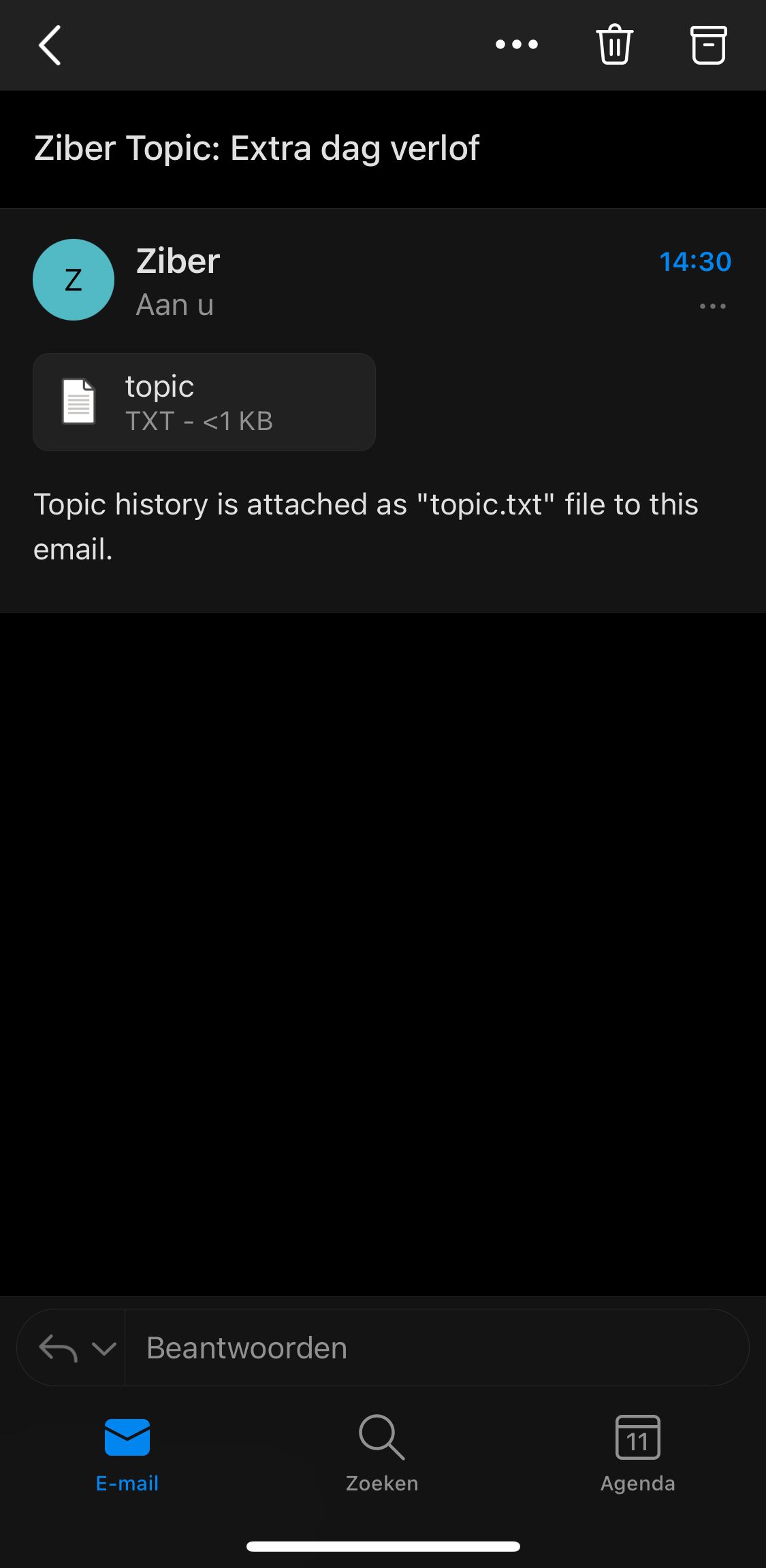
You will receive the conversation in the email. You will receive this email at the email address of your Ziber ID. The conversation is added as a text file in the attachment. In the file you will see the date and time and who said what.
Please note: The conversation in the export will be translated to the preferred language of the person who created the export.