What notifications are there in Ziber Team?
When a parent responds to your message or your duo posts a message to your group, it is useful to receive a notification so that you know something is happening in Ziber Team. This way you can easily stay up to date on everything that has happened since the last time you opened Ziber Team. Since there are different types of notifications, this article will explain them in more detail.
We distinguish 4 different types of notifications in Ziber Team
- Notification (or app notification)
- Badge notification
- Push notification
- Email notification
Below we describe the different notifications so you know what they do for you!
1. Notification (or app notification)
You will find the recent notifications from the school/daycare on your Ziber Dashboard (the home screen).
When you tap on the notification you will get more info and when you tap on the preview icon on the right (the arrow from the block) you will go to the related item attached to the notification.
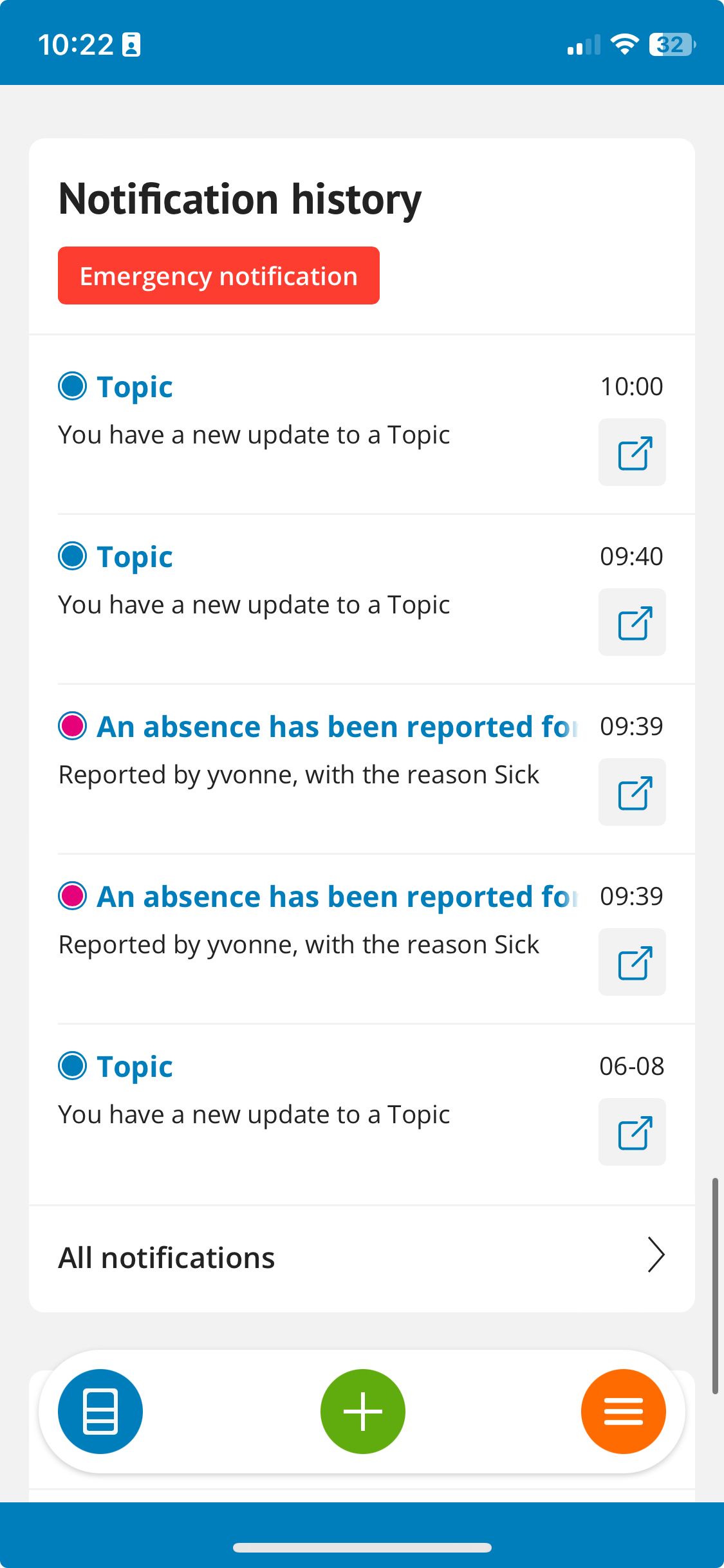
Tip: Are you active at multiple schools? Click on your profile picture in Ziber Team and choose 'all notifications' . View notifications from all organizations you are linked to. You can also filter the notifications here.
Emergency notification: Send an emergency notification when you have a short message that MUST reach all parents. All selected parents will receive a push and email notification.
2. Badge notification
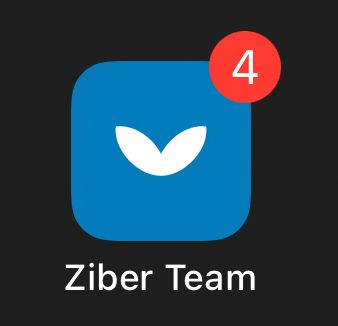
When you have unread app notifications in the Ziber Team app, a red dot will appear next to the Ziber icon on your phone, letting you know that there is something new to see in Ziber Team.
3. Push notification
Optionally, you can set an app notification to also be sent to your phone as a push notification. This way, you are actively informed about new notifications.
Tip: Want to turn push notifications on/off? .
Temporarily disable all push notifications via Do Not Disturb function ?
4. Email notification
Optionally, you can set that an app notification is also sent to your mailbox as an e-mail notification. This way, you are actively informed by e-mail when something new is visible in Ziber Team.
Tip: Want to turn email notifications on/off?
Temporarily disable all push notifications via Do Not Disturb function ?