Change password in Ziber Team
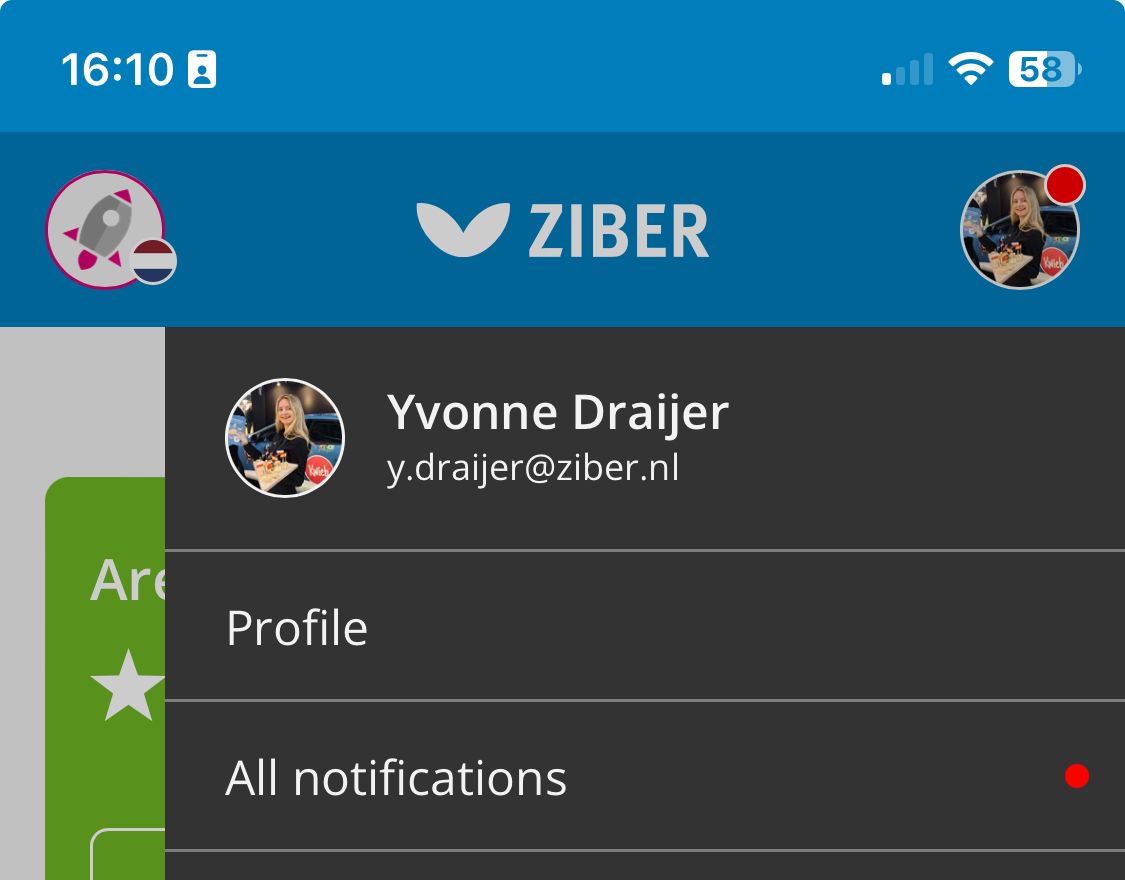
If you, as a teacher/school team member, want to set a new password for your account, you can easily arrange this in Ziber Team. To do this, go to your profile settings via your profile image at the top right of the screen.
Then tap 'Change profile' in the menu that appears:
Then choose the 'Change password' button at the bottom of the page:

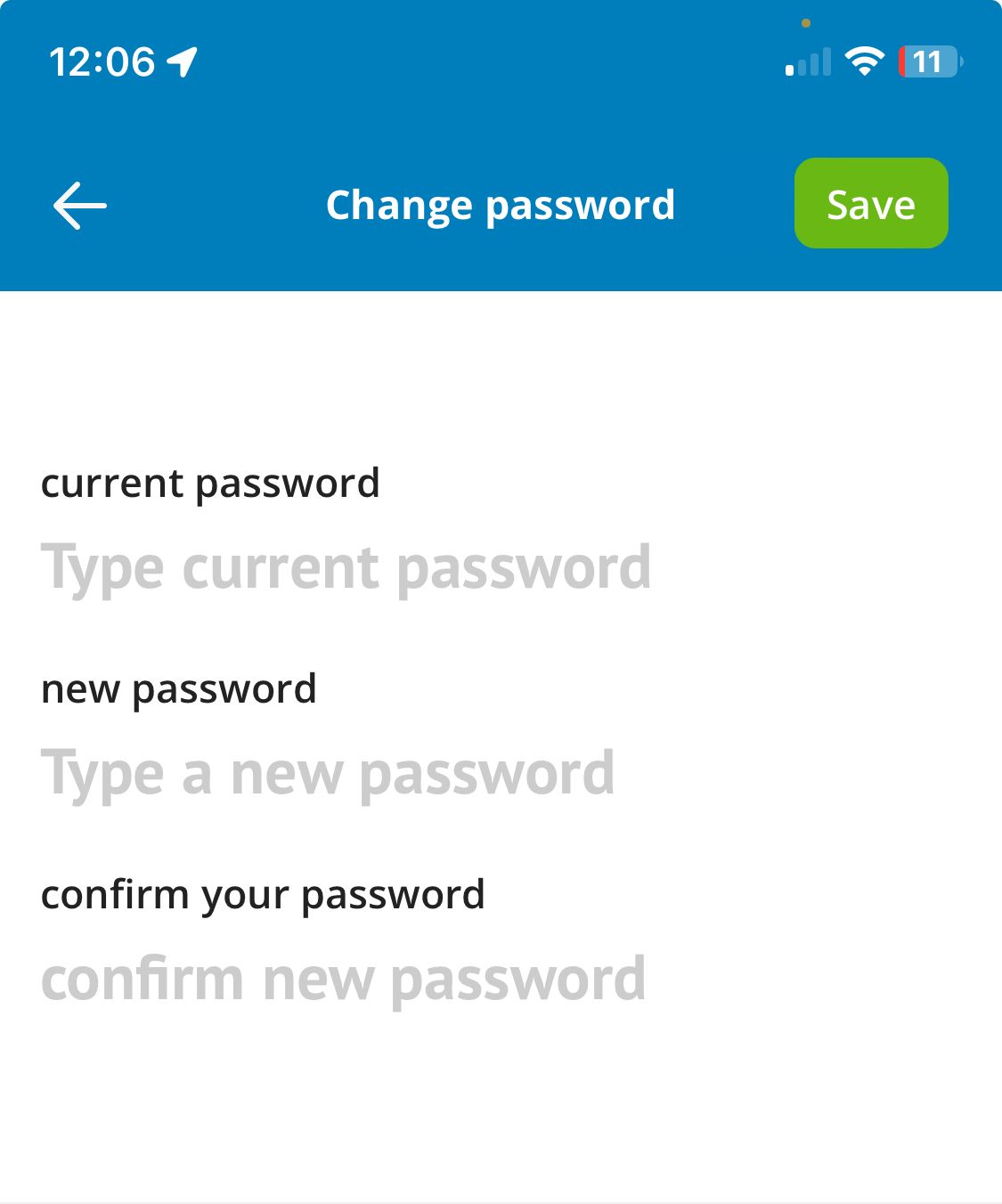
You can then change your password there, by entering your current password and then twice the new desired password. Then click on the green 'Save' button to change the password:
Password changed
You have then successfully changed your Ziber ID password. Everywhere on the Ziber Platform where you log in with the e-mail address of this Ziber ID, you can now use this password.