Tip: Share YouTube video with parents
Want to share a video larger than 512MB or share an existing YouTube video with parents? Then in this article we explain how you do that.
Share one (or more) YouTube video(s) in a few steps
- Open the Ziber Team app or go to gnap.ziber.nl
- Create a new message or edit an existing message (via the stylus or via the 'edit' button from the message preview)
- Press the YouTube button to paste the URL of the YouTube video (for example: https://www.youtube.com/watch?v=APWGopFXZBM ):
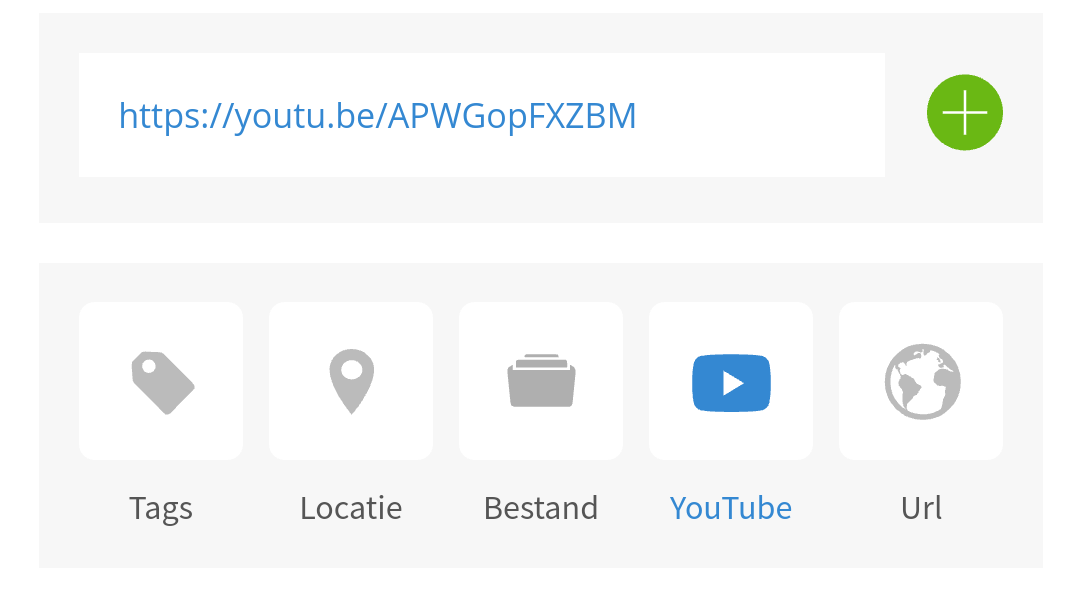
- Press the green + button to add the video
- The video appears above it (above the location box):
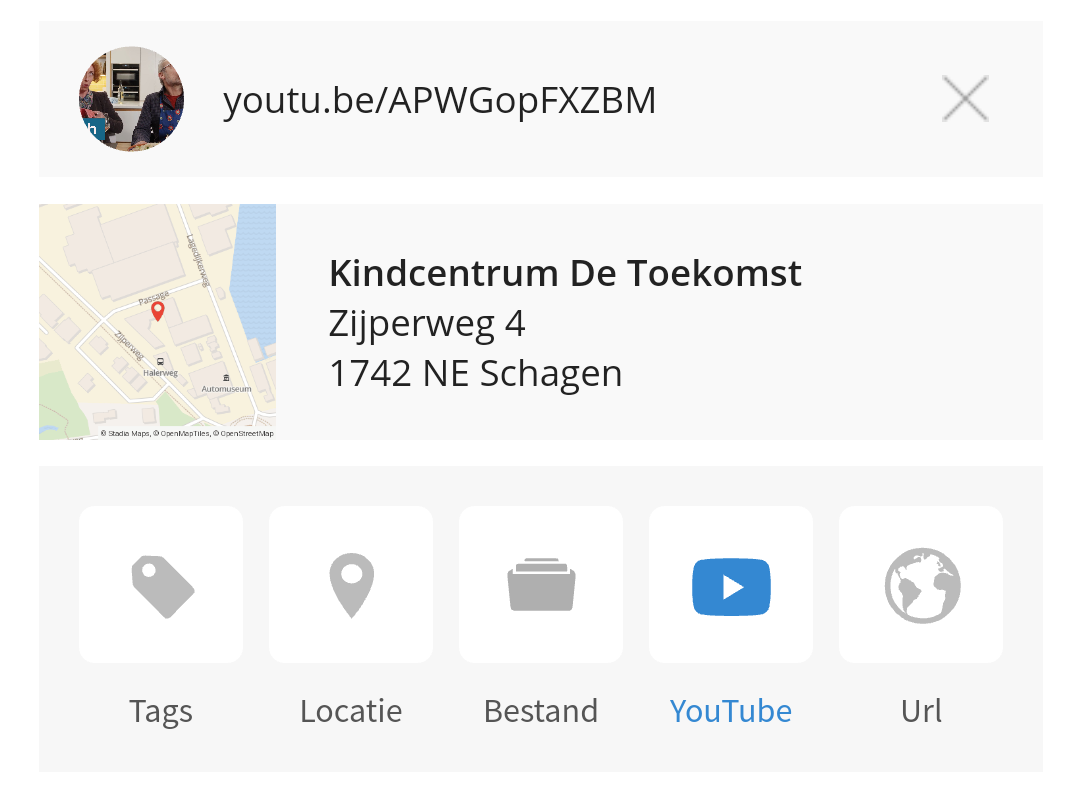
- Then press 'Save' at the bottom of the screen to publish the message or publish the change
- Finished!
Tip: Would you like to put your own videos on YouTube and share them with parents via Kwieb? Then create your own YouTube channel , add your videos there and mark them as 'Invisible' if necessary . Then share your new YouTube video to Kwieb as described above. This also works for hidden videos.
Added YouTube video to an existing post?
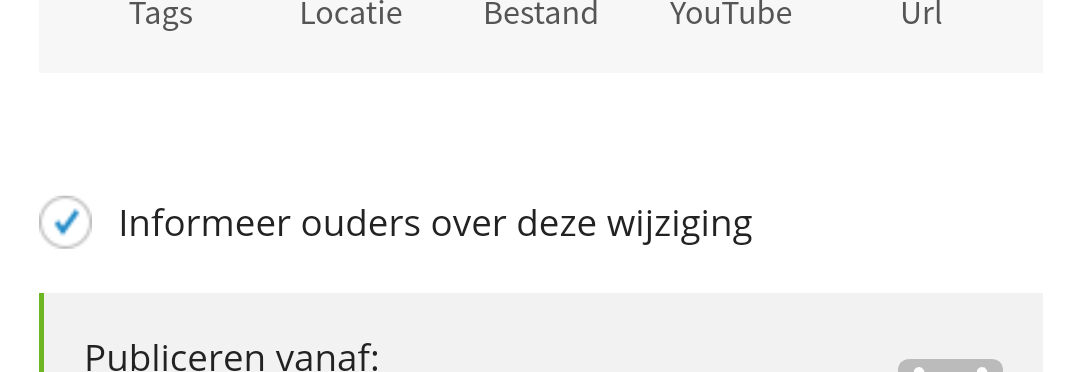
If you later added a YouTube video to an existing message (which was posted to Kwieb), it is possible to notify the parents about this change. When you add a video to a post that you had previously published, you can check (while editing the post) to 'notify' the parents so that they are notified of the change:
Tip: Want to know more about when a notification is sent to parents? View our explanation of the notifications .