Tip: Share video with parents
If you want to share videos with parents, it is best to do so by placing a video with a message. Parents will then see your video on the timeline in Kwieb and can easily play it.
Share a video in a few steps
- Open the Ziber Team app or go to gnap.ziber.nl
- Create a new message or edit an existing message (via the stylus or via the 'edit' button from the message preview)
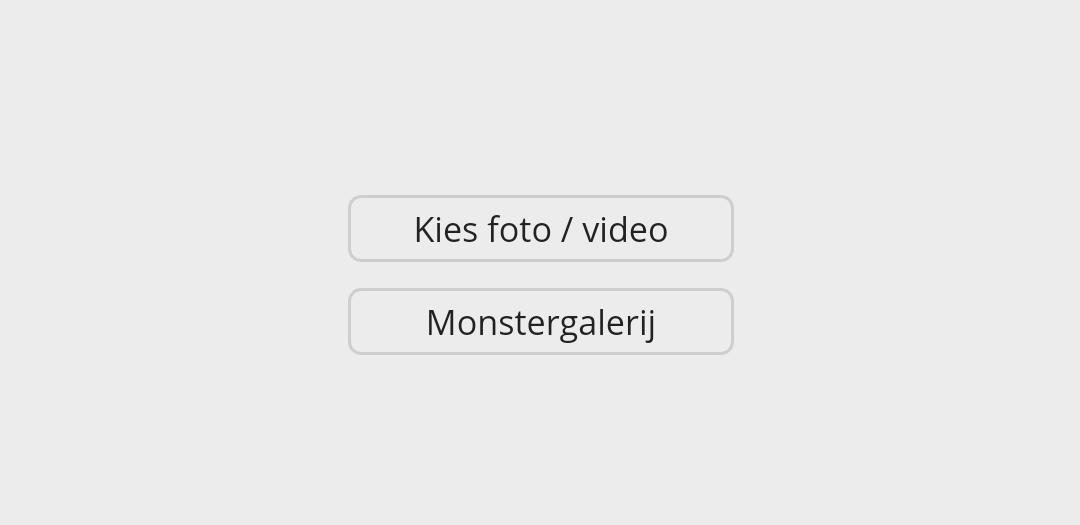
- Tap the 'Choose photo/video' button at the top of the message:
- Choose the video you want to add
Tip: A video can be a maximum of 512 Mb. Video larger than 512 MB? Check out our articles: Shrink your own video or use Youtube video . - Fill in all other fields (title, the message itself, etc) and finally tap the green 'Save' button at the bottom
- The video will now be uploaded - this may take some time (depending on your connection)
- Finished!
Tip: Video processing can take a while. Every video that is added to the Ziber platform must be processed, so that it can be played optimally in the Kwieb app or on the site/SenseView. Processing can take some time and in the meantime parents can't watch the video yet.
Video added to an existing post?
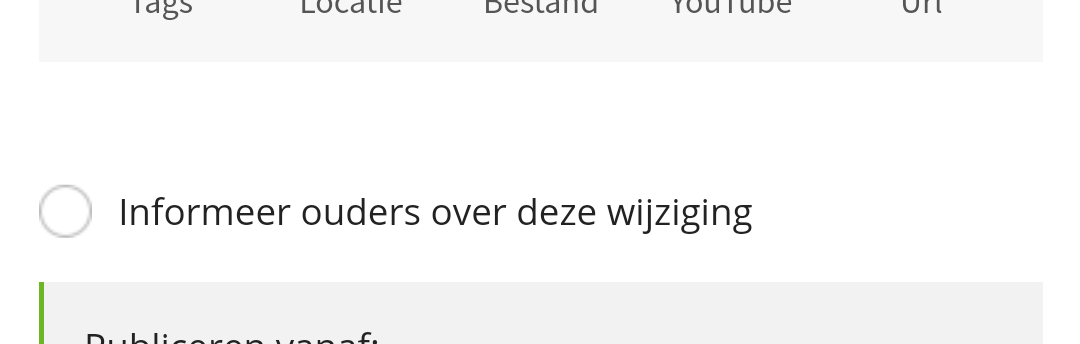
If you have added a video to an existing message (which has been posted to Kwieb) later, it is possible to notify the parents about this change. When you add a video to a post that you had previously published, you can check (while editing the post) to 'notify' the parents so that they are notified of the change:
Tip: Want to know more about when a notification is sent to parents? View our explanation of the notifications .