Add administrators
As a parent council, you can easily invite new administrators yourself, who will then also have access to Ziber Team.
How do I invite an administrator?
1. Click on the Invite button under administrators
2. Enter the email address
3. Pending
4. Administrator or admin
1. Administrators
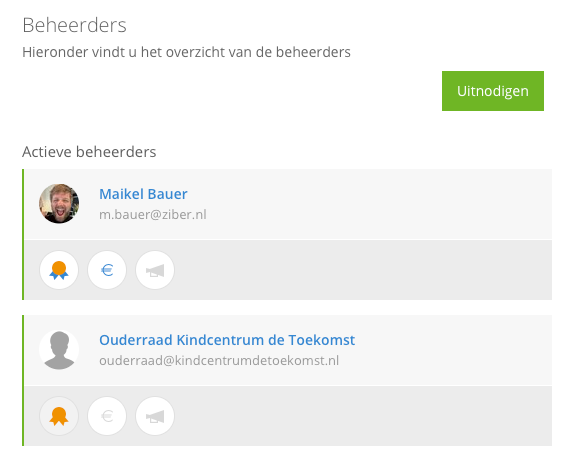
In Ziber Team, go to the administrators tab and click the invite button. If you don't see this button, you are not an admin (see gold badge).
2. Invite Admin
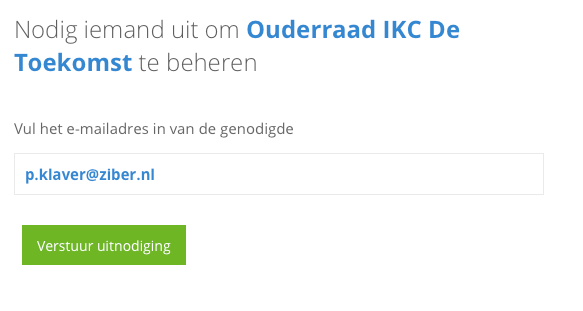
Enter the email address of the person you want to invite and press send invitation.
3. Pending
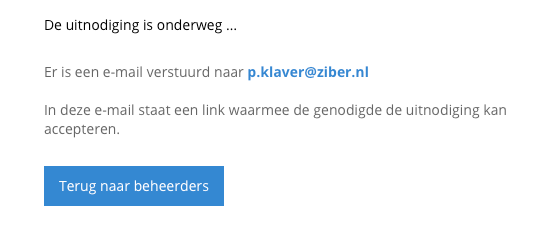
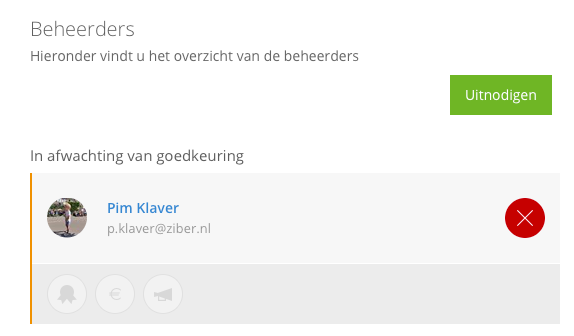
When you have invited someone as an administrator, they will be placed on hold until they have accepted the invitation. The bar then turns orange on the left.
4. Administrator or admin
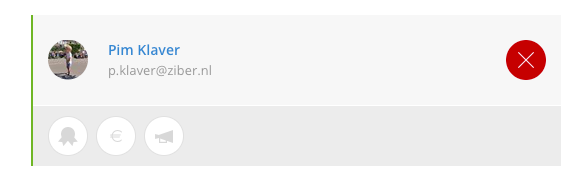
When the invitation has been accepted, the bar will turn green.
The person is now an administrator and can now log in to Ziber Team and send payment requests, write messages and create activities. An admin may also remove this person as an administrator.
When you make someone admin , they can also invite others for management.

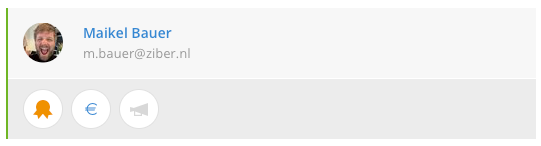
The person who is the main administrator has the same badge but with a blue ribbon.

The financial role is the one with the blue euro sign, which can adjust the company's financial data for sending payment requests. This does not have to be the root administrator.