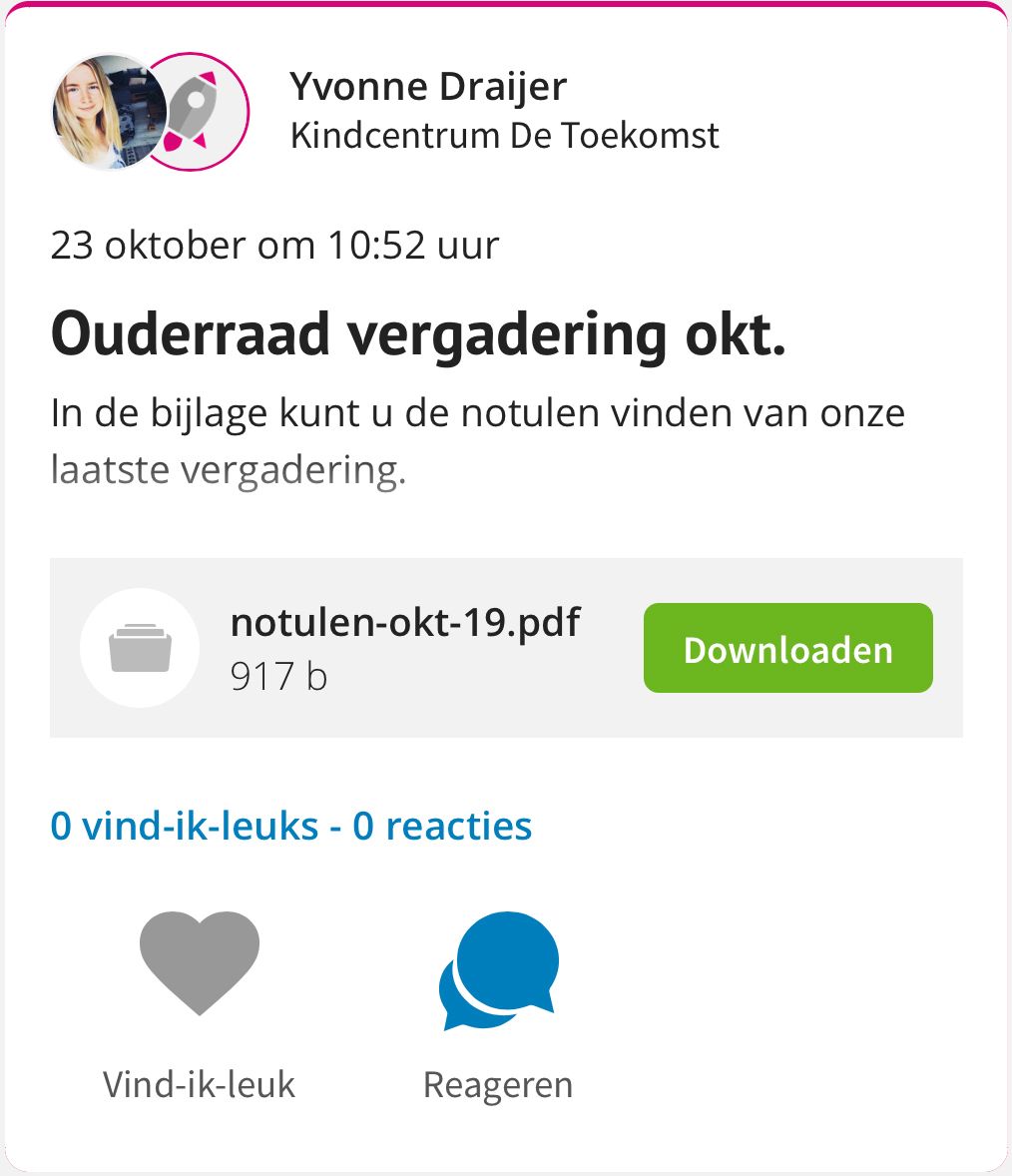
Add minutes to message
Sometimes you want to attach a file to a message. For the parent council, this can be, for example, the minutes of the last meeting. You can easily send it to the parents by adding it to a message.
How do I attach a file to my message?
1. Write the message
2. Click on file
1. Write message
Write a message as you normally would: title, description and possibly a photo.
2. Add file
Click the File button below the written message.

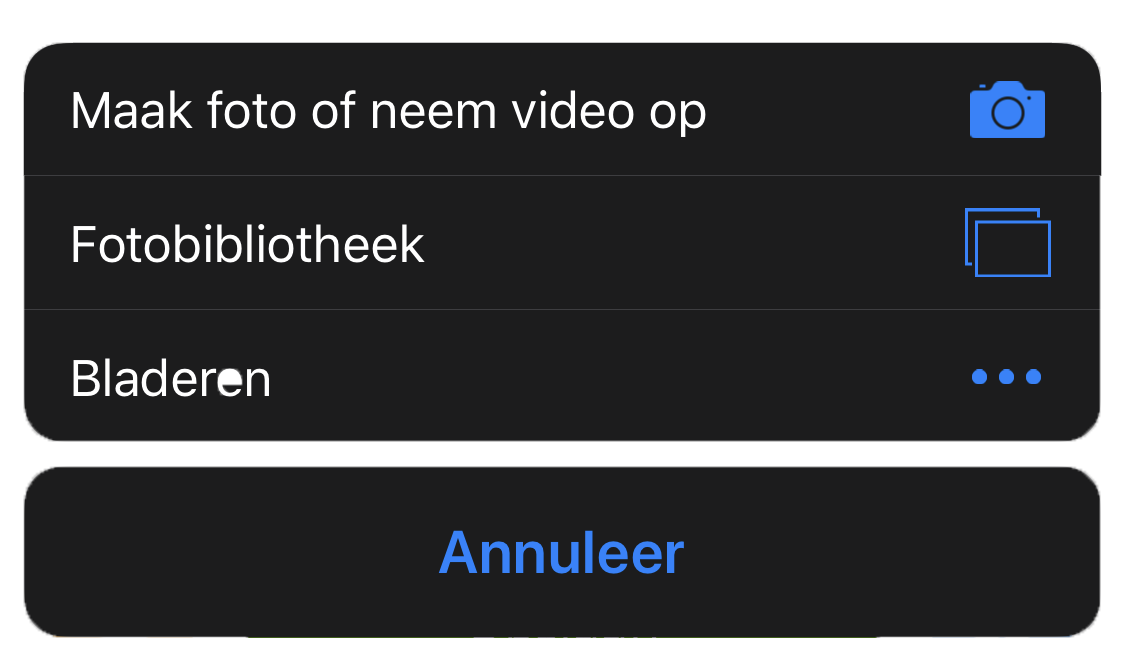
Your desktop or phone will now give you the options to choose a file.
The parent can now easily download the file with the message in Kwieb.