Post a message
How do I post a message as a parent council?
1. Write the message
2. Immediately or publish from a specific date
3. Share message with parents via Kwieb
4. Turn likes and comments on or off
1. Write the message
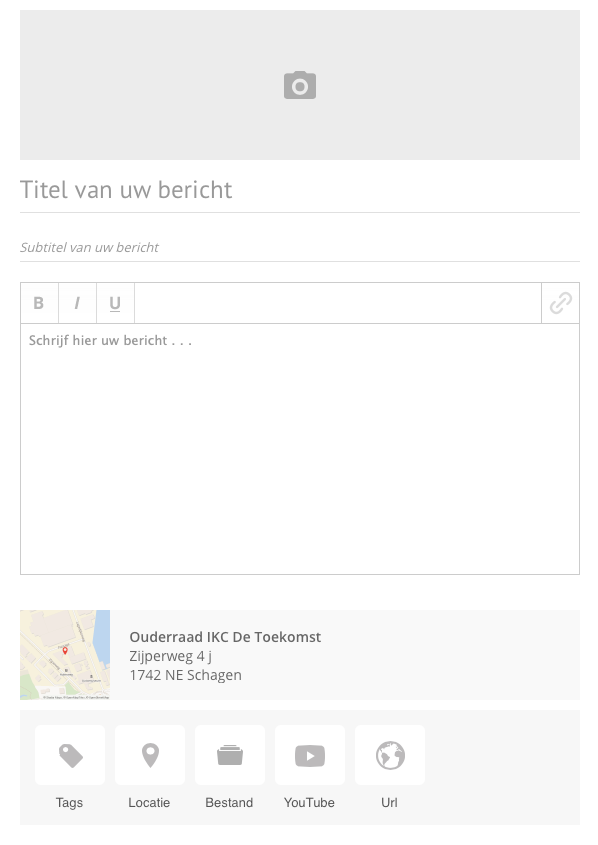
In Ziber Team, go to the Messages tab and choose new message.
Write your message, give it a title and a description and add links to your description if necessary.
You can choose to complete the message with:
- Tags
- Location
- File
- Youtube
- URL
2. Immediately or publish from a specific date
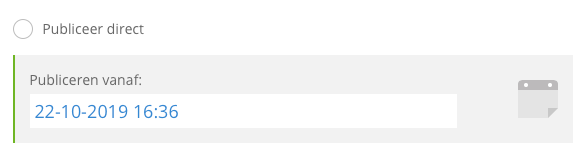
When can the parents receive this message? Choose to publish immediately when the message can go online immediately or choose a date.
3. Share message with parents via Kwieb
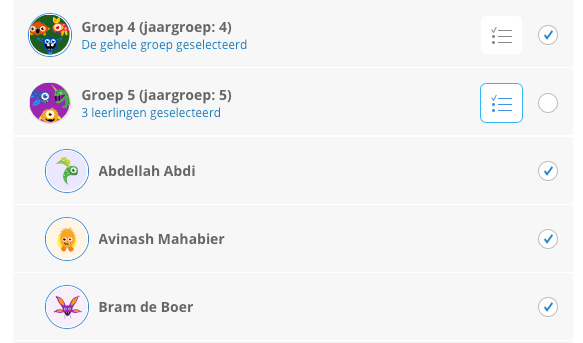
Share the post on the timeline of the Kwieb parent app. Choose to whom the message may be published. This can be for the whole school, groups or per individual.
4. Turn likes and comments on or off
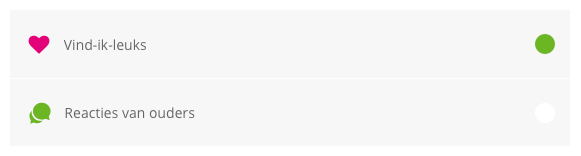
Can parents give a like? or are they allowed to comment below the post? Decide for yourself whether this is desired or not.