Overview of participants of my activity
When you have created an activity with a ' request for participation ' and possibly an ' open question ', you want to be able to see which parents are participating or what the answers to your open question are.
View number of participants
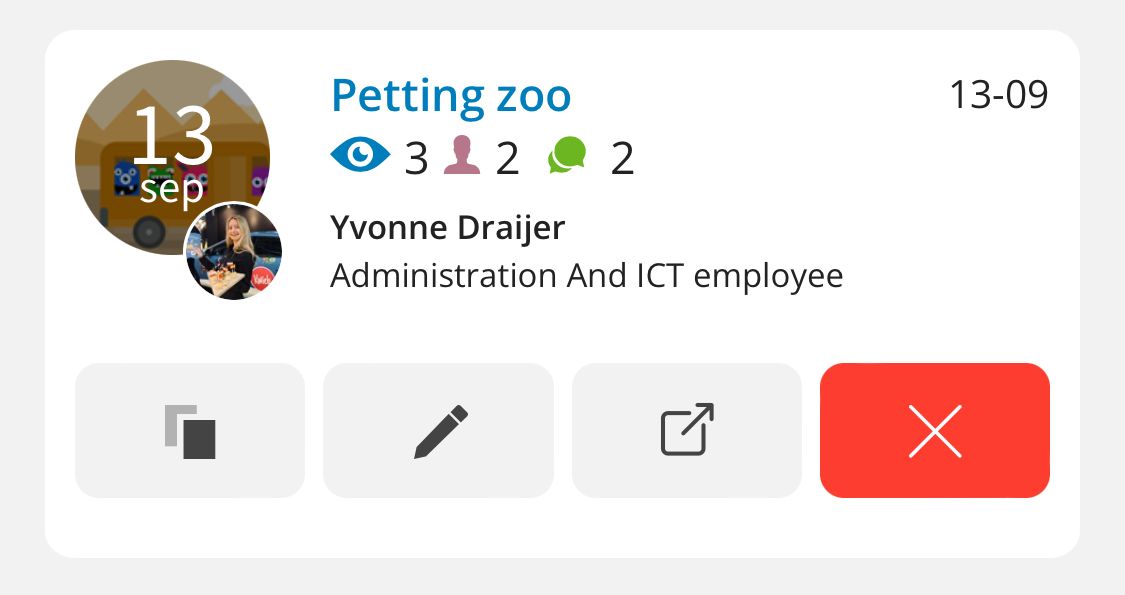
To get a clear overview of your activity, first search for the activity in Ziber Team and from the list tap through to the preview of the activity (via the square icon with an arrow coming out of it):
From the preview, tap through to the green ' Participants and Responses ' button (slightly below):
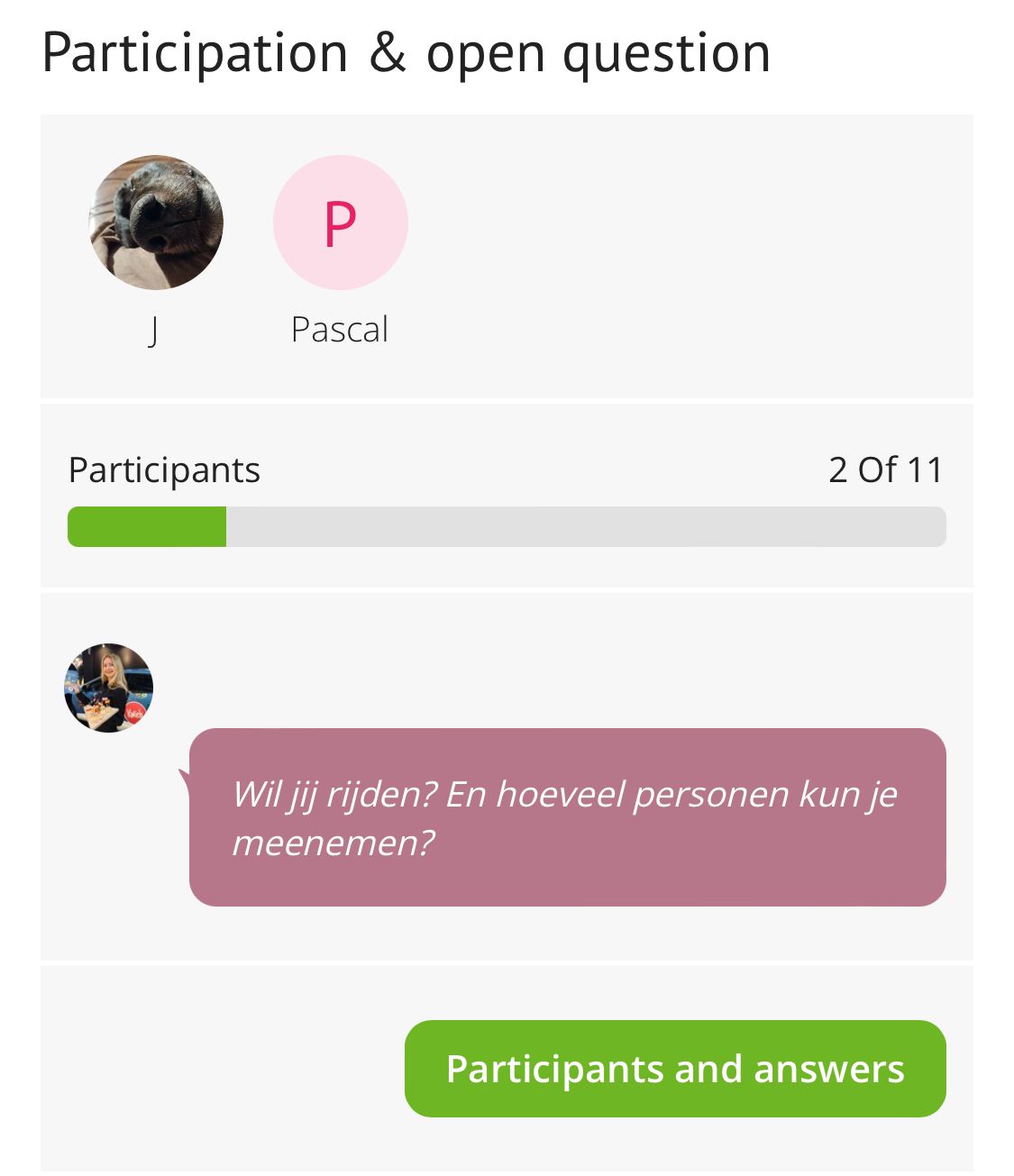
There the participants/parents will see (including any answer to an open question):
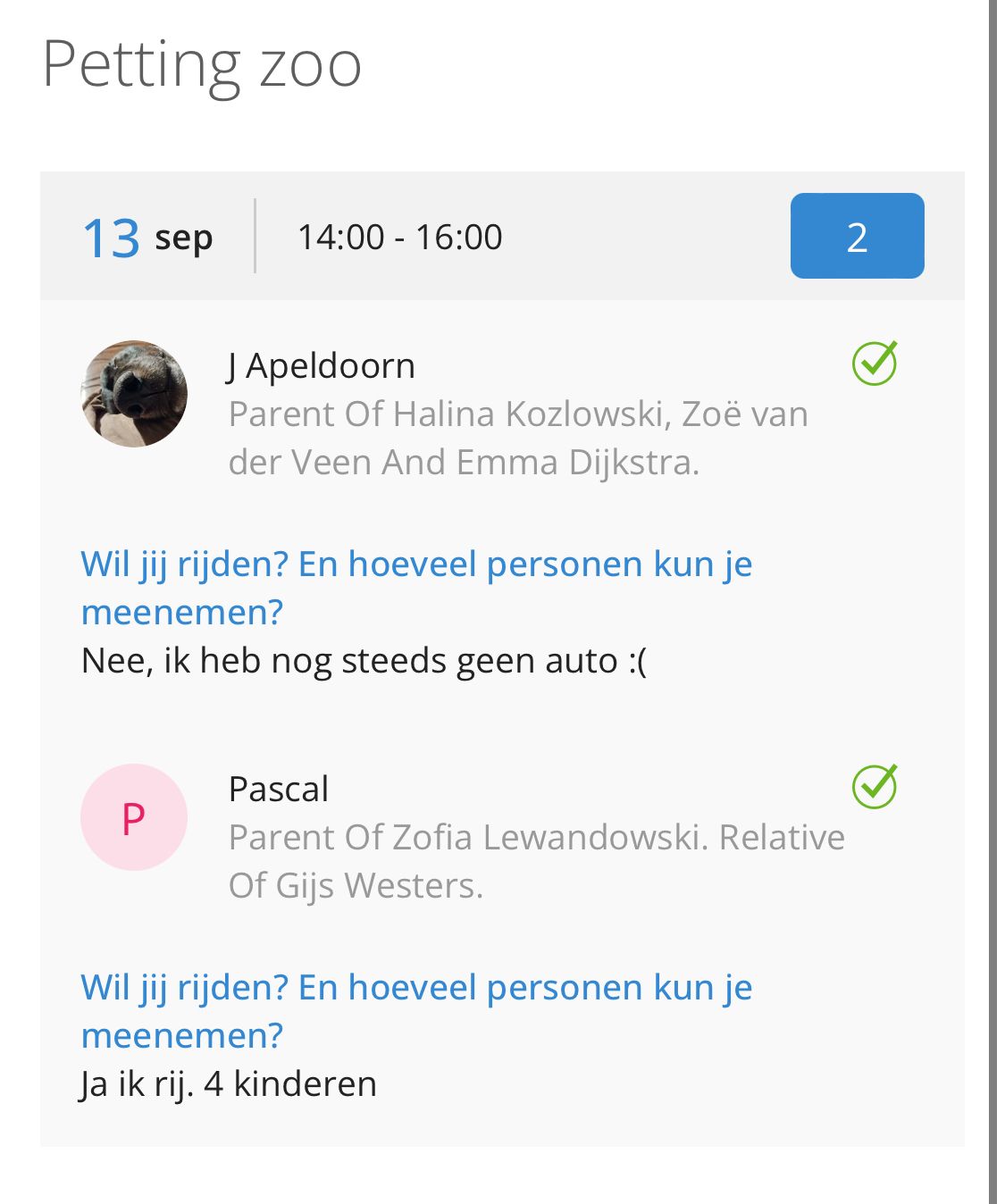
At the top right you can see the total number of participants in the blue box.
View answers
Participating parents who post a comment will also have a green check mark appear next to them.
The answers to the open question you asked will appear on the parent's screen.
(It may happen that the parent does not participate but has posted an answer).