I can't find my message when creating a newsletter
When you create a newsletter, you can select your messages to send. Here you can only choose 'current messages'. Is the message you want not listed (anymore)? Then it may be that it is in the archive. In this article we will show you how to solve this.
Select messages
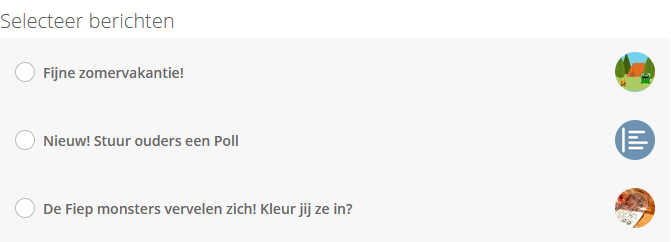
If your message is not listed, go to 'Messages' from Ziber Team. Here you tap the 'archive' button:
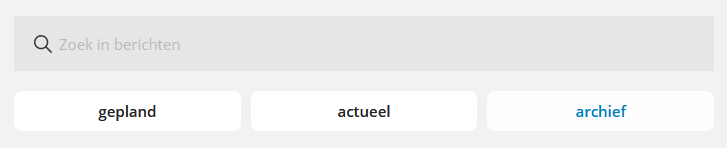
When you have found the message in archive, click on the pin to edit it.
When you check 'This message has an end date' and set the date to the future, the message will become 'current' again - and also appear in your newsletter list:

Tip: Want to know more about the messages? Check out our message support articles .