Add extra day
Watch our video explanation
After creating a call planner , you can add extra days to the days you have already chosen until the end of the registration period.
Add day
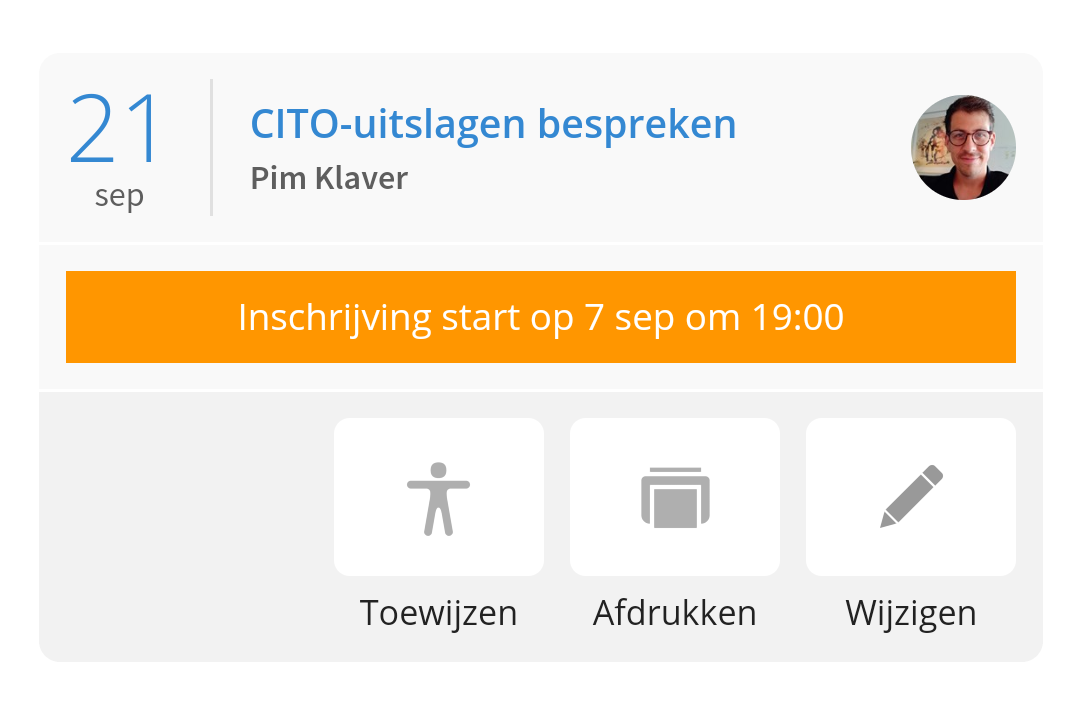
To do this, go to the call schedulers in Ziber Team, tap 'Edit':
There you go to the heading 'Dates and times'. If you tap it open, you can choose extra days there or remove days if you want (by tapping the blue selected days):
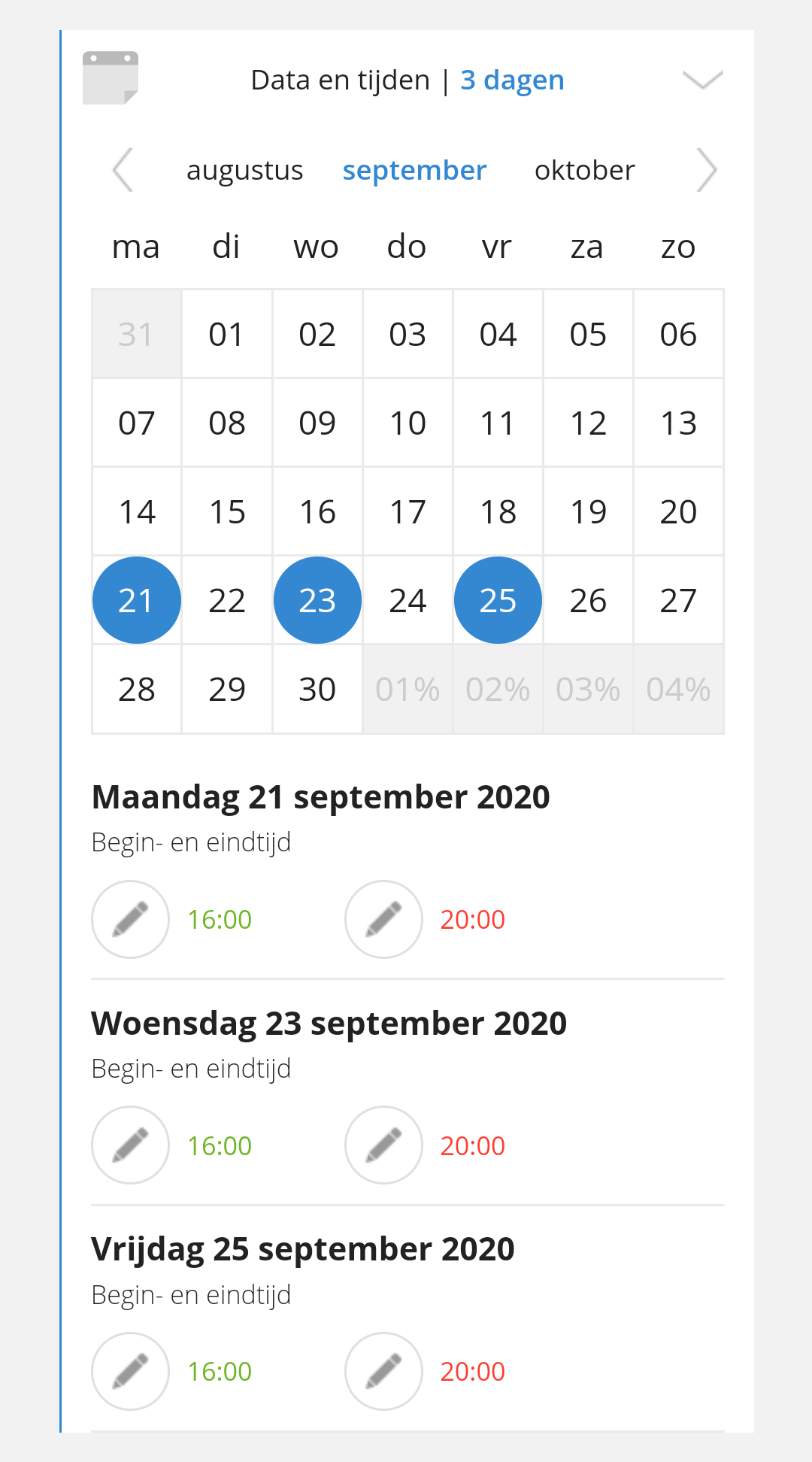
You can change the start and end time of each day you have added.
You can then save the changes at the bottom of the screen, so that parents can then choose the extra days in the Kwieb app!