Add extra timeslots to a day
Watch our video explanation
After creating a call planner , you can add extra timeslots to the days you planned until the end of the registration period ( adding an extra day is explained here ).
Add time slot
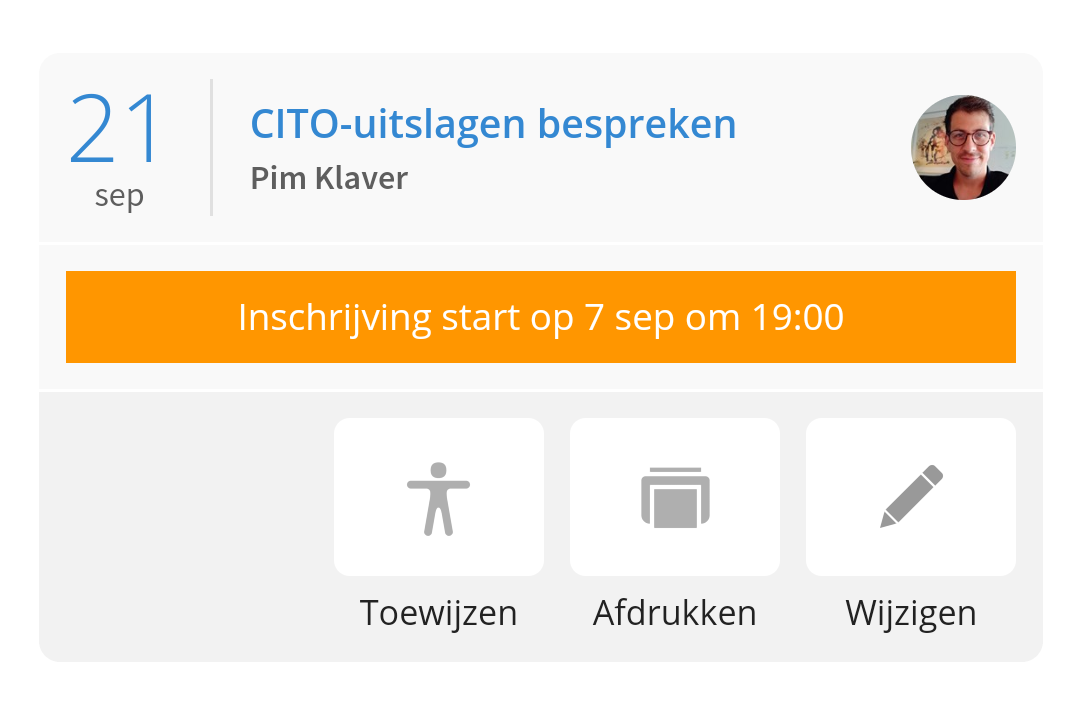
To do this, go to the call schedulers in Ziber Team, tap 'Assign':
Here you get an overview of all the days/timeslots you have created. You can add a time slot at the beginning of that day and at the end of that day via the 'green +':
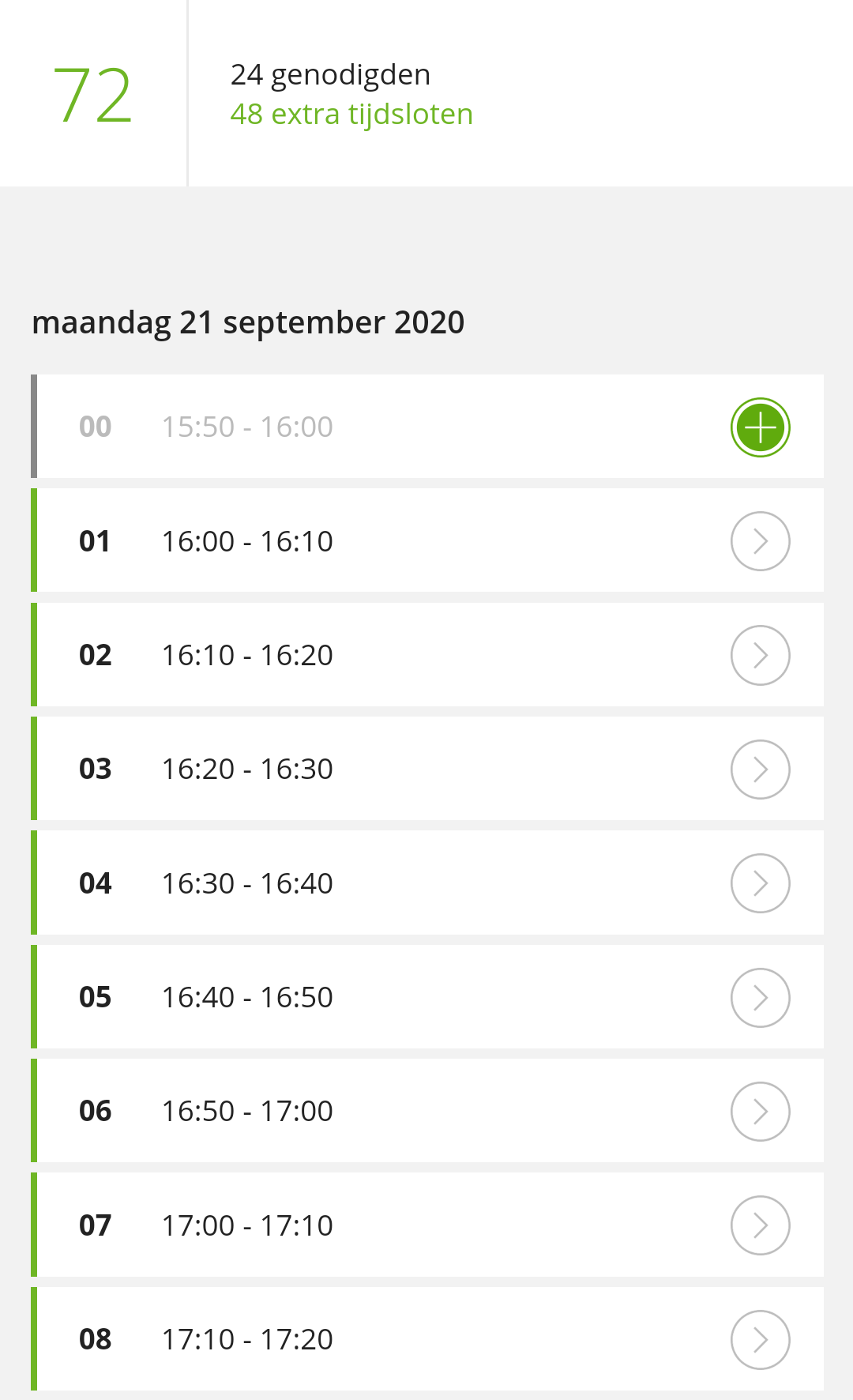
When you have added the timeslots, you can save them by tapping 'Save' at the bottom. These time slots will then be selectable for the parents in Kwieb (as soon as registration opens).