Tip: Share file(s) with parents
One of the possibilities in Ziber's messages is that in addition to YouTube videos , location, tags, and a website URL, you can also add file(s) to your message. This can be a PDF, WORD, Powerpoint or any other digital file.
Watch our video explanation
Share a file in a few steps
- Open the Ziber Team App or go to gnap.ziber.nl
- Find the message and open the message
- Press CHANGE
- Press the 'File' button and choose the file to add from the computer/phone:
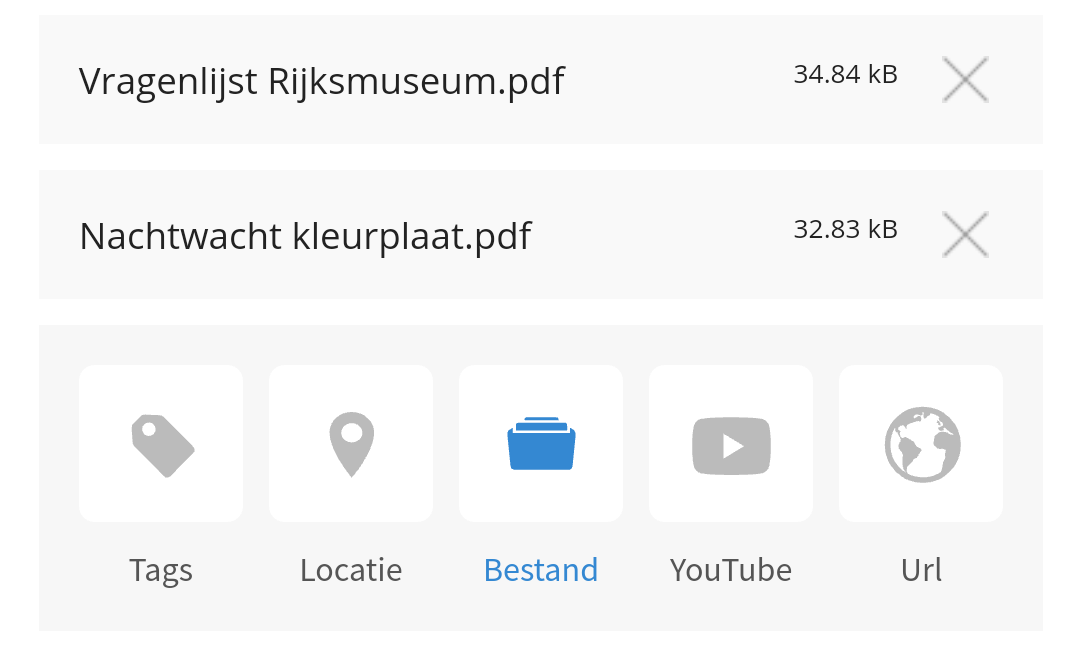
- You can attach multiple files to a message
- Finally, press the green 'Save' button
Tip: Make your files easy for parents to find. Give the file (before you upload it) a logical name (or use several words in the file name), so that parents can quickly find the file via the search function in Kwieb
Tip: When you add a file to a message that you had previously published, you can tick (while editing the message) to 'inform the parents about this change', so that they receive a notification of the change. See also our explanation about this .
Tip: If you want to share photos and videos with parents, it's better to do this via the photo/video option at the top of the screen with a message.