Change and disable payment request
When you have created a payment request , you can then make a number of changes.
How do I change a payment request?
1. Add/delete payment requests
2. Change payment request details
3. Deactivate payment request
1. Add/delete payment requests
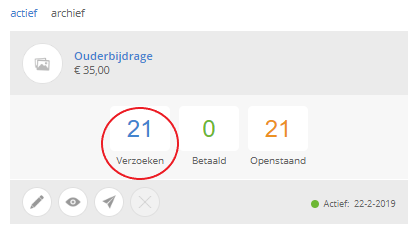
Click on the tile on Kwieb Payment Requests and go to the blue Request button. Here you see the children whose parents have received a payment request, you can check and uncheck children here. You can only uncheck children if they have not yet paid.
2. Change payment request details
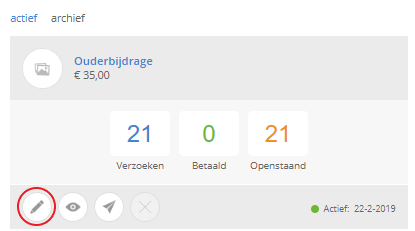
To change information within a payment request, click on the pin at the bottom left.
There are a number of parts you can change here:
- Photo
- Text
PAY ATTENTION! When the first parent has paid, you can no longer change the amount and the VAT rate.
3. Deactivate payment request
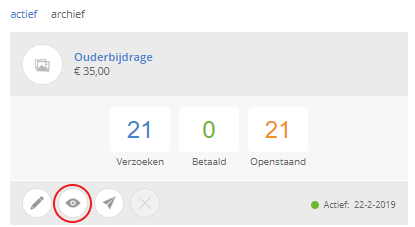
To deactivate a payment request, click on the eye, then confirm this by clicking Ok . The payment request can then be found under the archive button.
Do you also want to easily collect the parental contribution at your school?
Then look at edu.ziber.nl/ouder Contribution