Pay a payment request in Kwieb
Via the parent app Kwieb you can easily pay a payment request via your phone.
How do I pay for a payment request?
In short, go through these steps:
- You will receive a payment request at the top of the timeline in Kwieb
- You press the payment request
- Check the children and click on pay via Ziber Pay
- pay.ziber.eu opens log in with another account or continue
- Fill in your details and agree to the terms and conditions
- Choose your bank and pay as you are used to
- You will see a confirmation on the screen that it was successful
- You will receive an email from Ziber Pay confirming your payment
- The payment request is gone at the top of the timeline
The Payment Request
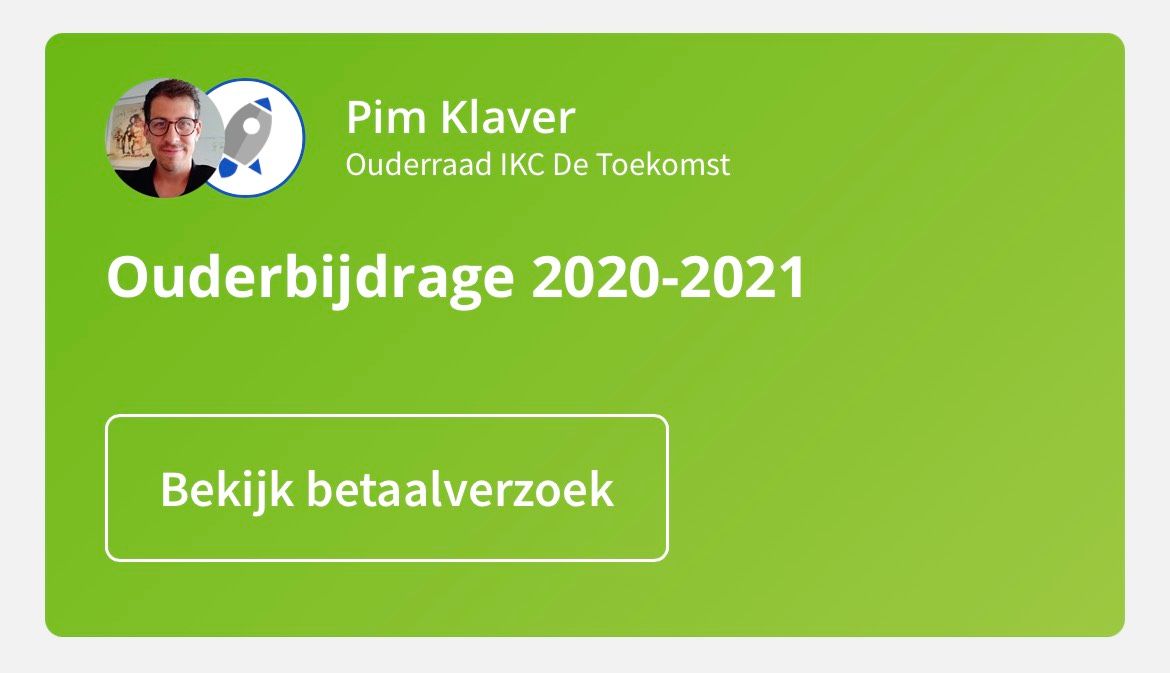
When the school or the parent council of the school sends you a payment request, you will receive it at the top of your timeline from Kwieb. You can recognize who made the payment request by the logo (in the example below the "Parent Council IKC De Toekomst"). Press view payment request to view all details of the request.
Select the children
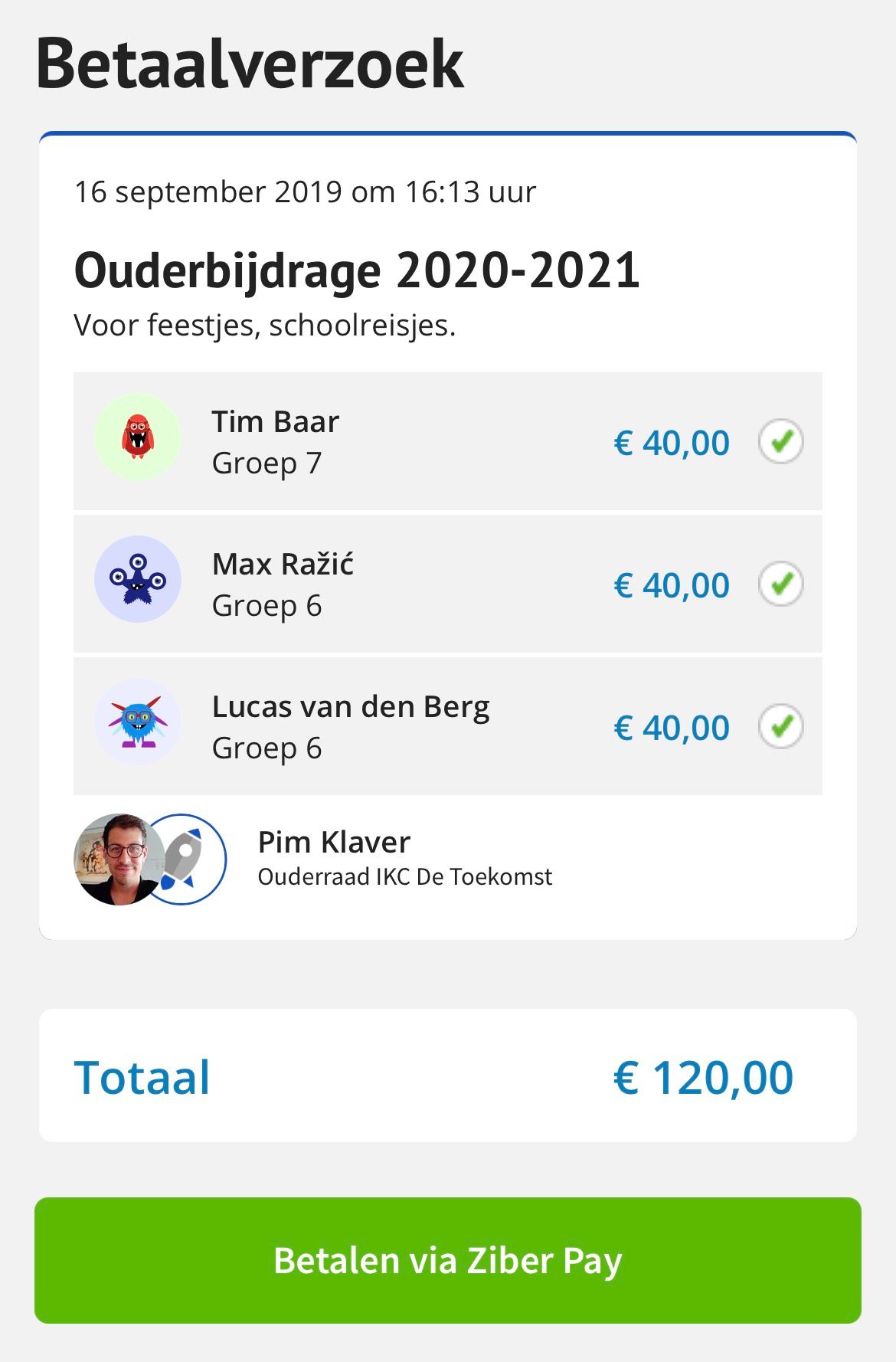
When a payment request concerns several of your children, you can select for which children you want to pay the payment request. The total amount is calculated and you then press "Pay via Ziber Pay" to pay the amount.
Payment Process
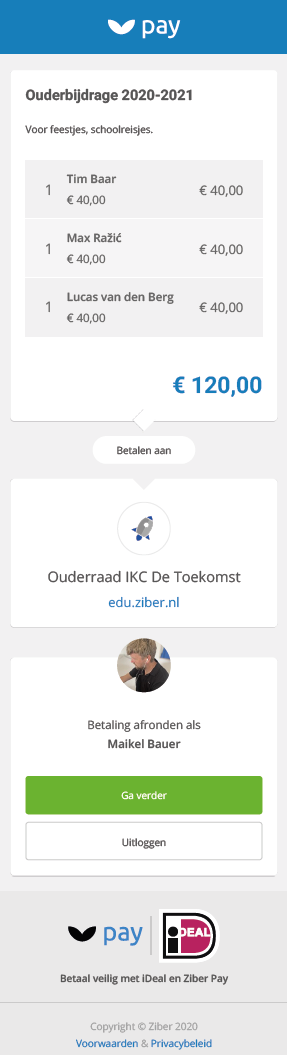
You then leave the Kwieb app and are redirected to a Ziber Pay website (pay.ziber.eu) where you can complete the payment. Here you check all the details, agree to the payment terms and choose your bank before starting your banking app.
Confirmation
When you have successfully completed the process and the payment was successful, you will receive a confirmation on the screen in Kwieb AND you will receive an email that the payment was successful.
Tip: When you start the payment process but close it again before the payment is successful, the payment request will disappear at the top of the timeline. After about an hour it will be back on your timeline and you can try to pay the payment request again.