Create and send payment request
With Ziber and the parent app Kwieb, the parent council can easily send payment requests to the parents of groups of children.
How to send an online payment request?
1. Click on the new button at the Kwieb payment requests
2. Enter the details
3. Activate payment request
4. View payment request
1. Kwieb payment requests
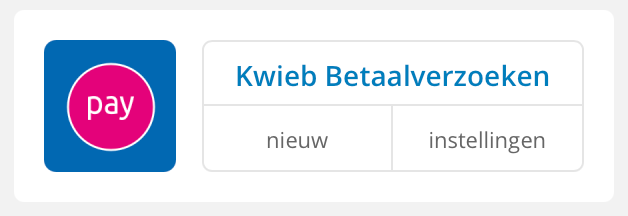
In Ziber Team, on the Kwieb Payment Requests tile, click the new button
2. Enter data
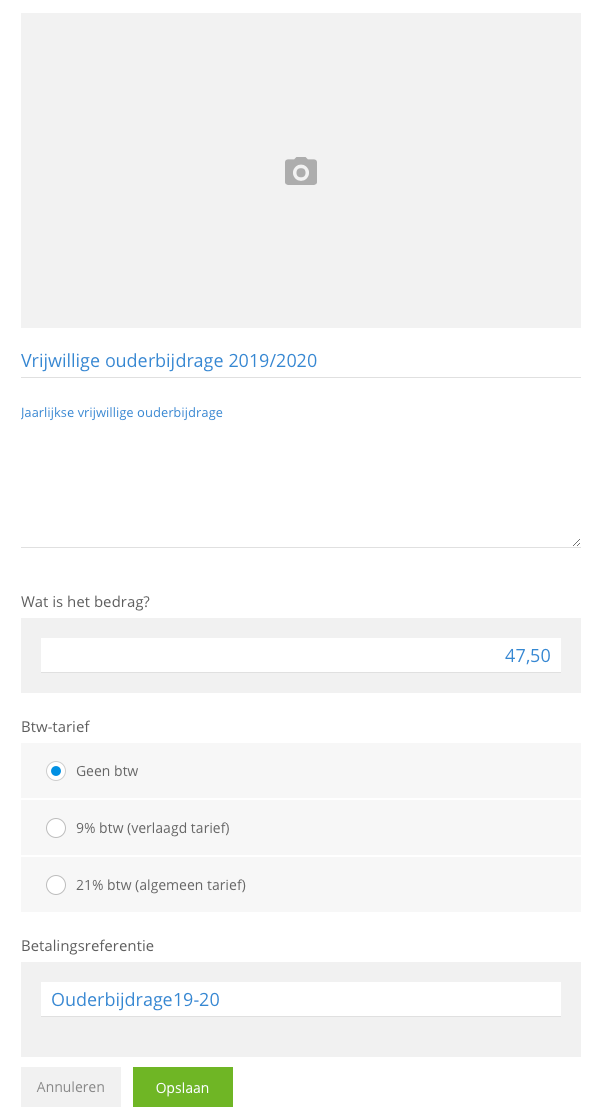
Fill in the requested information
- You can add a photo
- Payment request title
- Description
- The amount per child
- Possibly a VAT rate
- Payment reference
To create the payment request, click on Save
3. Activate payment request
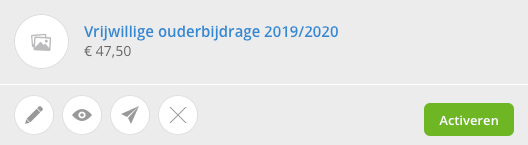
The payment request has been created, to send it it must be activated, click on the green activate button.
Select who you want to send the payment request to. This can be an entire group, then click on select all . You can also send a payment request to one or more individual children. Above you can see how many students you have selected.
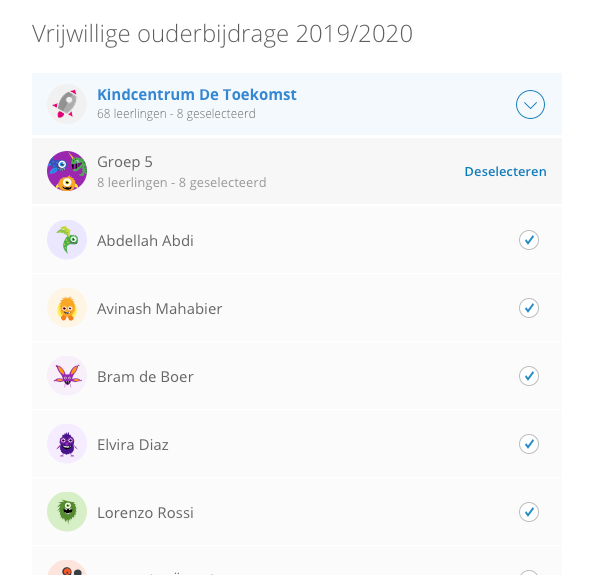
When you have selected the students, click on activate . The parents will now receive a notification in the Kwieb app. Curious what that looks like in Kwieb? View the payment request in Kwieb here.
4. View payment request
Your payment request has been created and sent. This can be viewed under the Kwieb Payment Requests tile.
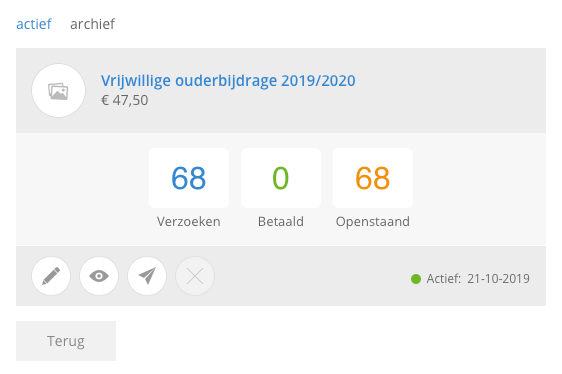
Change payment request
You can still change the payment request until the first parent has paid, after which this is no longer possible. The only thing you can do is turn it off via the eye icon so that it is no longer shown in Kwieb.
BLUE: Add or remove requests
By clicking on requests you can always add or remove new students (unless they have already been paid, a gray check will appear).
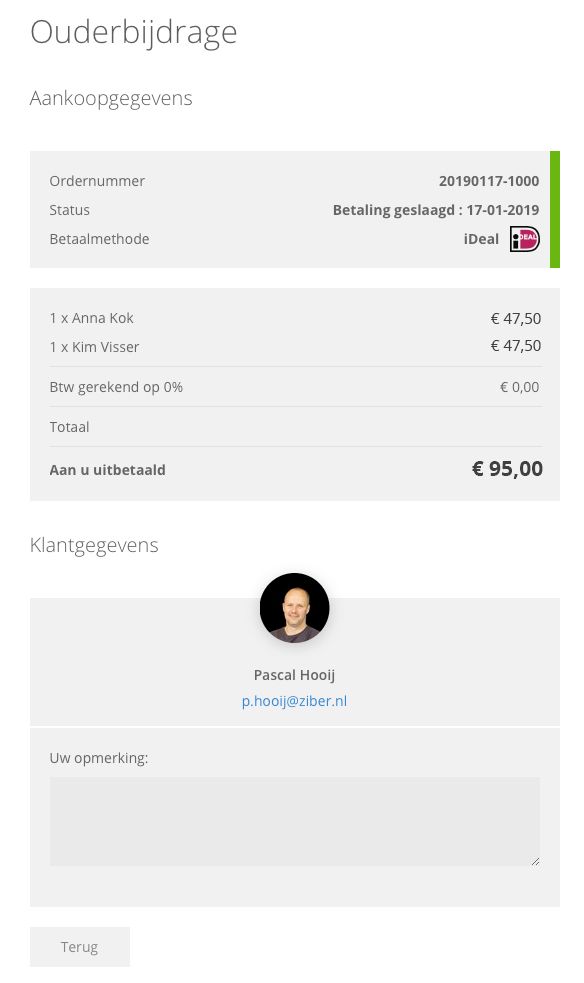
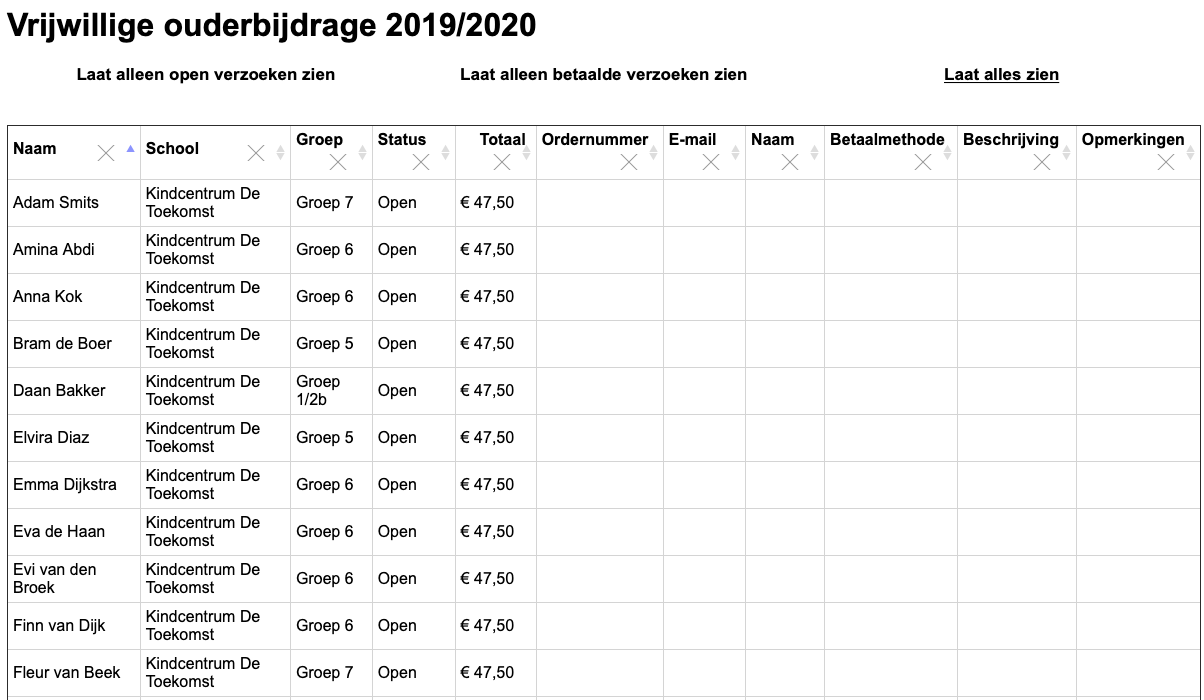
GREEN: Paid
When a parent has paid, it will be shown under the green button. Here you can view the details of the parents who have paid: order number, when paid, payment method
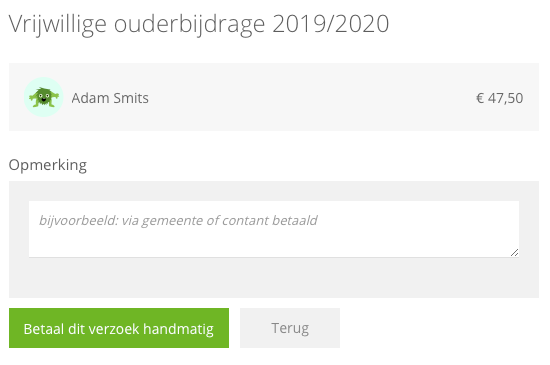
ORANGE: Open
View here for which students the amount is still outstanding. Parents may want to pay in cash, here you can click on pay this request manually. You can add a comment here if you wish.
It is also possible to send the outstanding parents a reminder from the overview. This is often not necessary because the payment request in Kwieb remains at the top of the timeline until it is fulfilled.
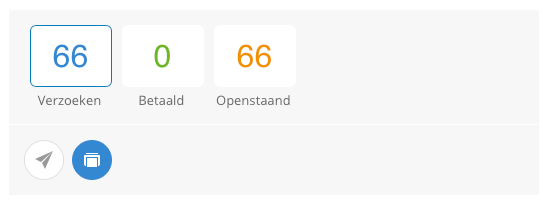
TIP! Simply print the entire overview by clicking on the printable list with the payment request.
Do you also want to easily collect the parental contribution at your school?
Then look at http://edu.ziber.nl/ouder Contribution