Create a repeating activity
If you have an activity that occurs several times on a different date, you can easily make it a repeating activity.
To add a repeating activity, from Ziber Team main menu, click on 'new' under the 'Activities' heading.
For adding one-time activity , you can follow this article .
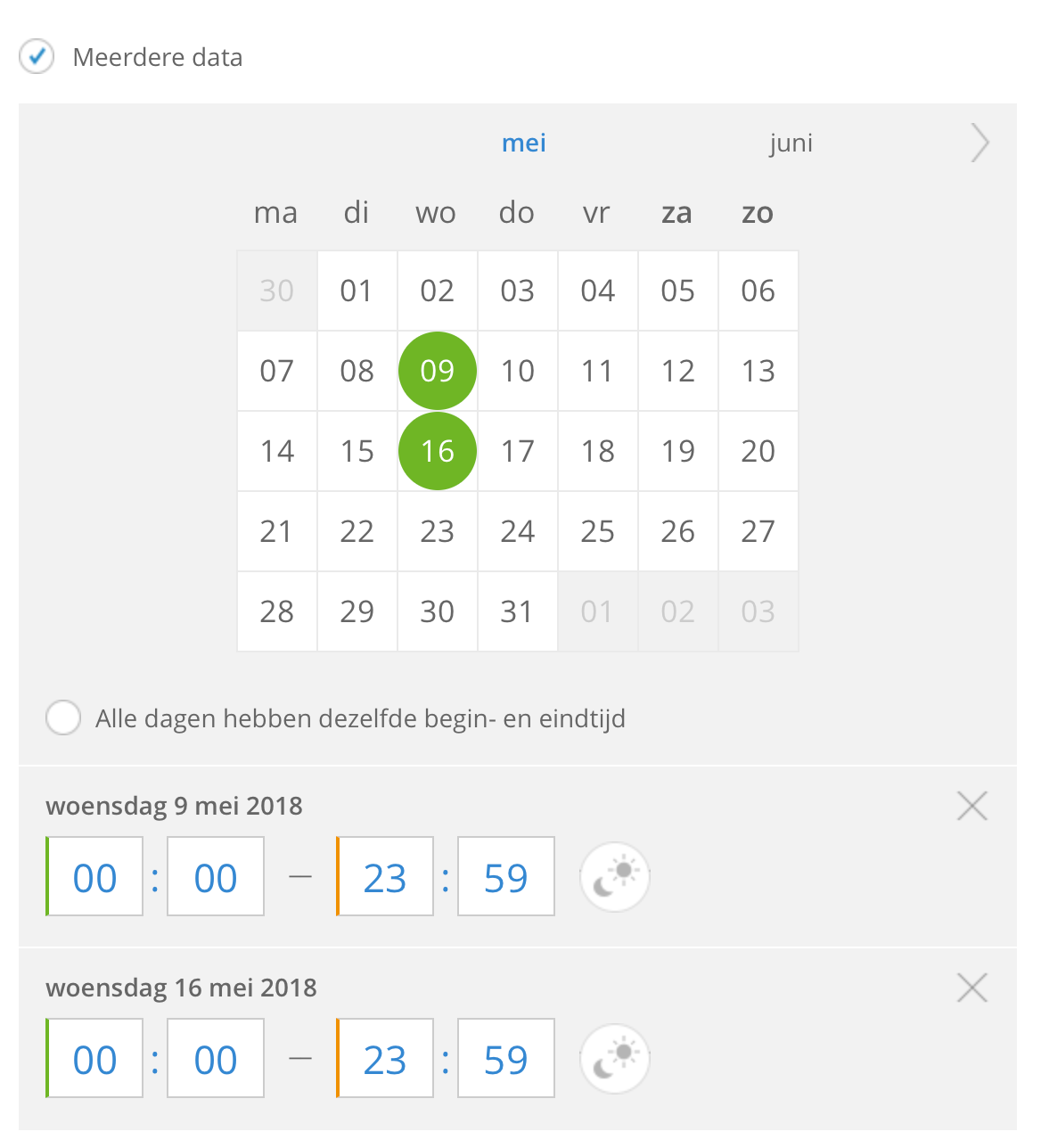
- Check the option: ' Multiple data '
- In the date picker that appears, choose the dates on which your activity will take place.
- A list of the dates you selected will appear below the date picker.
- Choose the start and end time for each date or activate the option: 'All days have the same start and end time'.
By selecting the day/night icon behind a date, the whole day applies.
You can delete a date by clicking on the cross next to the date. - Fill in all fields of the activity as you can read in the article 'Add new activity' .
- Click save to publish your activity.
NB! Ziber Pay is not available for repetitive activities.