Create photo album
Do you have large numbers of photos that you want to share with the parents? Then sharing a photo album is the most convenient.
Create a new photo album
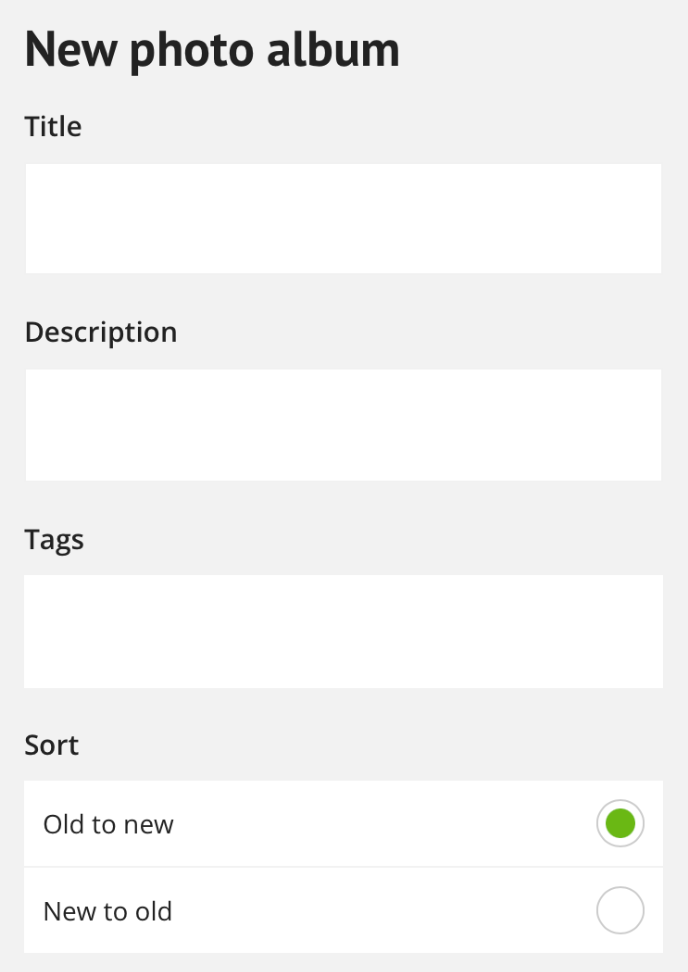
Go via the orange menu > photo albums here you can create a new photo album.
Give the photo album a:
Title
Description
tags
Determine the sort
Share this photo album
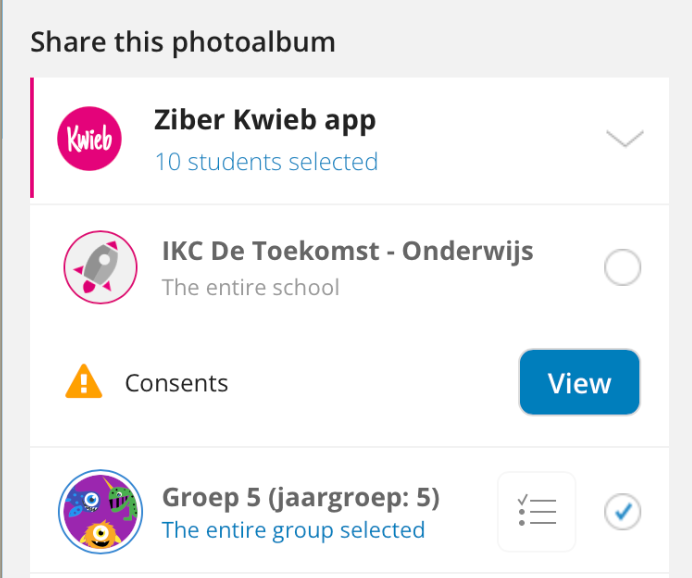
You can share the photo album with the parents from the Kwieb parent app. You can share the album with the whole school, a group or even select a specific number of students. It is also possible to share the photo album with the Website, Schooltv (SenseView) or Ziber Api (if you use it).
Tip: When sharing photos, check permissions first.
Tip: When you go to the photo album list, you can change the settings for each album.
Upload your photos
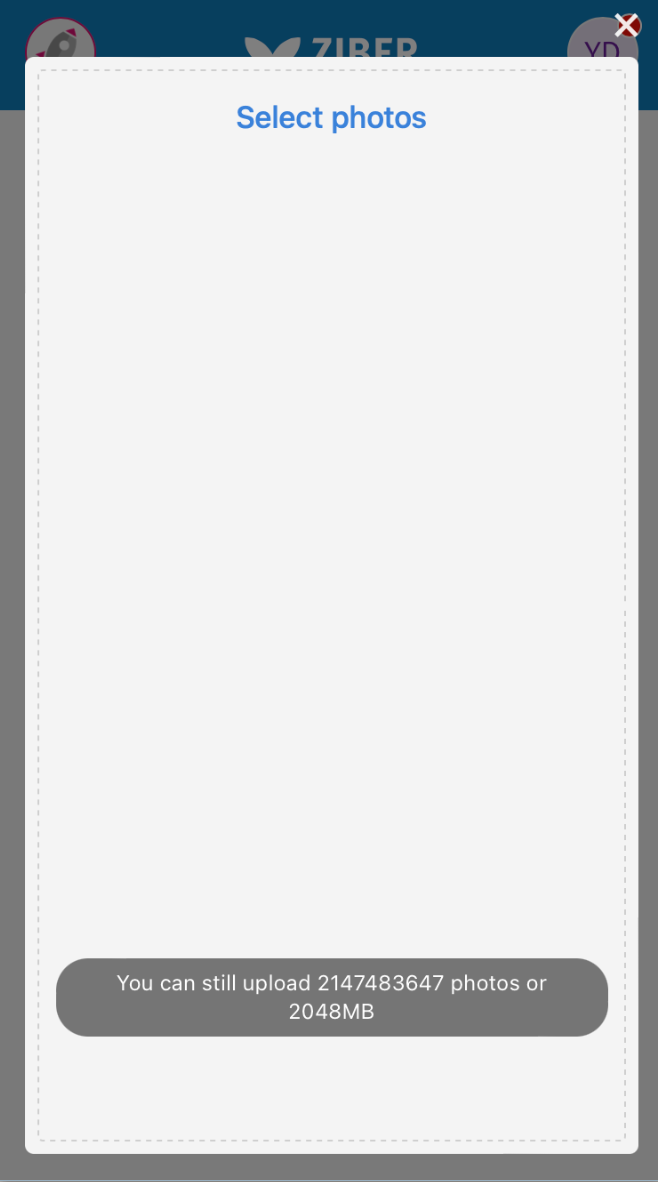
Upload photos directly from your phone, tablet or desktop. You will also see how much space you still have available.
Manage photo album
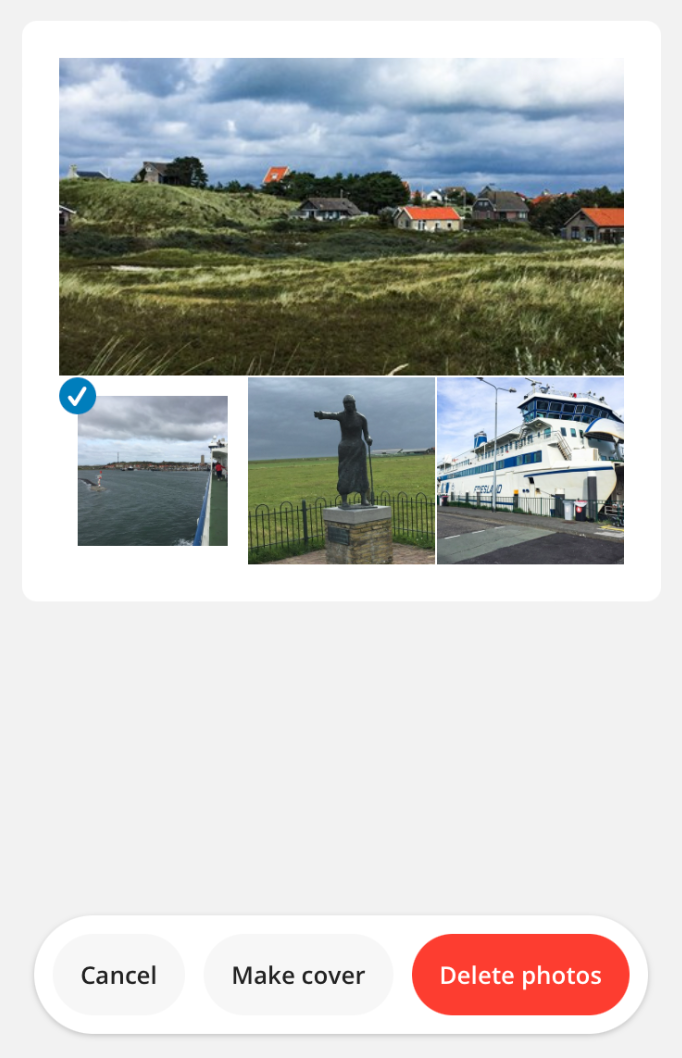
When the photos are uploaded you can add more photos, select photos and delete photos. You can also select a photo as the cover of the album.
Tip: Other team members can also upload photos in the same album, so you can immediately collect all photos.
View/download photo
By tapping on the photo you can view the photo enlarged and possibly download it.