Turn off parental comments
When you have published a message to Kwieb, parents can give it a 'like' or post their comment below if you have enabled these options . As a teacher, you will receive a notification for every comment (this can be turned off optionally) and you can then also post a comment yourself via Ziber Team.
Turn off comments
As a member of the school team, you are always in control via Ziber Team. So you can turn off the comments under a message at any time. When you do this, all comments from parents will immediately disappear in Kwieb and no new comments can be posted. You do this like this:
- Go to Ziber Team
- Find the message in question
- Tap the CHANGE icon, which will allow you to edit the message
- Scroll all the way down and make the circle gray under 'Responses from parents'
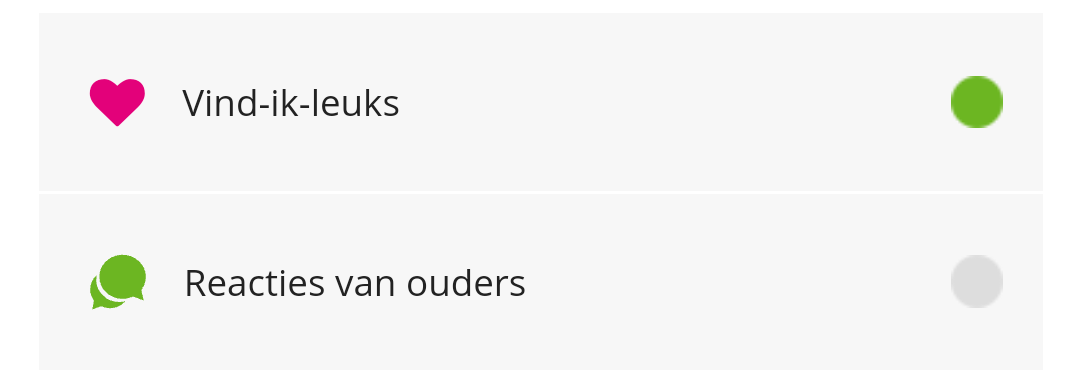
- press the 'Save' button and the reactions in Kwieb are now turned off
Tip: It is not possible to specifically delete one comment from a parent.