Insert a pause (block time slots)
Watch our video explanation
Both during the creation of a call planner and at a later time, you can insert a pause between all calls yourself.
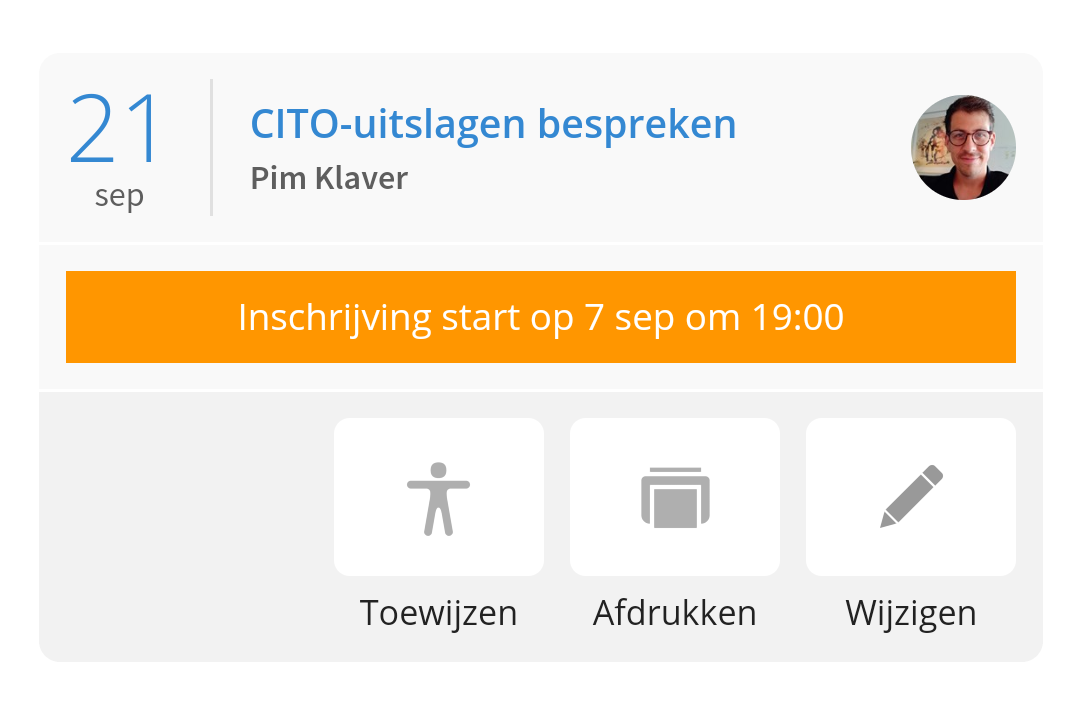
To do this, go to the call schedulers in Ziber Team, tap the 'Assign' button:
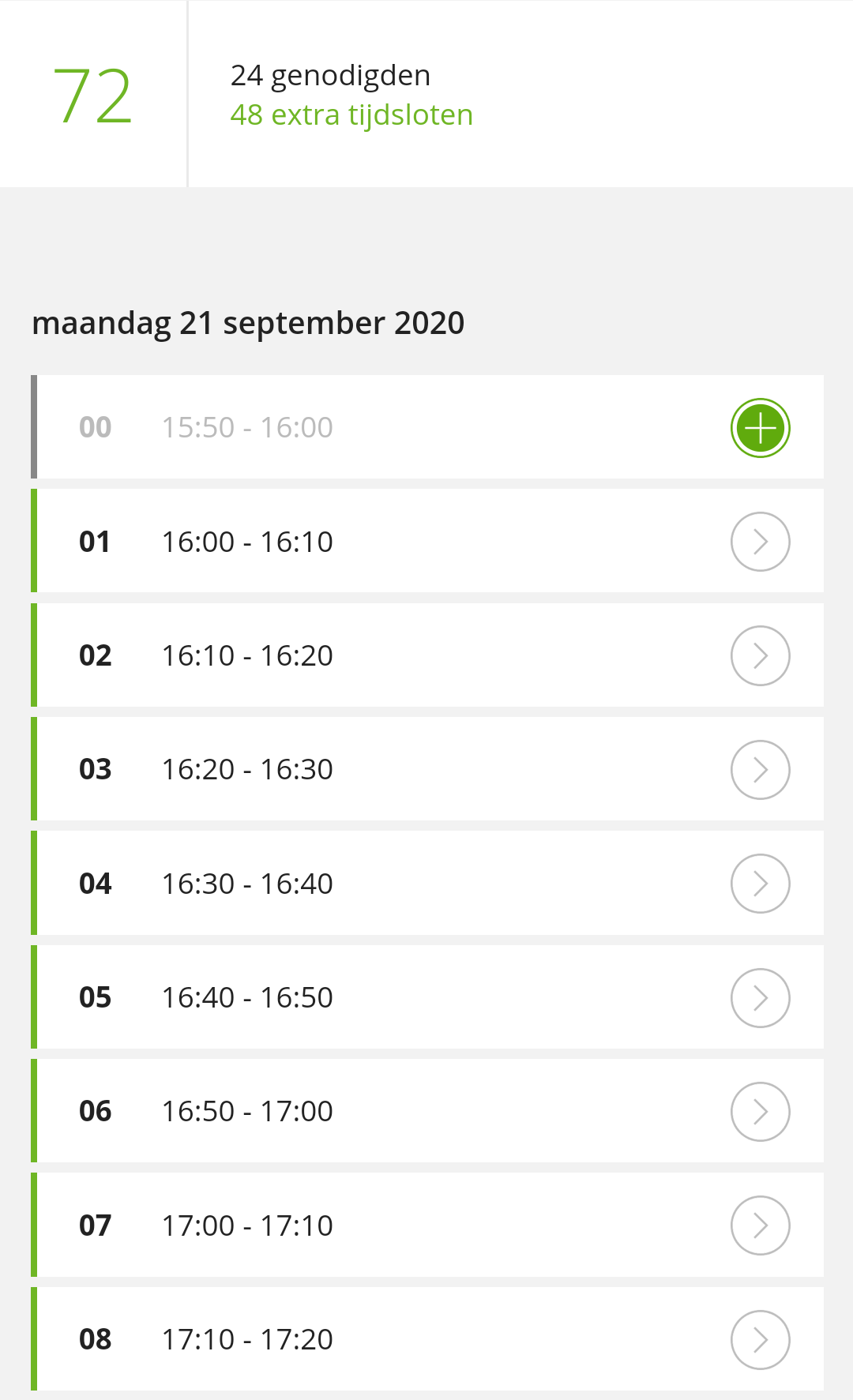
Here you get an overview of all the days/timeslots you have created:
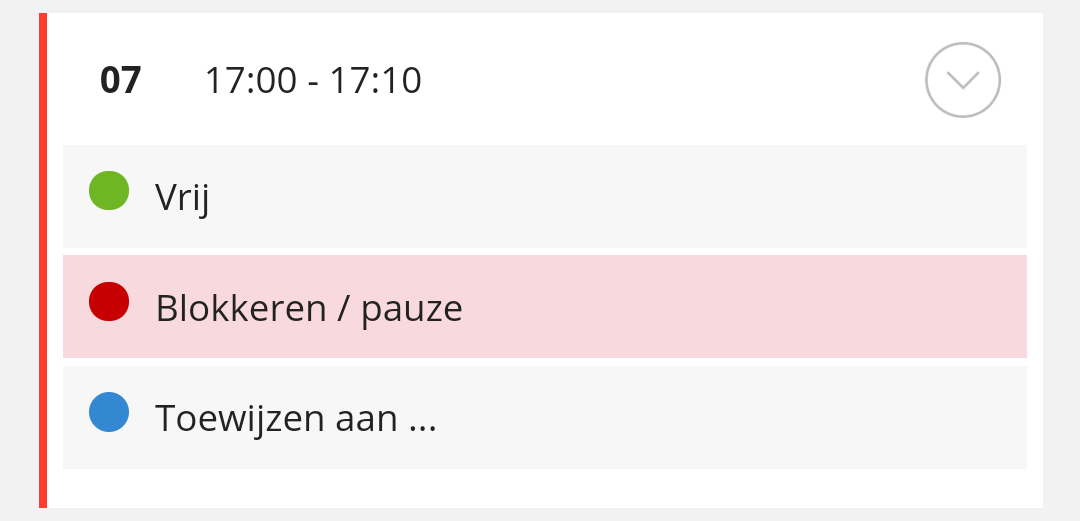
To block a time slot for a break, for example, tap the time slot and choose 'Block/Pause':
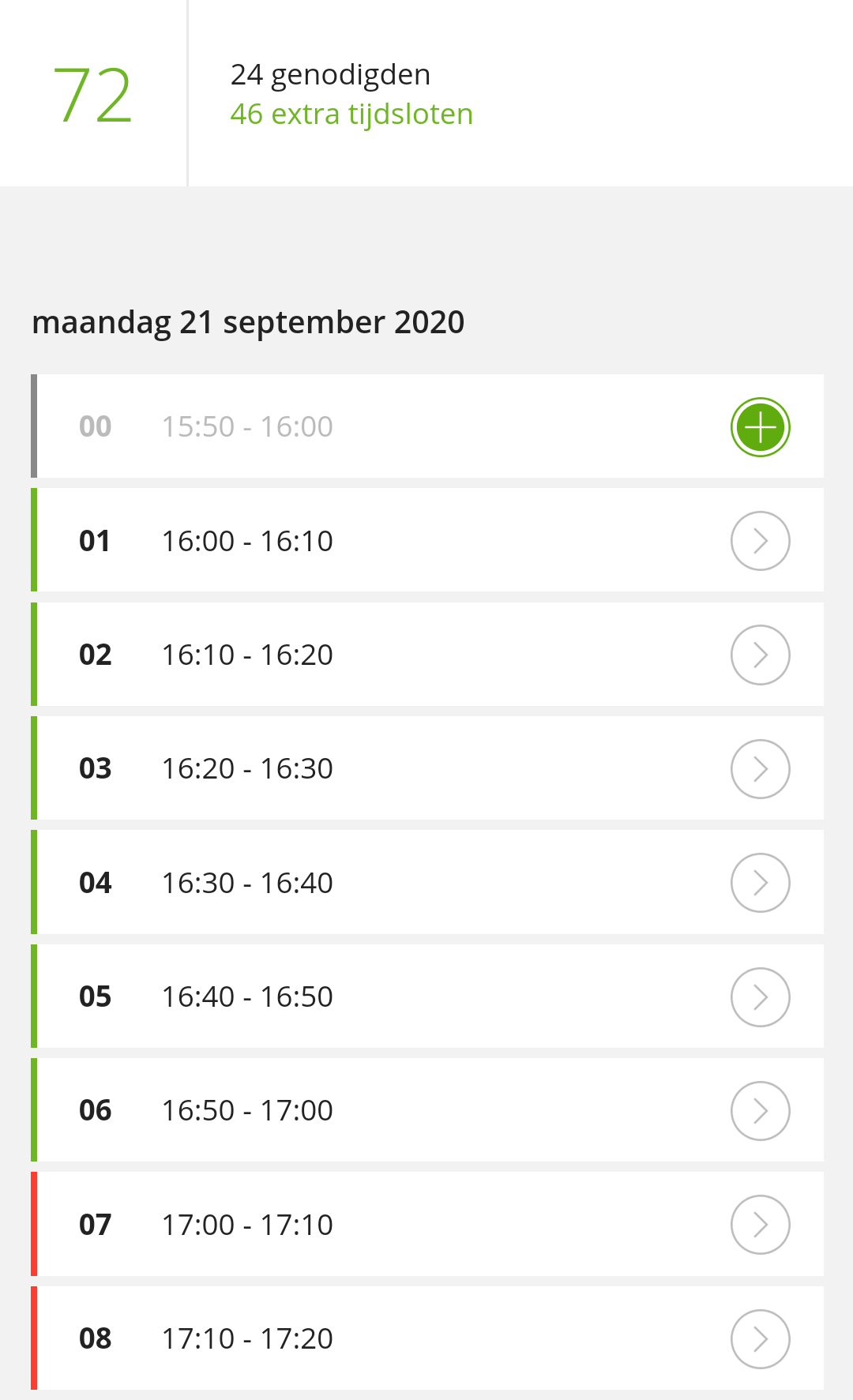
This time slot is now shaded in red and when you press 'Save' at the bottom, parents can no longer choose this time slot in the Kwieb app and your break is secured ;):
Tip: You can also already assign students to specific timeslots. See how to do this in this article .