Better report my child
When you have called in your child sick and you have chosen the option " until I report my child better ", you can report your child better in two ways.
Through the timeline
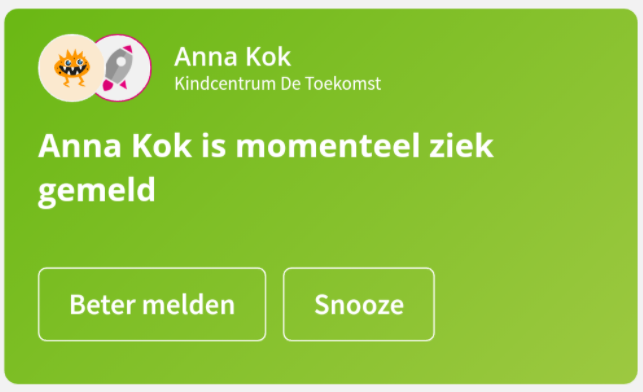
If your child has not been reported better yet, you will receive a green notification at the top of the timeline. This is a reminder to report your child even better. When your child is better you can do that with this or click on " snooze" to temporarily not show the message. The message will reappear the following day:
Through your profile
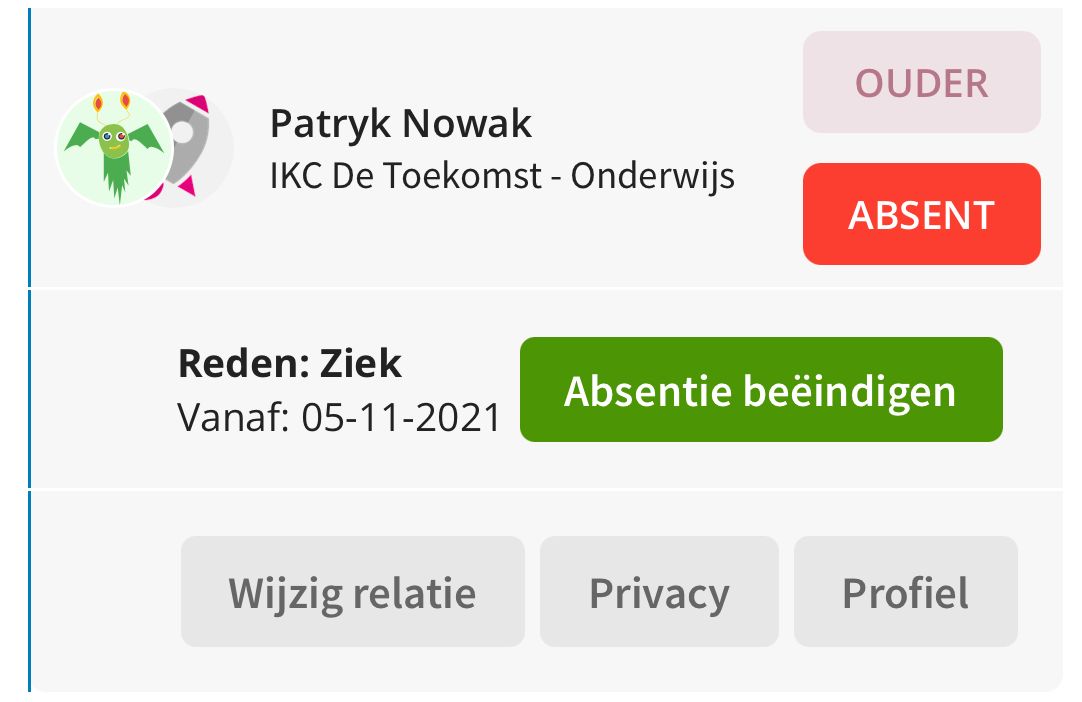
You can also report your child better by pressing the top left of your profile and then pressing "report better" at the bottom of your child
Tip: Looking for an overview of all absences from your children? View the absence overviews here .