Forgot your password?
Forgotten your Ziber Team password? Don't worry, you can recover it yourself.
Forgot your password?
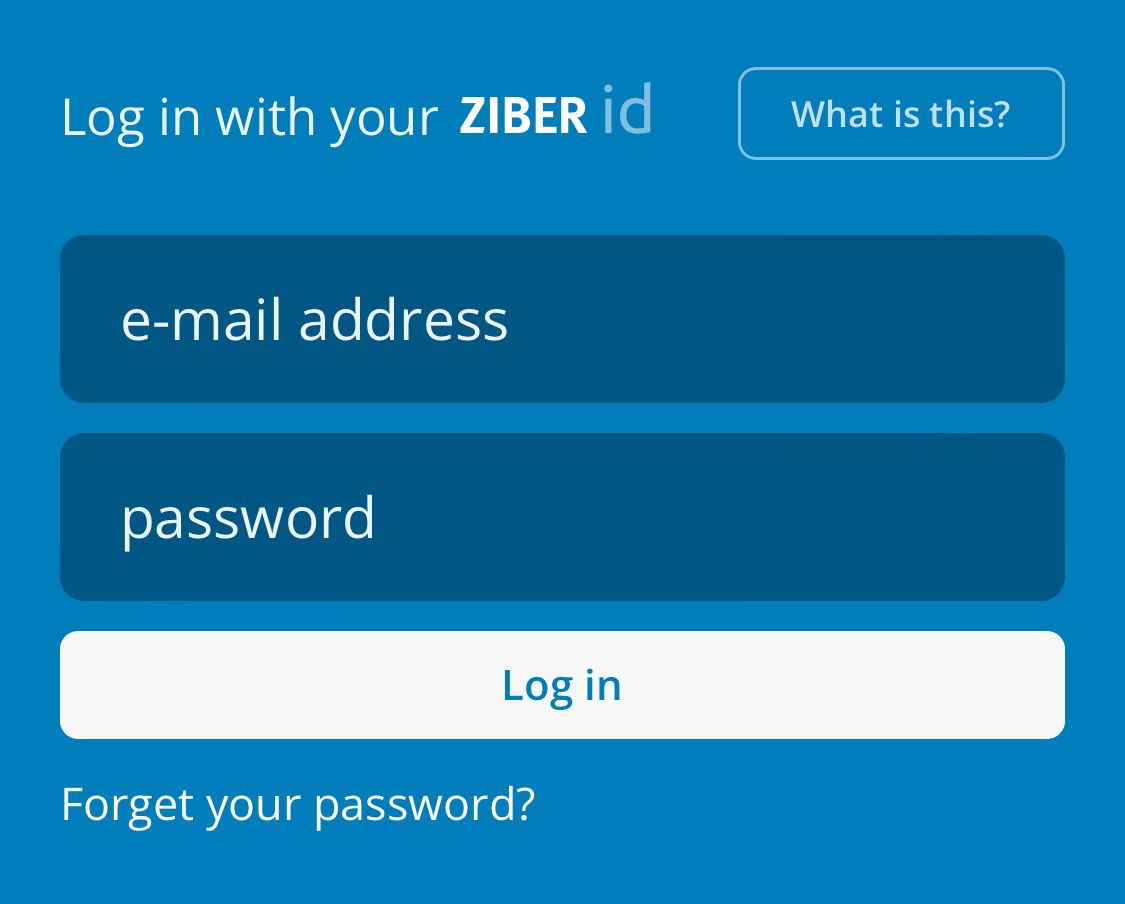
Start the Ziber Team app or go to team.ziber.eu and press the link ' Forgot your password? ' in the login screen:
Email address of your account
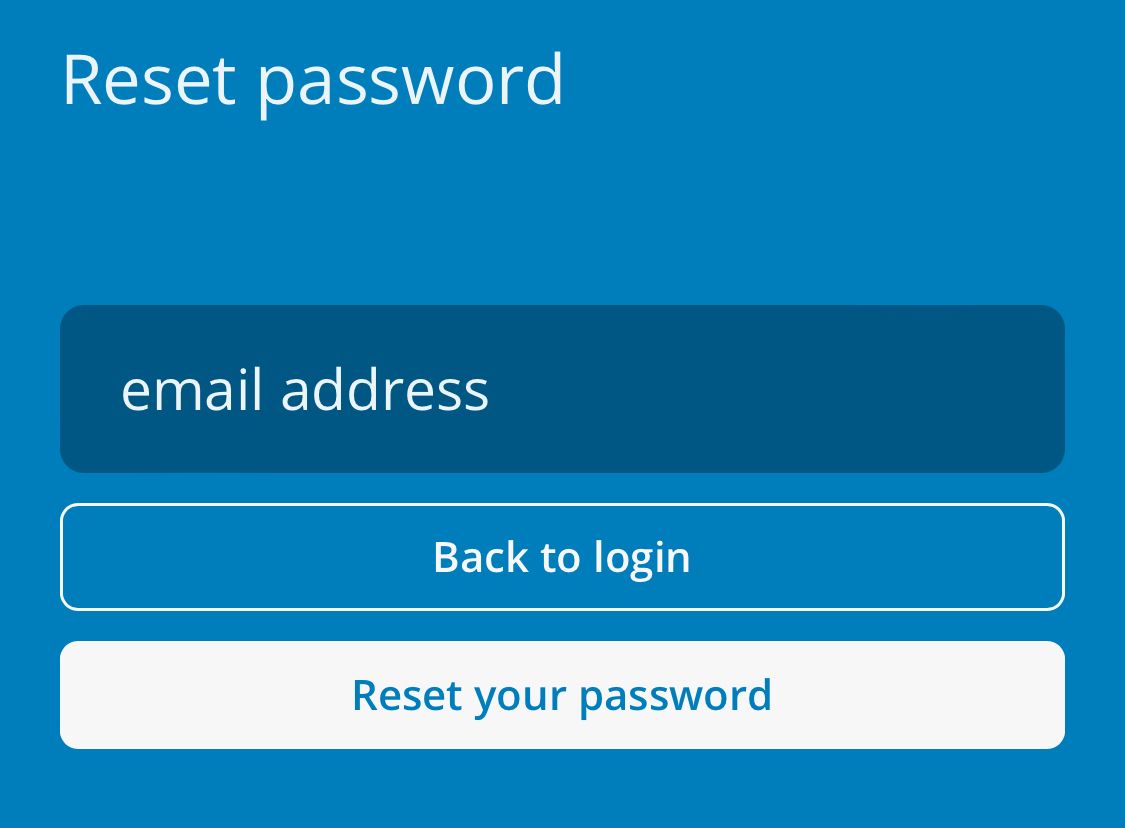
Then enter the email address of the account (Ziber ID) for which you have lost the password. Then press the 'Reset your password' button:
Link to recovery page
You will then receive an email from Ziber with a link to reset your password. The link is valid for 1 hour. If you have not used the link within the hour, you will have to go through this process again.
Tip: Are you not receiving the email? Please check your anti-spam folder to see if the email has arrived there. Otherwise, you can of course email us at support@ziber.eu for help.
Set new password
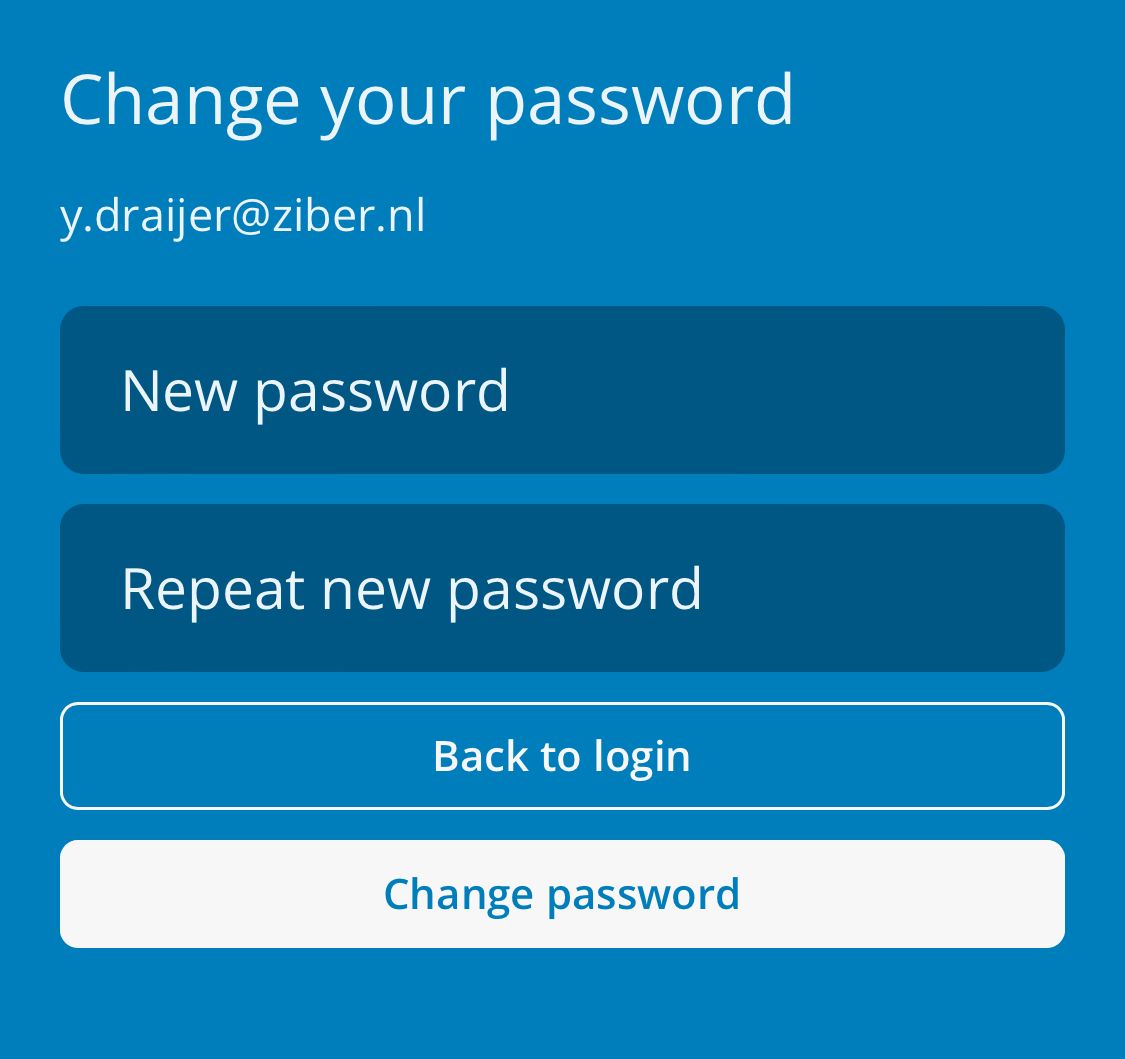
When you click on the link in the email, you will (if the link is still valid) be taken to a page where you can enter a new password. Repeat the new password in the second field and save the new password:
From now on you can log in again with your Ziber ID and the new password!