Clear Call Scheduler
Do you want to cancel or delete an entered call scheduler? Which can.
Clear Call Scheduler
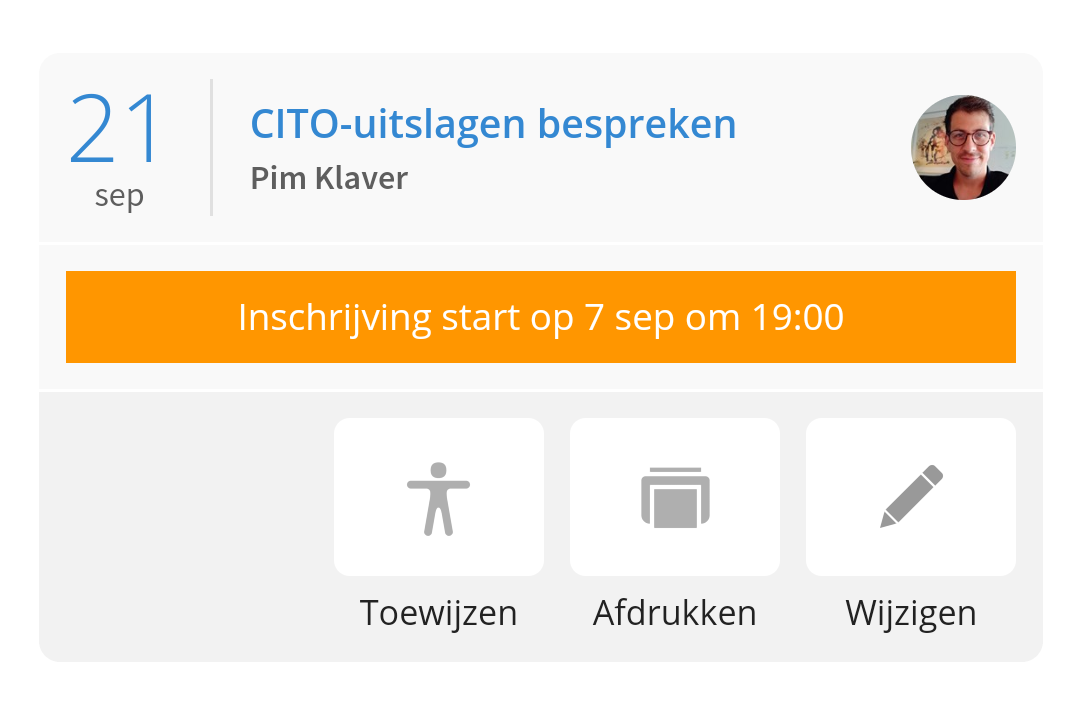
Then go to Call Schedulers from Ziber Team and click on 'Change' for the call scheduler you want to cancel:
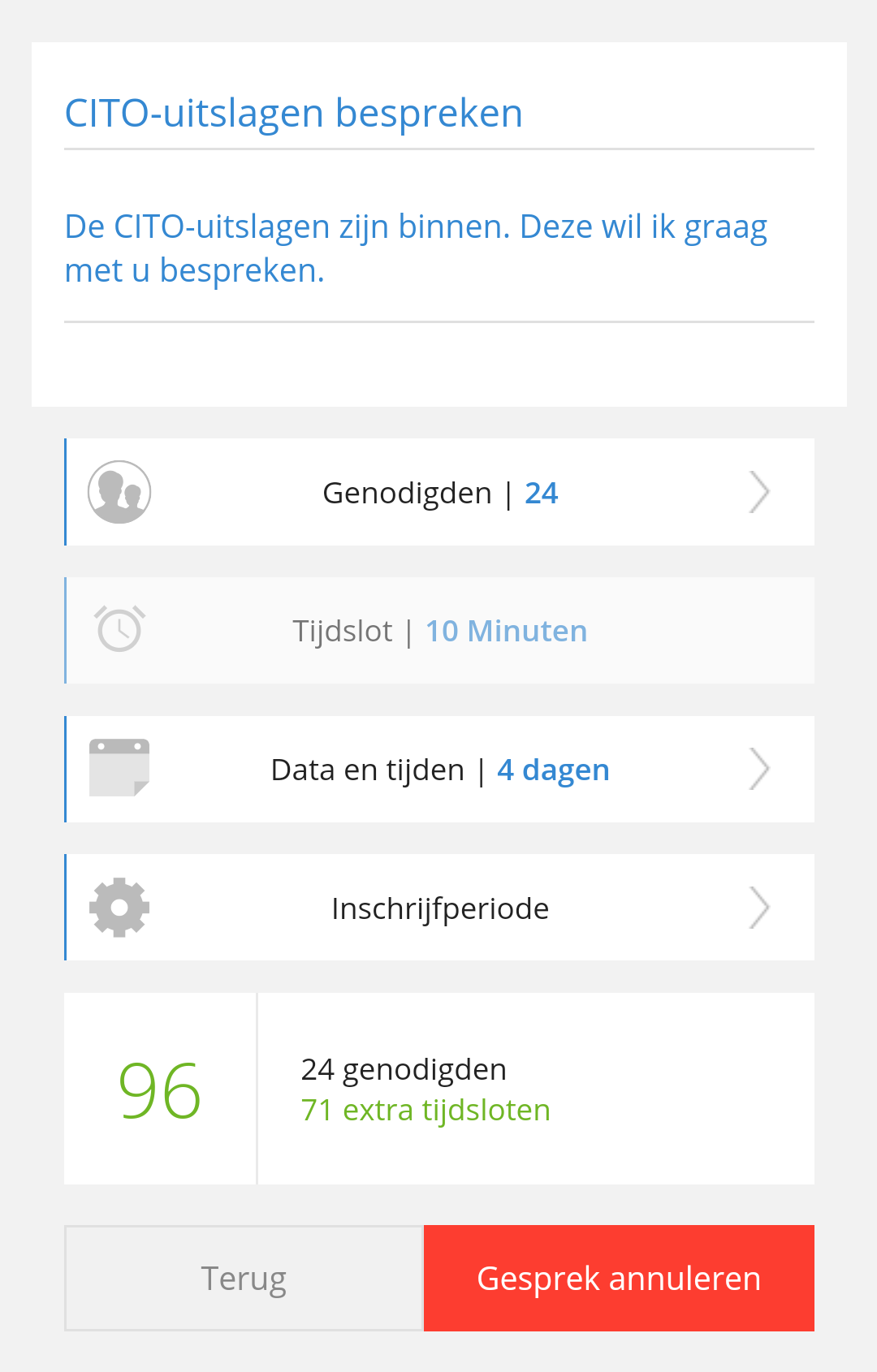
Then tap the red button 'Cancel call' at the bottom of the screen:
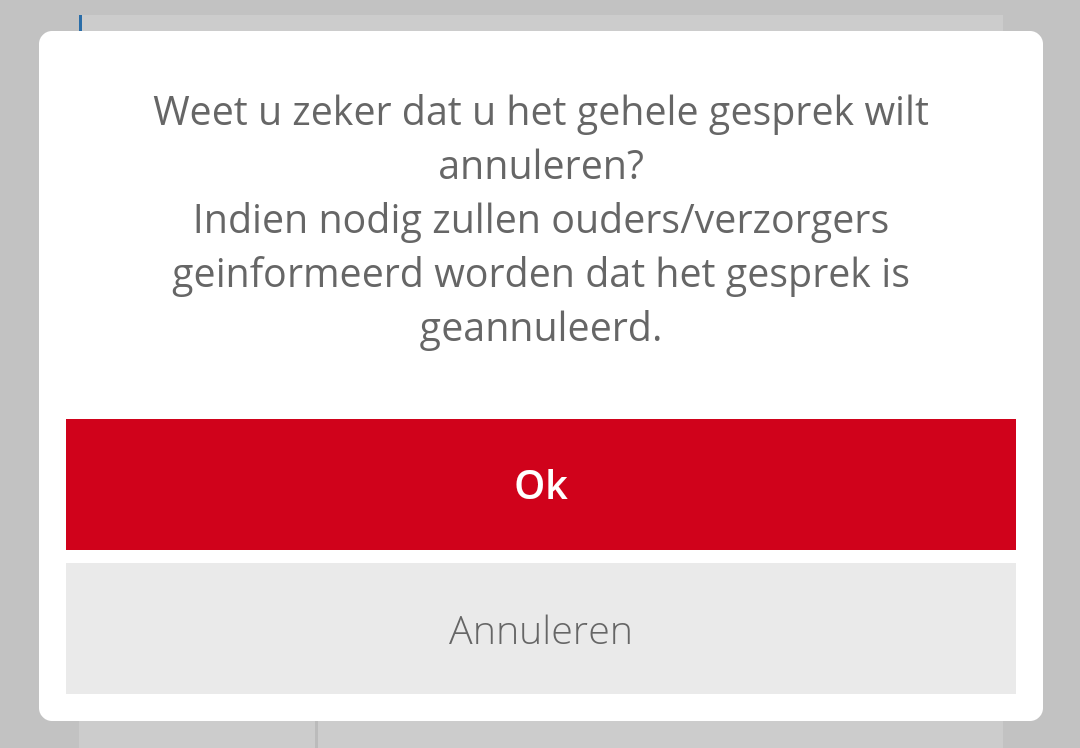
You will then receive a warning. Are you sure? Then click on 'OK' to permanently delete this scheduled conversation. Note: This cannot be undone :
Notify parents automatically
If the registration period of the call planner you deleted has already started , ALL parents of the children of the call planner will receive an email that the call planner has been revoked.
If the registration period of the conversation planner you deleted had not started , then parents were not yet aware of the conversation planner's existence and will therefore not be informed about the cancellation of the conversation.