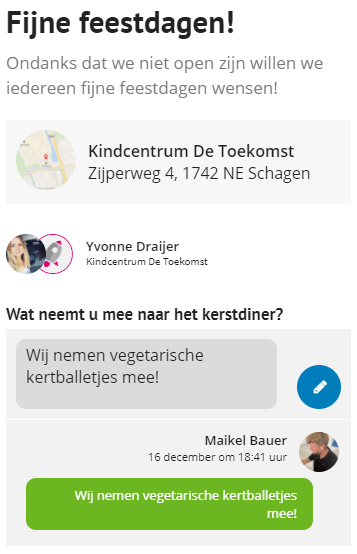
How do I post (or change) my response to an activity?
A teacher can ask an open question to the parents during an activity. Parents/guardians can respond to this via the Kwieb app.
Find the activity
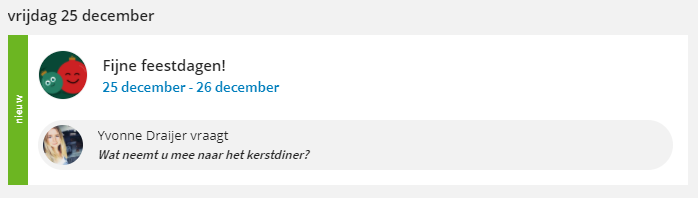
You can only comment on an activity when the teacher has asked a question . Find the activity via the Timeline or in the Calendar. You recognize the open question in an activity, because you see the face of the teacher with his/her question:
Post your comment
Then press the activity to open it and answer the question there as well.
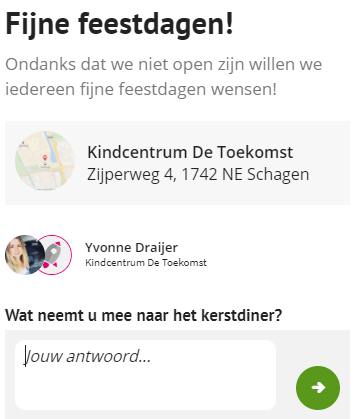
You fill in your answer and place it in Kwieb by pressing the green circle with the white arrow.
Tip: Your answer is visible to all parents (who are allowed to see this message), so that the parents can take each other's choices/answers into account. Read more about your privacy in Kwieb here .
Change your response
You can change or remove the answer you have given to the question at any time. You do this by pressing the blue circle with the pencil next to your answer under the activity.