How do I register for an activity?
When you see an activity in your timeline that asks for your participation, you can easily register.
How do I participate in an activity?
- From the timeline or calendar, click on the activity with the join button.
- When asked to participate, it is stated how many participants will be asked.
- Click on the join button and it will show attending .
1. Activity
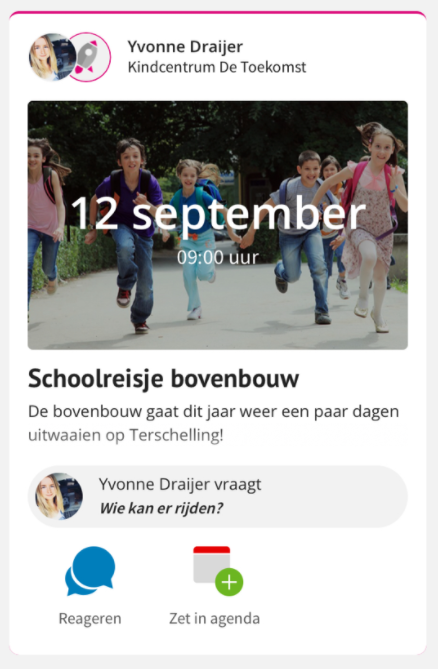
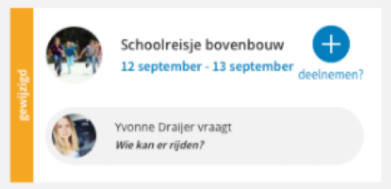
Activities will be listed in the timeline or agenda, in some cases the school or a teacher asks for participation.
On the timeline it looks like this:
In the Calendar it looks like this:
2. Participation requested
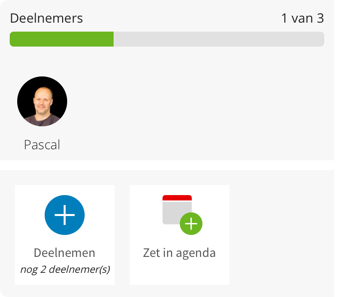
When there is a blue button to participate in the activity in the agenda or timeline, the teacher asks for participation. By going to the activity you can also see how many people are being asked for. When the participants are achieved, the participation button disappears.
3. Present
When you click the participate button, a check mark with present will appear.
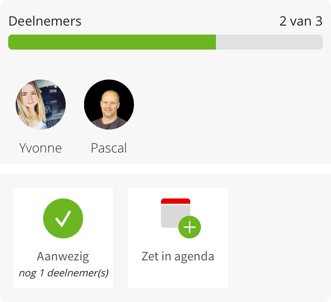
TIP! You can also easily add the activity to your own agenda by clicking the "add to agenda" button.