View absences and engagements
Via the Kwieb app you can easily view your absence and leave requests from your children.
View absence notifications
In Kwieb, go to the menu at the top right and click on the Absences button .
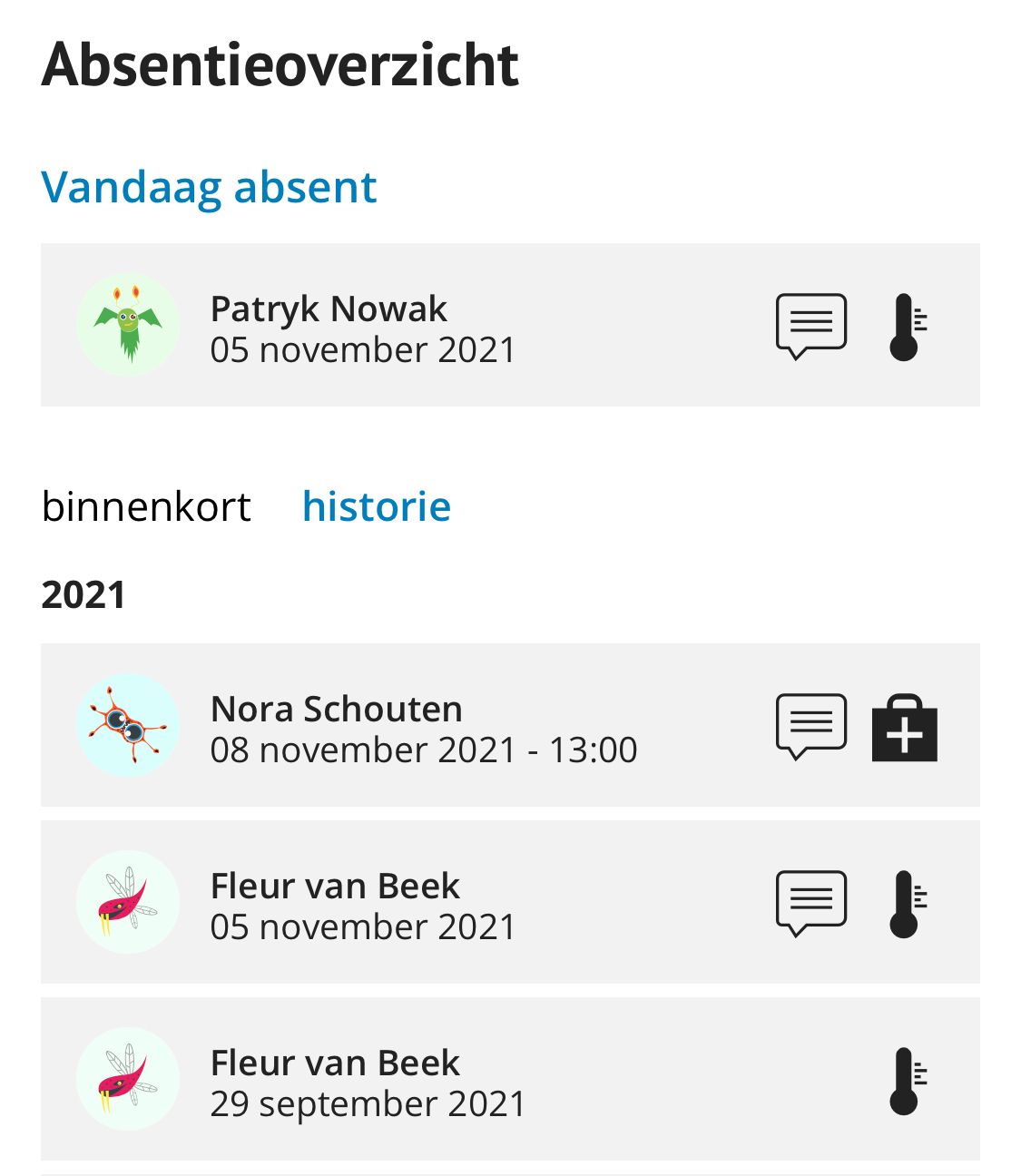
You will then receive a complete overview of the absence notifications. Your children who are currently sick/absent are at the top. In the list you will soon see the children you have registered as absent in the coming period and via history you will receive an overview of all absences in the past.
View the details of an absence
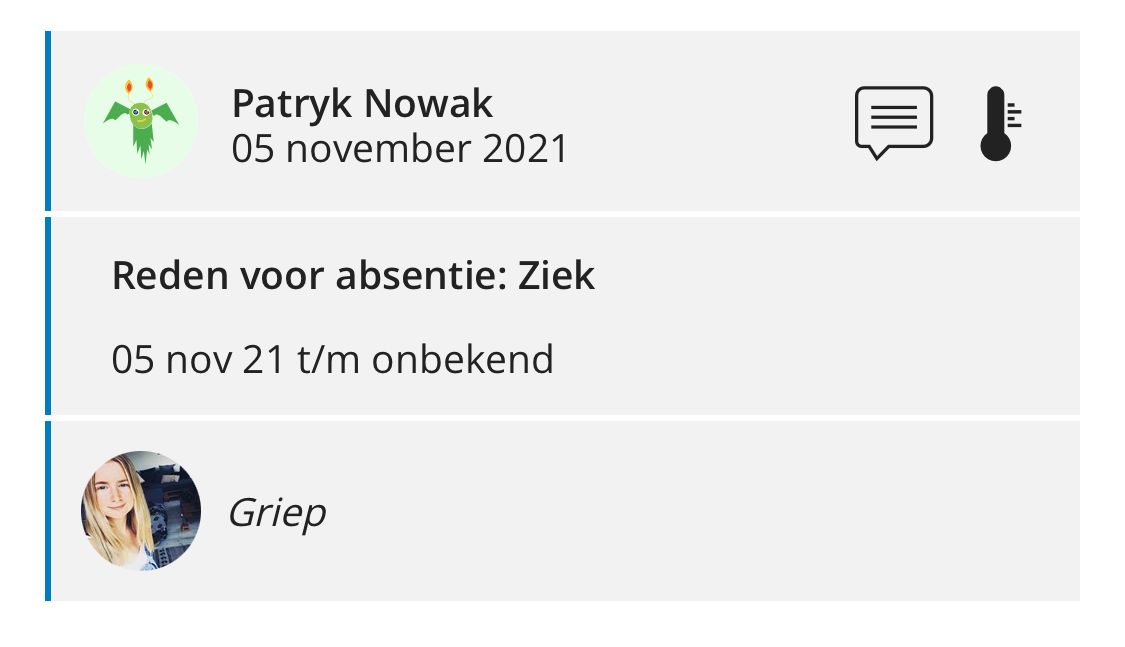
When you tap on an absence, you can also view more details, such as the comment you entered and/or the start/end date.
Tip: It is also possible that the teacher has called in your child sick. In Kwieb you will receive a notification that your child has been reported sick. You can then view the notification via the Absences button. It is better to report your child when your child goes back to school.