How does the call planner work
How does the Call Planner work?
- You will receive an invitation to the interview
- Choose a time slot
- Find the conversation under the agenda button
- Change or cancel the appointment
You will receive an invitation to the interview
When the teacher has scheduled the conversation and the registration start date has started, you will automatically receive an email and/or push notification from Kwieb ( depending on your settings ). You will also see the invitation in a green tile at the top of your timeline from that moment on (usually at 7 p.m.):
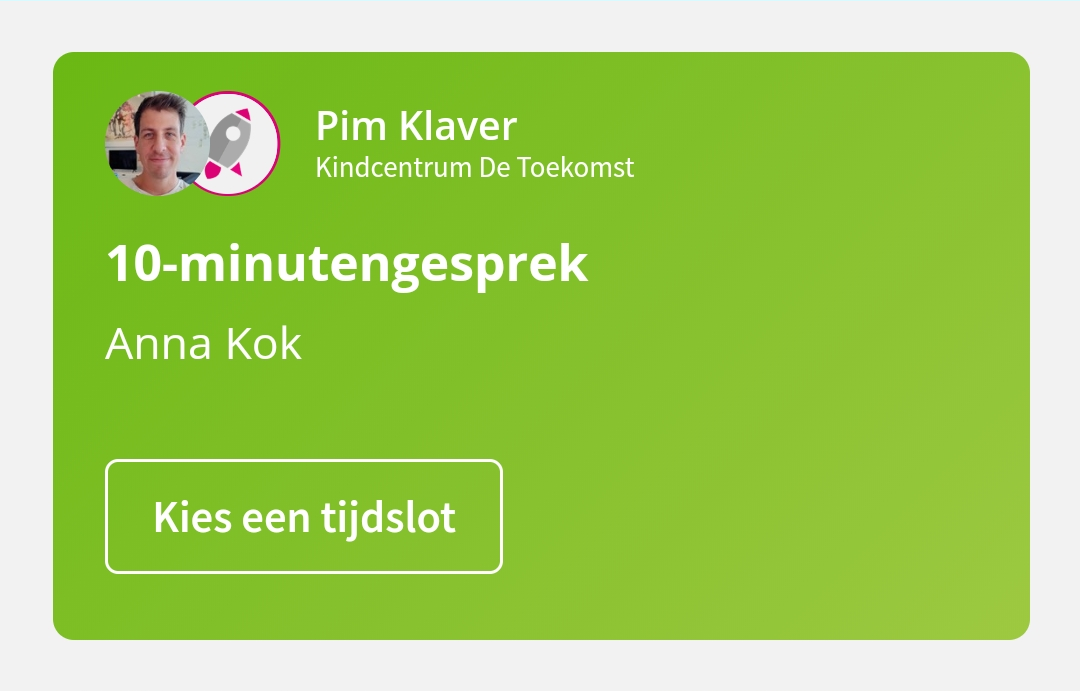
Note: Didn't respond immediately to the invitation? No problem, you will automatically receive a reminder (halfway through the registration period) and possibly a last reminder (last day of the registration period) from Kwieb.
Select time slot
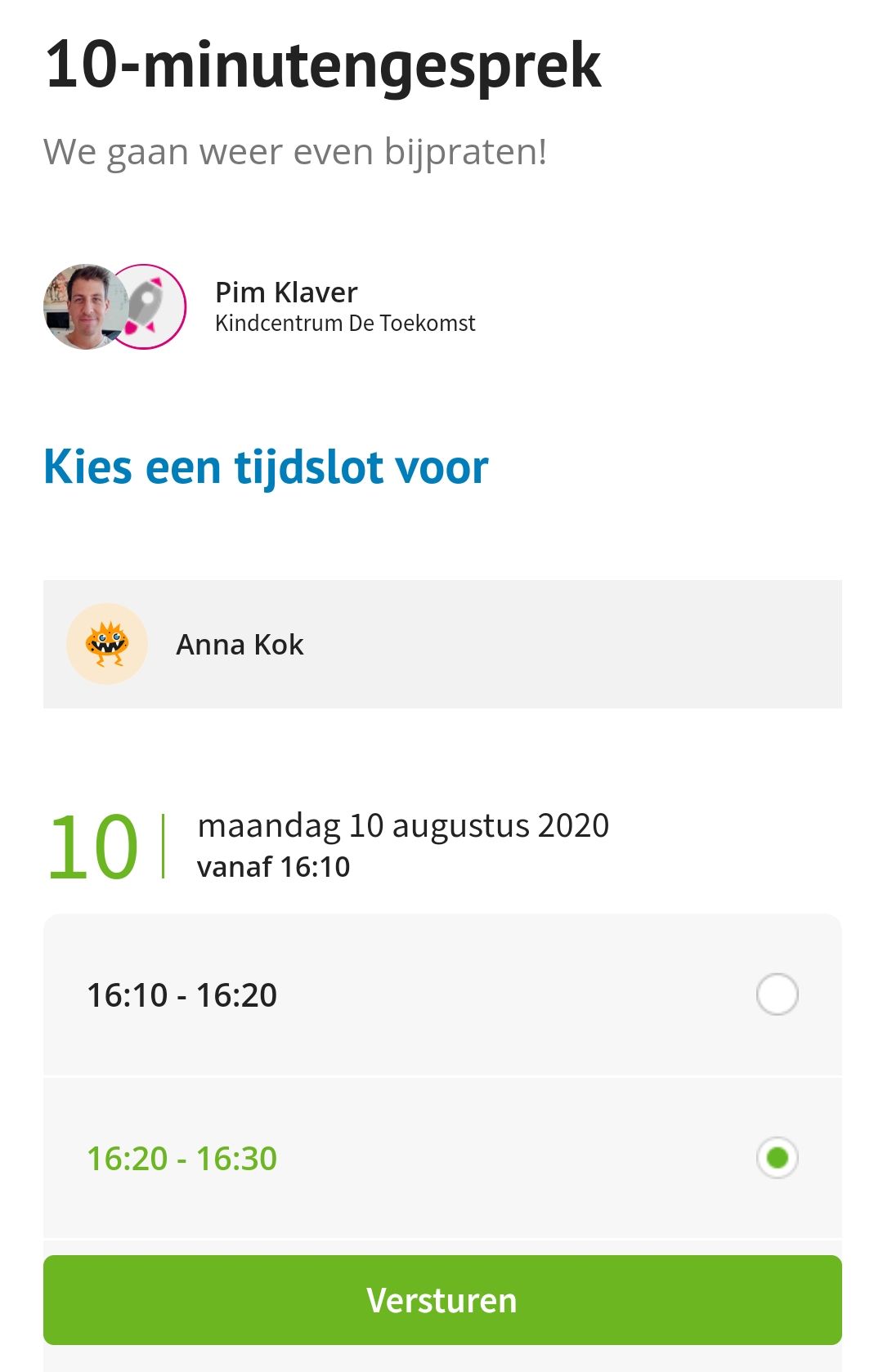
When you tap Choose your time slot from the invitation, you will be taken to a screen where you can select a time slot. All available timeslots are visible here. If the teacher has scheduled several days, they will be placed one above the other in chronological order. Select the desired time slot and click on 'Send' at the bottom of the screen (the green button):
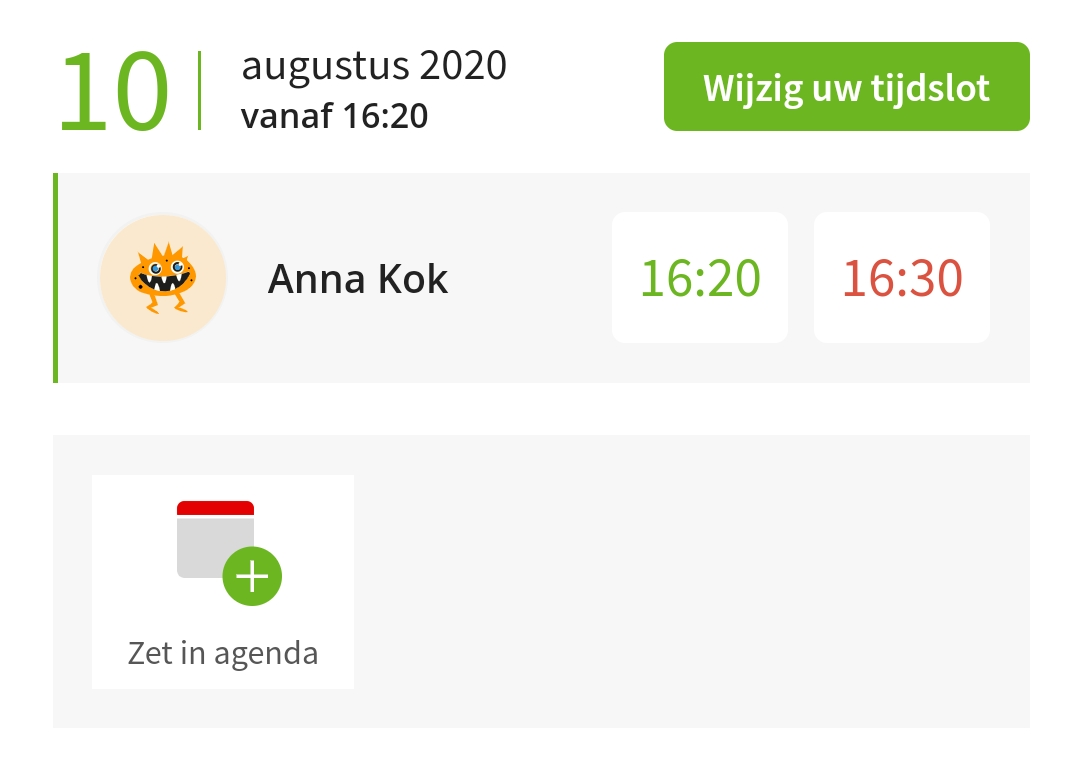
Time lock is set
After entering your time slot, you can immediately add the appointment to your calendar (by clicking the 'Add to calendar' button):
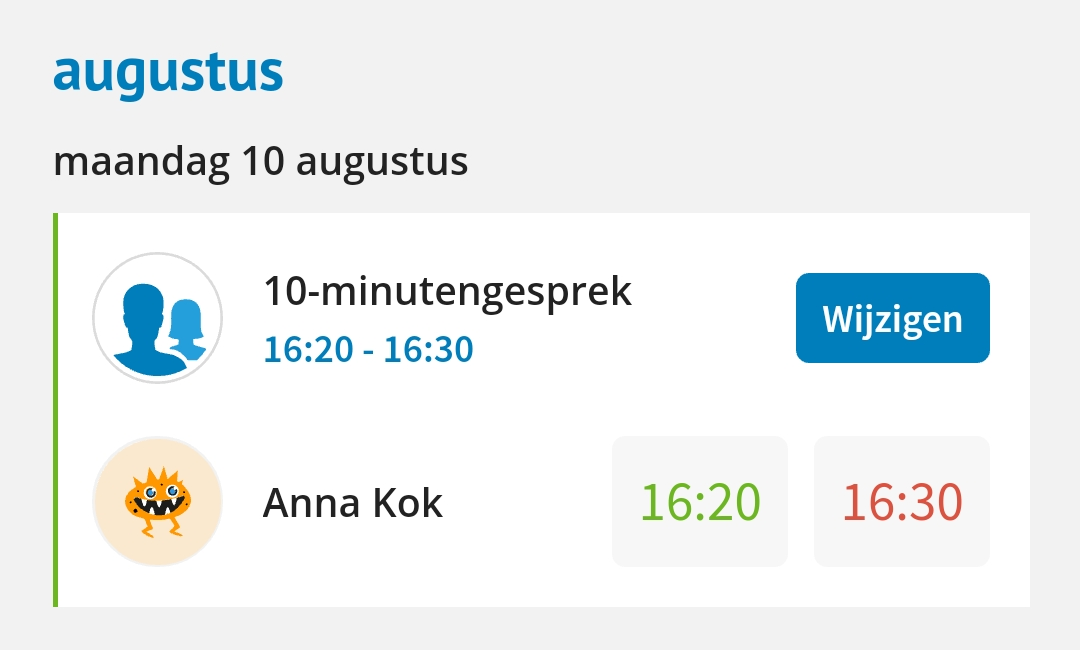
All your appointments will also automatically appear in the school calendar:
Change or cancel appointment
As long as the registration period is 'open', you can change the chosen time slot via the 'Change' button (from the agenda). It is also possible to cancel the appointment made. You can do this by scrolling all the way down and tapping 'Cancel appointment':
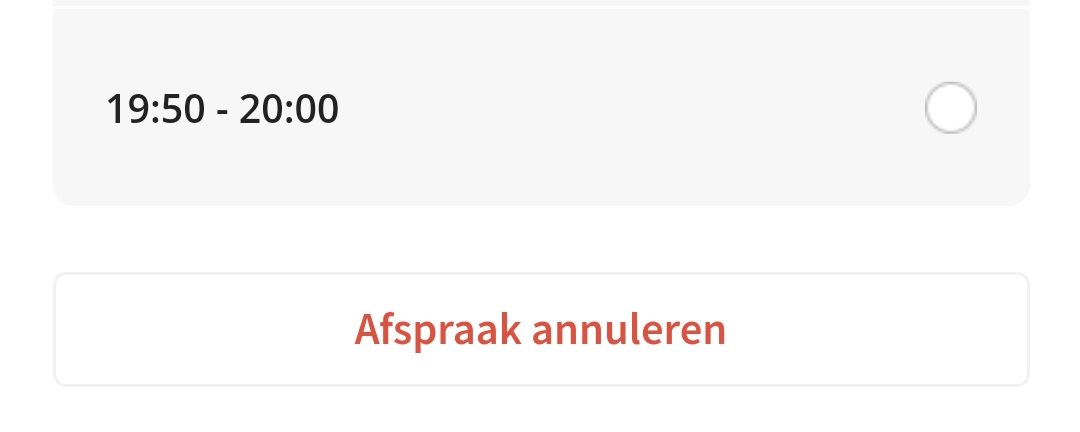
As soon as you have canceled the appointment, the invitation of the conversation will be 'opened' again (and you may therefore also receive reminders for the open invitation).
You and all other parents/guardians who are linked to the student in question will be informed by e-mail or push notification about the changed time slot or possibly the cancellation.
NB! You cannot change the time slot once it has been assigned to you by the teacher.