My timeline is empty why is that?
It is possible that your timeline is empty and that you see the image below.
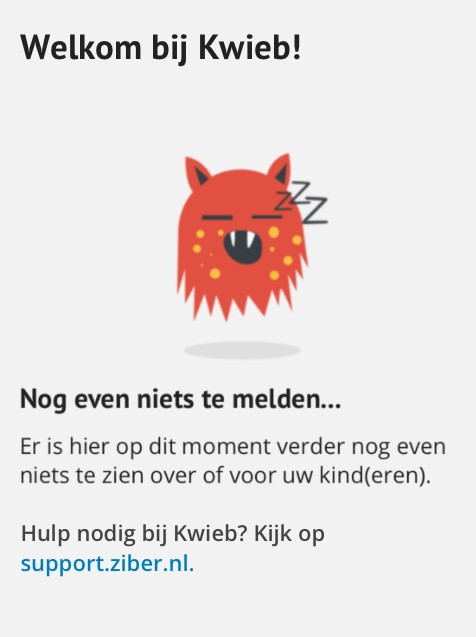
Why is the timeline blank?
- You are new in Kwieb and/or the school hasn't posted any messages yet, so you don't see anything yet
- You have your filter on, so you no longer see messages that you saw before
Turn off filters?
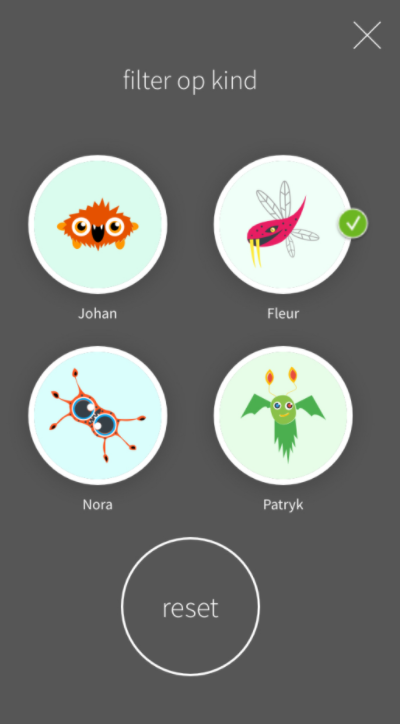
Filter based on your child
At the top of the timeline you can click the "filters" button, when you see a green check mark next to one of your children, the timeline only shows information related to that child. Press "reset" to disable this filter, so that all messages appear on the timeline again.
Filter based on type of information
When you have selected certain content from the menu (three dots at the top right of the screen) eg "photo album" the timeline would only show "photo albums" and it may be that nothing is shown. To reset this filter, press the Timeline button at the bottom left twice.