I already have an account (Ziber ID)
If you already have an account with Ziber (Ziber ID), you can use it to log in to Kwieb and then link one (or more) children to your Ziber ID. These articles can help you with that:
- Download the Kwieb app and log in with your account
- Link your child(ren) to your account
- Forgot your password?
Link a second child to your account?
If you already have a linked child in Kwieb and you want to add a 2nd child, you can do this by tapping the blue menu bar on your profile at the top left:

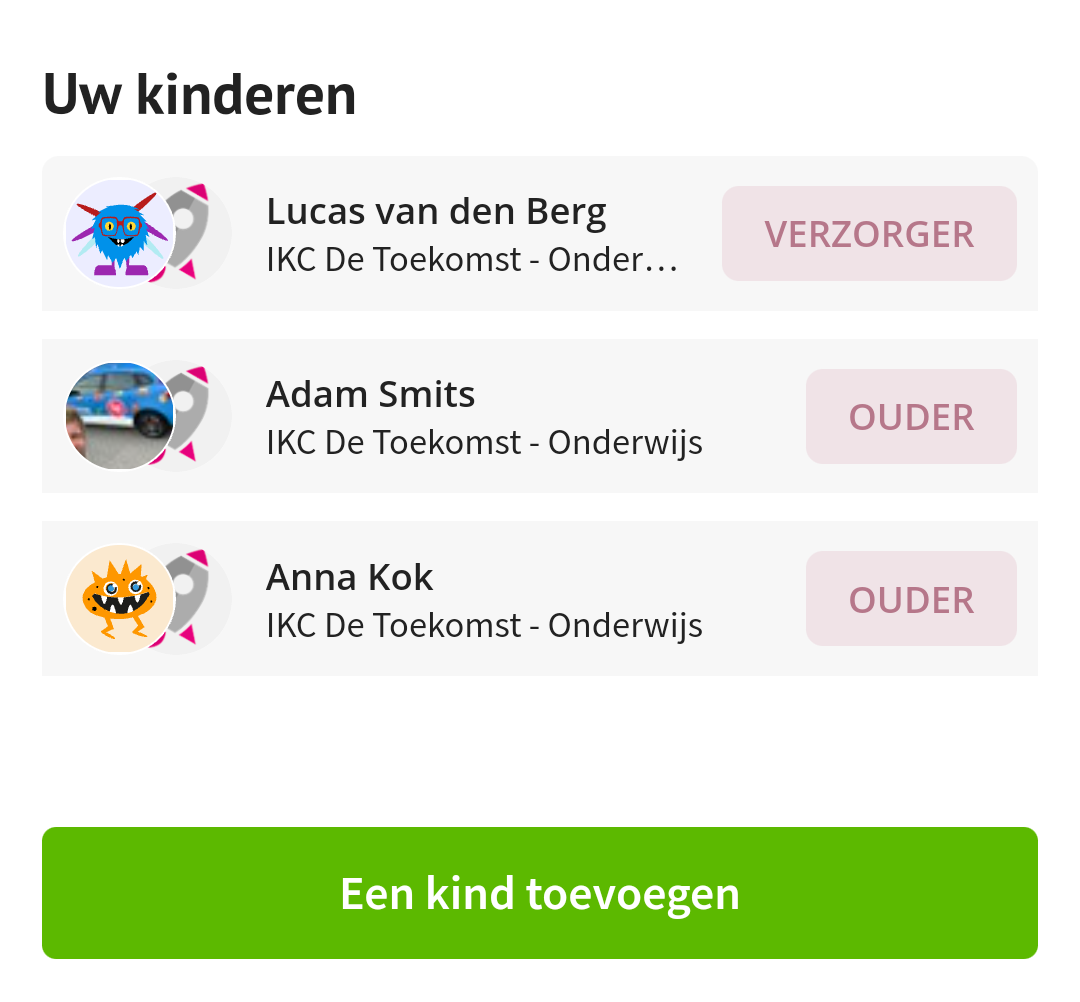
There you will see 'Your children' at the bottom, with an 'Add a child' button below it:
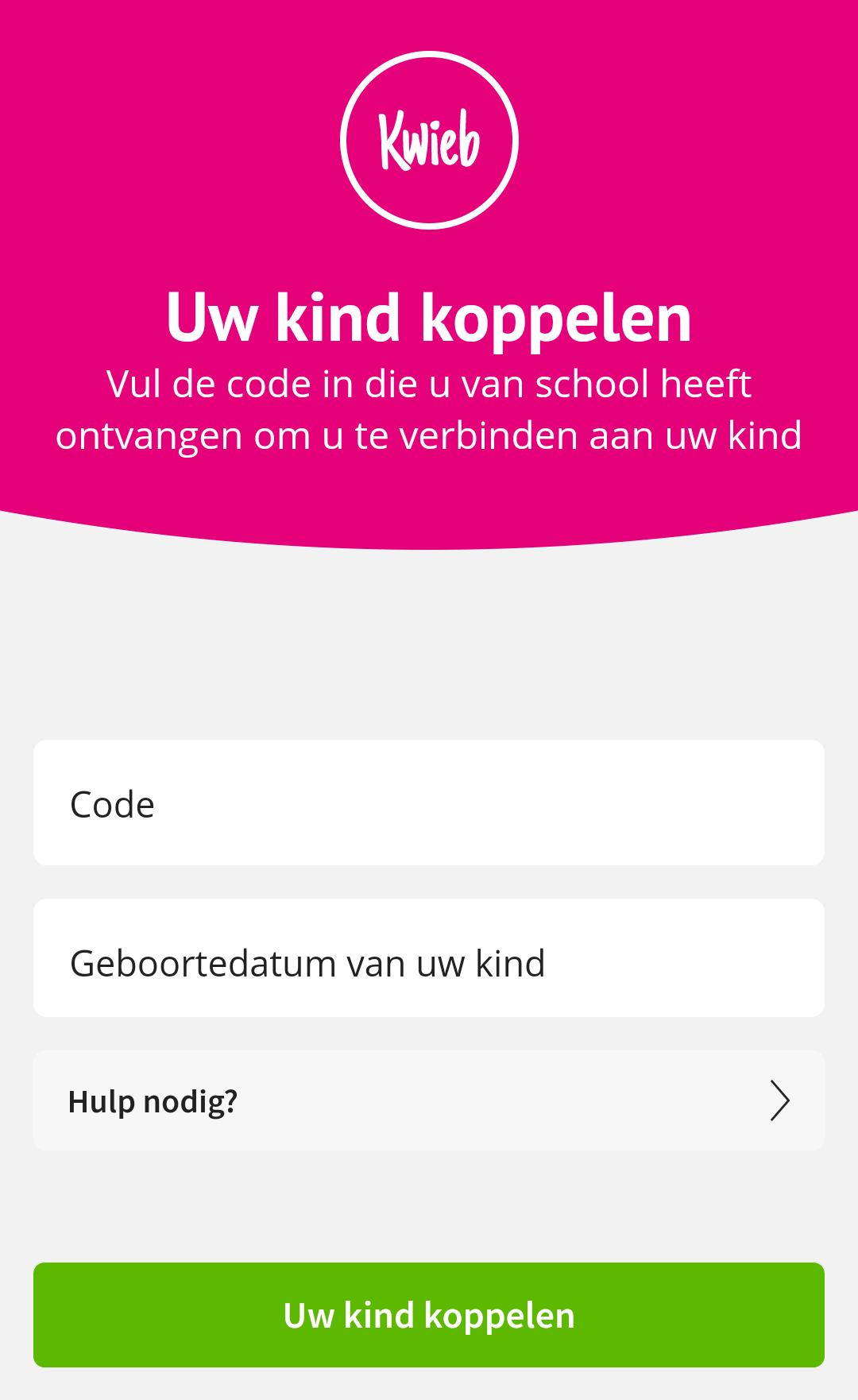
You will then see a screen where you can enter the code you received from school:
Questions or need help? Mail us at support@ziber.nl and we will be happy to help you.