Activate your new Ziber subscription
When your designer has finished designing your new Ziber product (website or SenseView), you will receive an email from us containing a link to activate your new subscription yourself. The email contains a link to view the new design of your product.
There is also a link in the email to activate the subscription. The email looks like this:
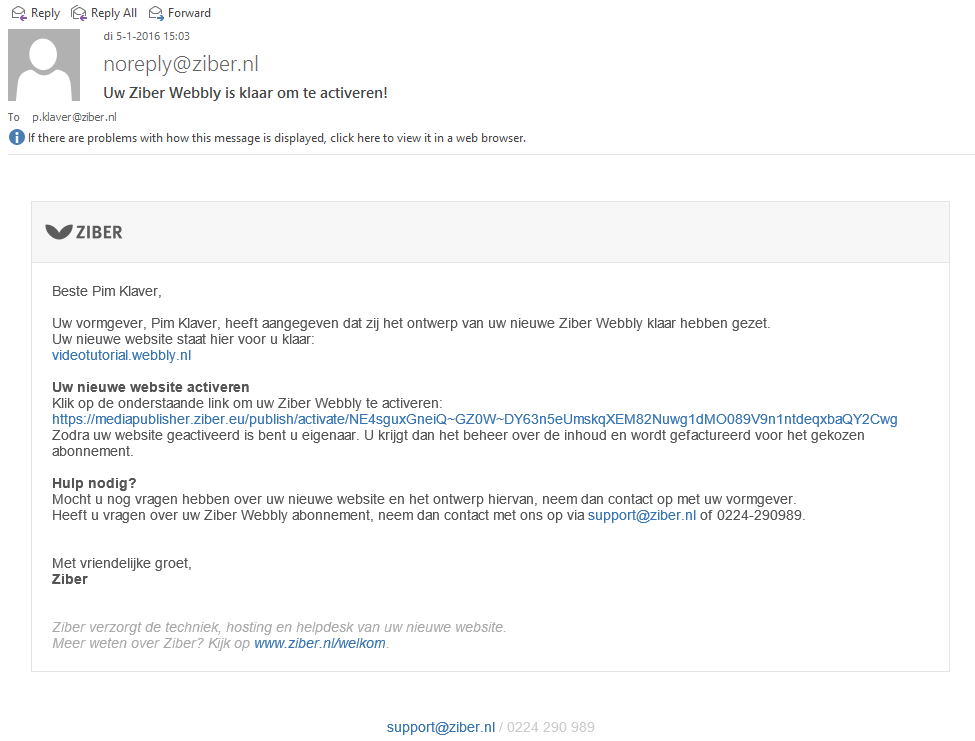
To activate your website or SenseView, click in the email on the link.
You can then enter your details to activate the subscription.
Watch our video tutorial that takes you step by step through the activation process
tags: subscription, activate, trial, trial