Homes on your desktop website
When you have entered homes and linked them to your website, the homes will be shown on both your desktop and mobile website. The homes are presented together in a list on the desktop website:
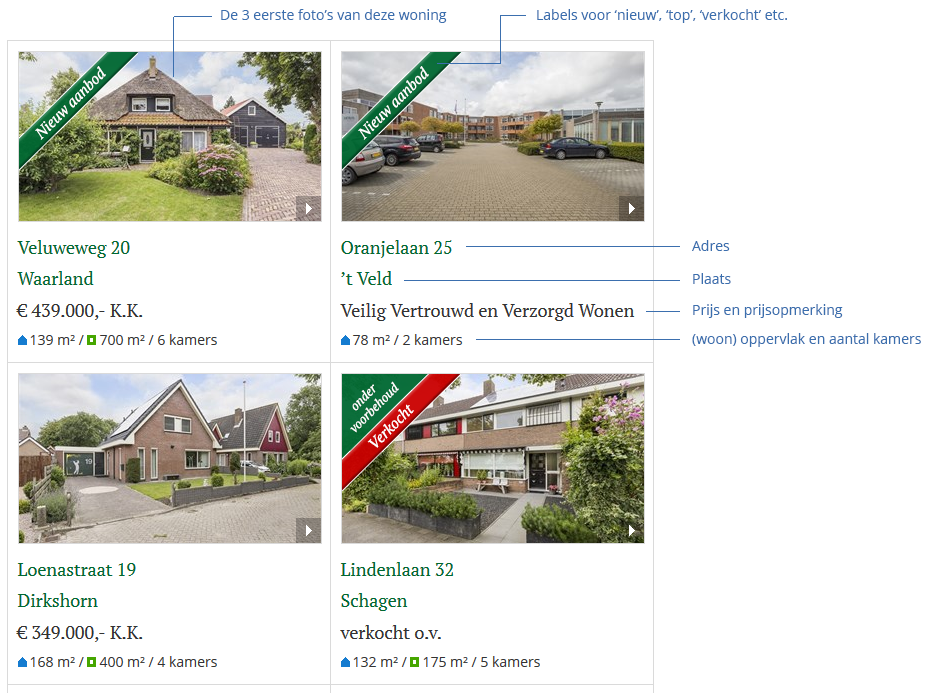
Filter in the housing offer
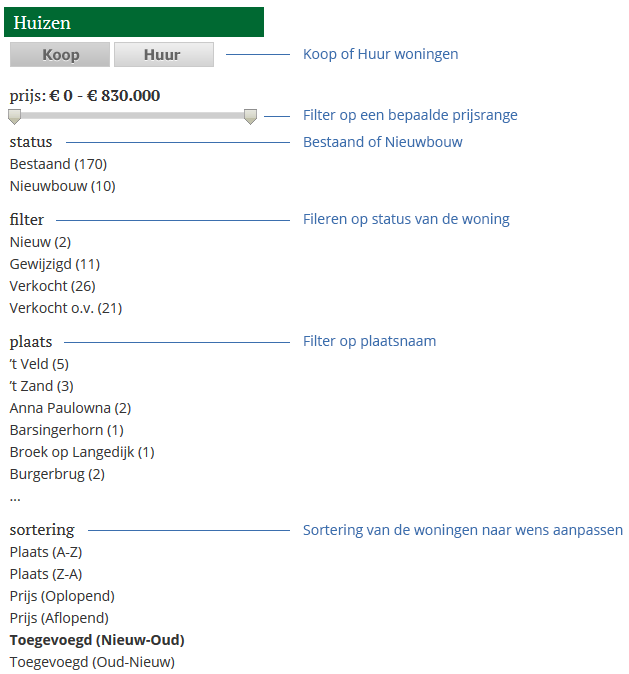
In this overview, the visitor of the website has the option of filtering. You can filter on the following:
- Buy or Rent homes
- Price - with the slider you determine the minimum and maximum amount
- Existing or Newly Built Homes
- Status of the property (new, top, sold, etc)
- Place name
In addition, it is possible to adjust the sorting of the houses as desired. This can be done in the following ways:
- City (AZ)
- Place (SA)
- Price ascending)
- Price (descending)
- Added on (new>old)
- Added on (old>new)
Property detail page
A visitor can then click through the list to the detail page of a home. There the visitor will find all photos, the data of this property and the visitor has the option to respond to a property.
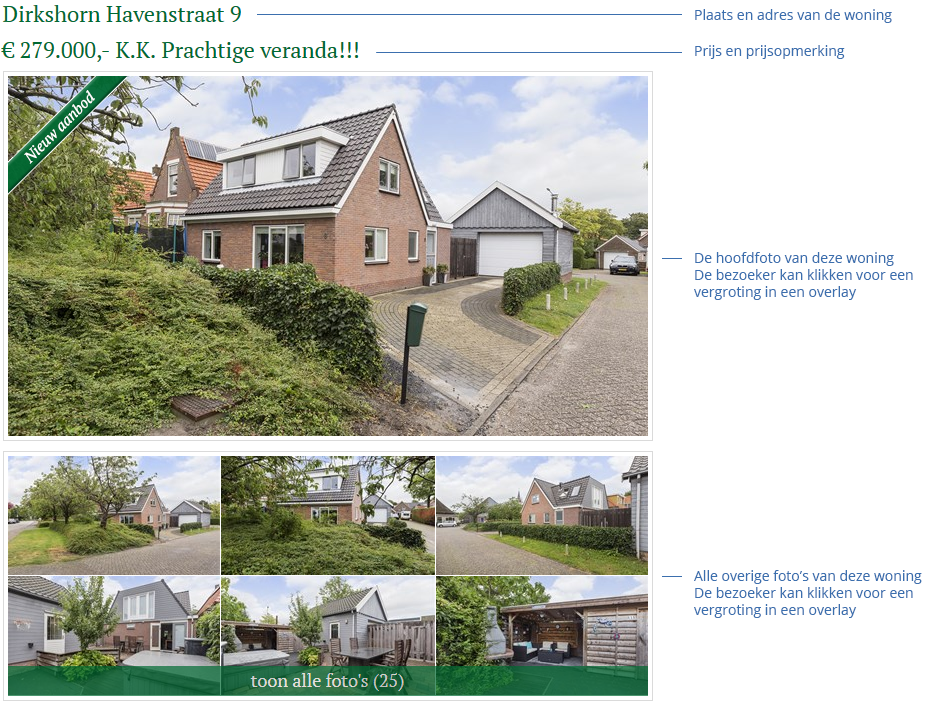
Below the photos of a property, all other details of the property are shown:
- General information - the description of the property
- Downloads - brochures, plans, cadastral maps, etc
- Details - for example 'swimming pool', 'floor heating', etc
- Features - All specifications of the house, so address, zip code, place, size, number of rooms, etc
Mobile View
The homes are presented on your mobile website in a different way, optimal for the mobile visitor. Read all about it here .