Link Twitter account
By linking your business Twitter account to your website, your latest tweets will be shown on your website.
To get started, in Ziber Team main menu, navigate to the tile that contains your company logo . Click here.
At the bottom of this page you will see the 'Social Media Links' category. Here you will see Twitter and Facebook. Click here on 'Link Twitter' .

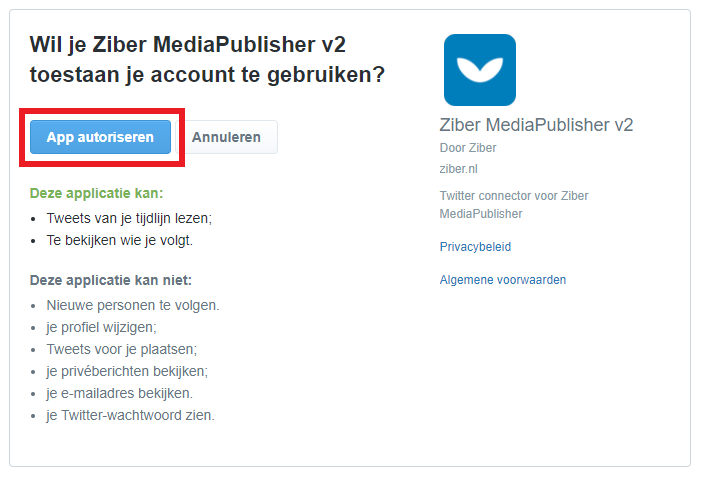
You may then need to log in to your corporate Twitter account first. When you are logged in, a message will appear asking if you want to authorize Ziber Team to access your Twitter account. Select ' Authorize ' here.
Your Twitter is now linked!
