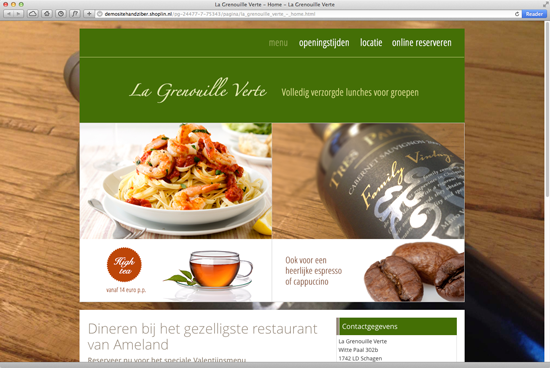
Design layers: Full screen image
You can provide a design layer with a full-screen image. The image then scales with the size of the browser.
Upload an image and set it to fill the screen
1. Upload an image.
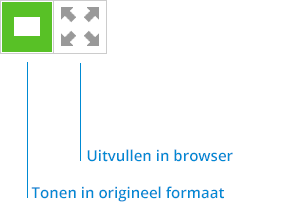
2. The extra options become visible
3. Click on Justify in Browser (see image below)
Example of a full-screen image in a design layer