Invite Ziber Team Admins (Ziber Cloud)
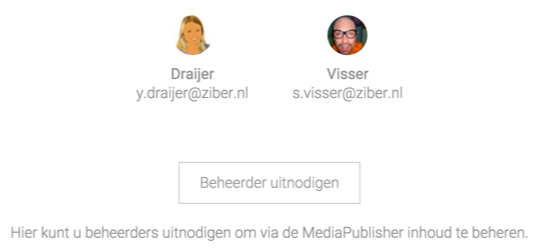
During the trial (30-day trial), you can invite administrators to get to know Ziber Team and add content. This is usually the customer you are creating the website or SenseView for.
Invite administrators
- Go to the product where you want to invite admins.
- Click Admins & Accounts
- Click Invite Admin
- Enter the name and email address of the invitee
- Click Send Invitation
- The invitee will receive an email with a link to log in to Ziber Team
- The new administrator can manage the content of the website or SenseView